
Understand the SDLC — From Needs to Ongoing Support
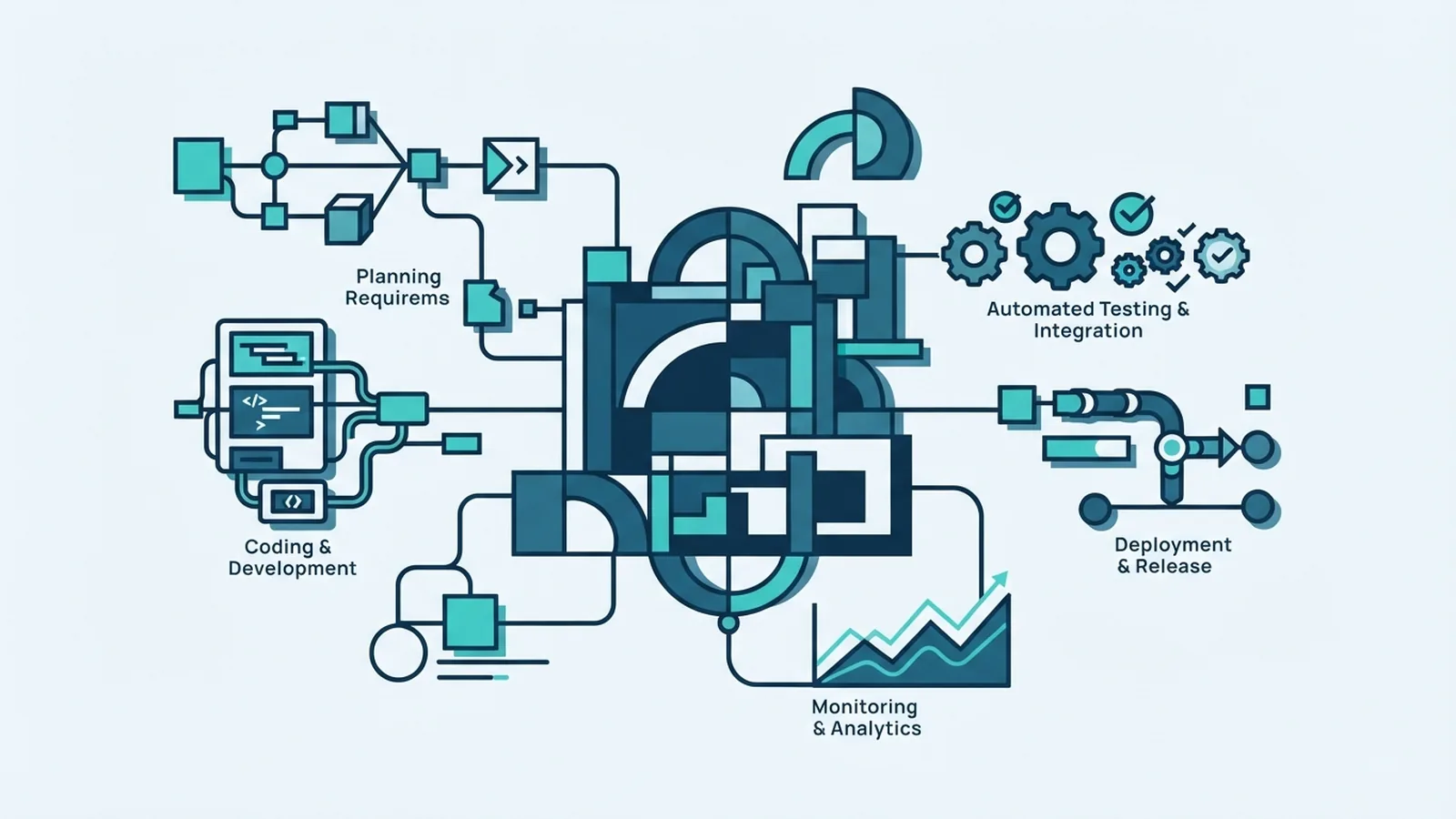
What the SDLC Covers
The Software Development Life Cycle (SDLC) is a structured way to plan, build, test, release, and maintain software. Its stages help teams turn a need into a working product, while checking quality and user needs along the way. Each stage has a purpose, from agreeing what to build to fixing issues after launch.
Teams may use different names or combine steps, but the core work is similar. For example, a team building a payment gateway integration might first learn how merchants handle payments. It would then plan the system, write code, test key payment flows, and support the live service.
Why Each Development Stage Matters
Clear stages help a team find gaps before they become costly problems. If users and developers hold different views of a feature, early talks can expose that gap. If the system plan misses a security need, a design review may catch it before code is built.
The SDLC also gives teams a way to track work, risks, and decisions. A small team might check progress in weekly reviews, while a large project may need formal sign-offs. In both cases, each stage creates useful outputs for the next one.
- Shared goals: Teams agree on what the software must do.
- Better planning: Design and task plans make effort and risk easier to see.
- Fewer defects: Testing finds faults before users rely on the system.
- Ongoing care: Maintenance keeps the product useful after release.
The Main Phases of the SDLC
The common SDLC life cycle stages are requirements gathering, system design, implementation, testing, release, and maintenance. Some models group these steps or repeat them in short cycles. The right approach depends on the project's size, risk, and how often needs may change.
Waterfall follows a more fixed sequence, with one phase feeding the next. Agile methodology breaks work into short cycles and uses feedback to shape later work. Iterative development also repeats work, improving the product in rounds; the Spiral model adds a strong focus on risk checks. These are ways to organise development, not separate sets of core tasks.
Here is what teams often produce at each point:
- Requirements: Agreed needs, limits, and success measures.
- Design: System plans, data flows, and technical choices.
- Implementation: Working code and notes for future changes.
- Testing: Results that show whether the product meets its needs.
- Release and maintenance: A live service, fixes, and updates.
1. Gather and Check Requirements
Requirements gathering defines the problem and the outcomes users need. Teams speak with users, clients, support staff, and other people affected by the software. Interviews can uncover daily tasks, while surveys can show which needs are common across a wider group.
Teams turn those findings into clear requirements. These may describe features, such as letting a user view a payment status, or limits, such as how quickly that status must appear. A useful requirement can be checked. For example, a team might agree that a payment status should update within two seconds under a stated test load.
Next, the team checks for conflict, missing detail, and scope. A short review with users can confirm that the written needs match real work. The team should also record assumptions and rank needs, so key features come before optional ones.
2. Plan the System Design
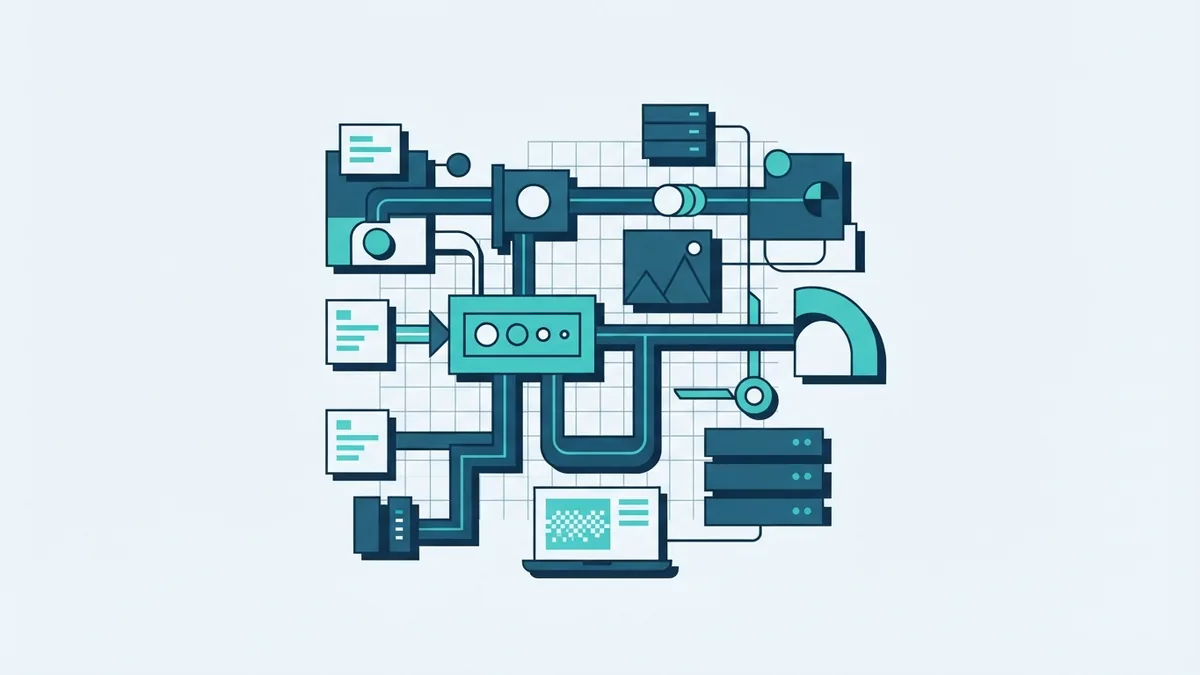
System design turns agreed needs into a plan for how the software will work. The team maps the main parts, how they share data, and how users or other systems connect. Design documents may also set out data storage, access rules, error handling, and links to outside services.
For an application that connects to a payment gateway, the design might show how a request moves from a website to the gateway and back. It should also cover what happens if the gateway is slow or unavailable. Planning these cases early helps the team avoid unsafe or confusing behaviour.
Design choices should fit the product's needs and the team's ability to support it. A review can test whether the plan meets requirements, handles likely risks, and allows future changes. The result is a shared blueprint, not a promise that every detail must stay fixed.
3. Build the Software
Implementation is the coding stage. Developers use the design documents and agreed requirements to build each part of the product. They may split work into small tasks, then review code changes before adding them to the shared codebase.
Maintainable code is easier to test, fix, and extend. Teams can use clear names, small functions, shared code rules, and notes for complex choices. For example, a gateway link should keep its error handling easy to find, rather than mixing it into unrelated payment logic.
Developers also check their work as they build. They can run small tests on a single function and use code review to catch errors or unclear choices. These checks do not replace full testing, but they help stop simple faults from spreading.
4. Test Quality Before Release
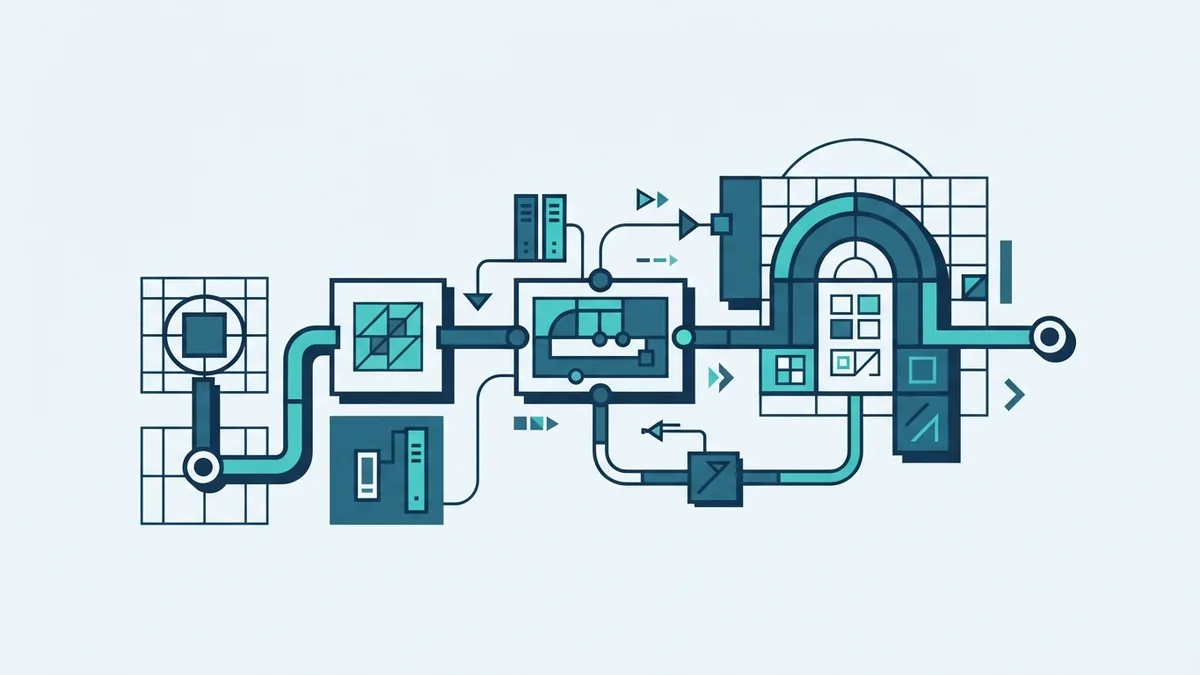
Testing checks whether the software works as required and finds defects before release. Quality assurance (QA) covers the planned checks and ways of working that help the team meet its quality goals. Tests may check one small part, links between parts, and full user tasks.
A payment flow, for example, should be tested for success, decline, timeout, and retry cases. The team should check the expected result for each case, not just whether the page loads. Testing should also cover access rules and any key speed needs set during requirements work.
User acceptance testing lets users or client teams check the product against their real tasks. They may find a gap that passed technical tests, such as a status that is hard to understand. Teams fix high-impact issues, rerun affected tests, and review the results before release.
Release and Maintain the Product
Release makes the tested software available to its users. Teams plan the change, check that support staff know what is changing, and watch key service signals after launch. A staged release can limit risk by sending the change to a small user group first.
Maintenance begins once the software is in use. The team fixes defects, applies needed updates, and adapts the product as user needs or connected systems change. It may also review support requests and service data to spot recurring problems.
Maintenance is part of the development life cycle, not an optional extra. A gateway provider may change an interface, or users may need a clearer payment status. Regular updates keep the product safe, reliable, and fit for its job.