
Build an App — From First Idea to Launch
What app development involves
App development is the work of planning, designing, coding, testing, and launching software for a clear user need. An app might run in a web browser, on a desktop computer, or on a mobile device. Teams can build it with code, no-code tools, or a mix of both.
The right approach depends on the problem, audience, budget, and skills on hand. A booking tool for one small team has different needs from a payment service used by thousands. Start with the job the app must do. Then choose the simplest way to do it well.
Most projects follow a software development lifecycle: define the need, plan the work, design the experience, build features, test them, and release the app. The process is not always a straight line. User feedback or test results may send a team back to an earlier step.
Full stack app development covers both the parts users see and the systems behind them. That can include screens, server-side code, data storage, and links to other services. One person may cover several parts on a small project. Larger apps often need a team with distinct skills.
- Set a clear goal before choosing tools or writing code.
- Match the app type to how people will use it.
- Plan for testing and upkeep, not just launch day.
Choose the app type that fits the job
A web app runs in a browser and can work across many devices. It is often a good fit for booking, account management, or online sales. Users do not need to install it from an app store, though some features may depend on an internet link.
Desktop apps run on computers and can suit work that needs local files or deep access to device features. Native mobile apps are built for a specific system, such as iOS or Android. They can make strong use of device features, but teams may need separate builds for each system.
Hybrid apps use web tools inside a mobile app shell. This can help teams share much of their code across platforms. A progressive web app, or PWA, is a website with app-like features. Some PWAs can be installed and may work offline, depending on the features and device support.
Choose based on use, reach, and upkeep. A simple service form may work well as a web app. A camera-based tool may need native features. Test the key task on real devices before you commit to a costly build.
Follow the app development process step by step
A good app development procedure turns a broad idea into small decisions the team can test. Begin by speaking with likely users. Find out what they do now, where they lose time, and what a better result would look like.
Next, write a short plan. Set the main user group, core tasks, first release features, and a rough budget. Sketch the main screens and the path between them. Keep the first version focused on the few features that solve the core problem.
Design the interface before building the full app. Try simple screen sketches with users, then refine them into working designs. Build the data model and service links alongside the screens when needed. This helps catch gaps before they become costly code changes.
Build in small cycles, then test each change. Check common tasks, slow connections, device sizes, and error states. Fix high-impact faults before release. After launch, track issues and user feedback, then plan the next update.
- Define the need. Name the user, problem, and result the app should deliver.
- Set the first release scope. Rank features and leave nonessential ideas for later.
- Plan the screens and data. Map user steps, key screens, and the information each feature needs.
- Build a working version. Use short work cycles and review progress often.
- Test and fix. Check core tasks on target devices and resolve faults.
- Launch and improve. Watch usage and support reports, then ship useful updates.
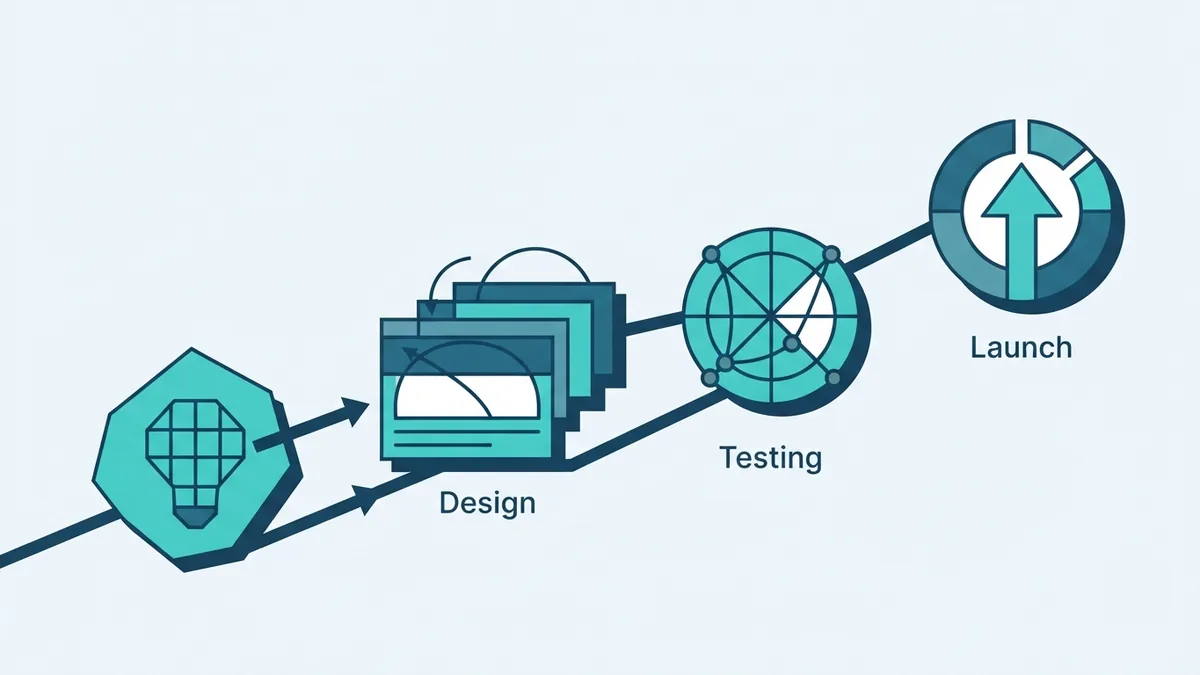
Pick tools and technologies for your team
The best tools are those your team can use well and support over time. JavaScript is common in web apps and can also support server-side work. Swift is used for Apple apps, while Kotlin is widely used for Android apps. Java remains common in Android and enterprise software.
Flutter and React Native help teams build for more than one mobile platform from shared code. Flutter uses Dart and offers a broad set of interface tools. Read the Flutter documentation to check its platform support and build approach. Shared code can save work, but it does not remove the need to test each device type.
No-code platforms let users build apps through visual tools, often without writing code. Low-code tools use visual building blocks but may allow custom code for special needs. They can suit simple forms, internal tools, or early tests. Check data access, export options, user limits, and ongoing fees before choosing one.
For a custom build, list the app's needs before picking a framework. Consider the target devices, service links, team skills, and need for offline use. Keep the toolset small at first. Extra tools add setup and upkeep work.
Estimate the cost of app development
App development costs can range from near zero with a free no-code plan to more than $500,000 for a large custom system. The right estimate depends on features, platforms, design needs, service links, and the team building it. A simple internal tool costs far less than a secure app with custom payment flows.
Rather than price by app type alone, estimate the work behind each feature. A login screen is small. Account recovery, role rules, and secure data handling add more work. Building for both major mobile systems can also raise costs, especially when each needs custom features.
Outsourcing costs depend on the team's rates, location, and scope. Ask for a breakdown by design, build, testing, launch, and support. Compare the same feature list across quotes. A low first quote may leave out service fees or later upkeep.
Set aside money for updates, hosting, support, and security fixes. A staged launch can lower risk: release the core features, learn from use, then fund the next set. No-code tools can lower the first bill, but paid plans and limits may matter as use grows.
- Starter test: A small no-code build can cost $0 upfront, though paid plans may apply.
- Focused custom app: Scope and platform count shape the quote; request a feature-level estimate.
- Large custom system: Complex service links, security, and scale can push costs above $500,000.
Build well with proven practices
Good app development starts with user needs, not a long feature list. Watch people try the current task and note where they pause or make errors. Turn those findings into clear goals. A shorter, focused app can serve users better than a larger one with weak flow.
Keep the interface clear and steady. Use familiar controls, plain labels, and helpful error messages. Make key actions easy to find, and check that screens work on small displays. Ask users to try the design before the team builds every feature.
Test often, not only just before launch. Cover normal use, odd inputs, lost connections, and account access. Check speed and data safety as well as screen layout. A test plan should name the devices and tasks that matter most to real users.
Plan for growth without building for an imagined future. Keep parts of the system separate where that makes change safer. Track performance and support issues after release. Review usage before adding features, and fix the problems users meet most often.
Good app work is a series of clear choices: solve one real need, pick a fitting build path, and test each key task. A small first release can show what users value. Use that evidence to guide the next step.