
Implementation in the Software Development Life Cycle Explained
What the Software Development Life Cycle Means
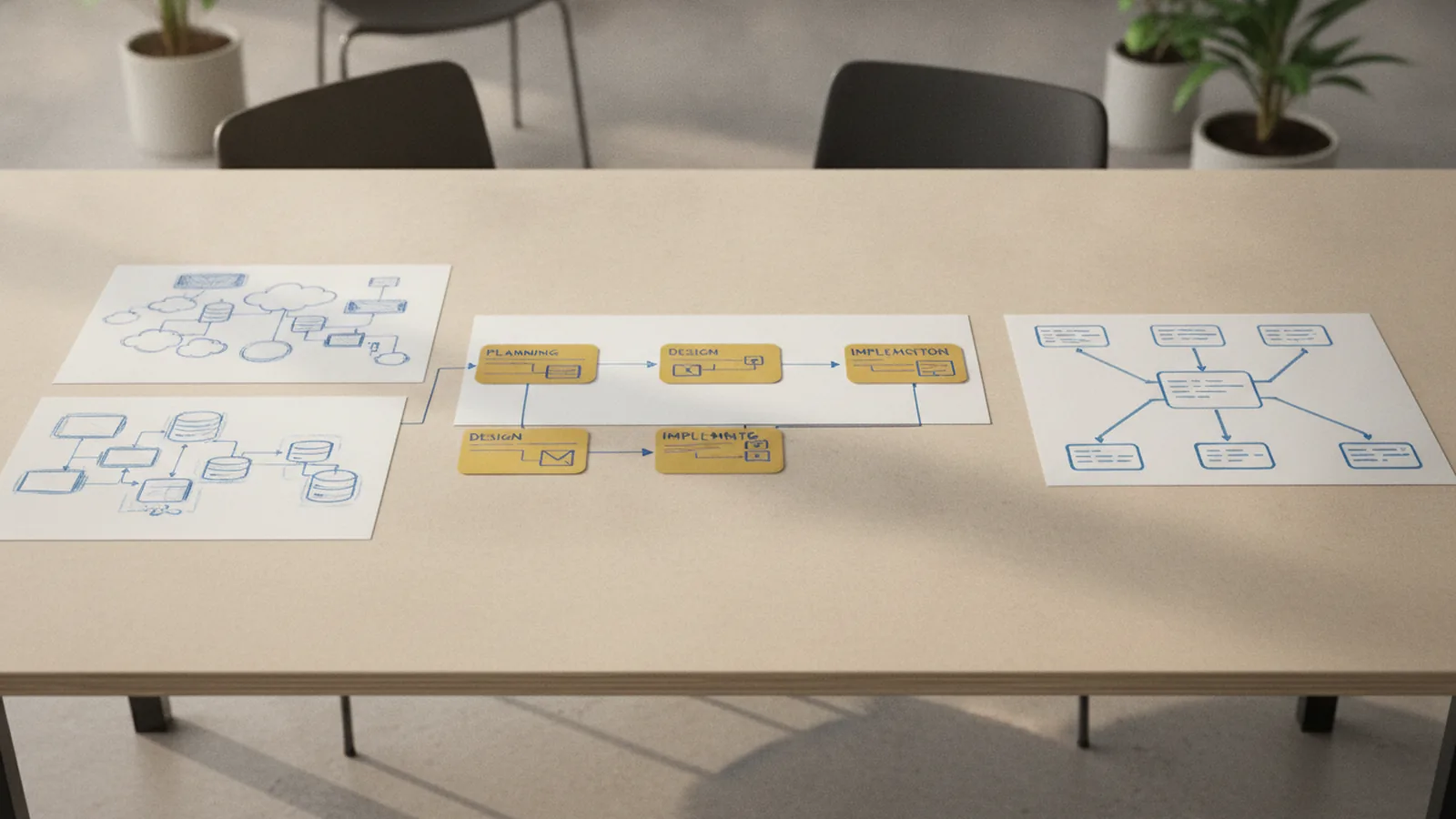
The Software Development Life Cycle (SDLC) is a planned path for building, releasing, and supporting software. It gives teams clear steps, roles, checks, and goals.
Implementation in the Software Development Life Cycle turns an approved design into working software. Developers write code, connect services, set up data stores, and prepare the product for testing.
The SDLC reduces guesswork. It also gives teams a way to track cost, risk, quality, and progress.
Teams may use a Waterfall model, Agile methods, or a mix of both. The best choice depends on project risk, change rates, and user needs.
The Main Phases of the SDLC
Each phase has a clear purpose. Some phases overlap, especially in Agile teams.
- Planning: The team sets goals, scope, budget, timing, and key risks.
- Analysis: Analysts study user needs, business rules, data, and system limits.
- Design: Architects and designers define the user flow, system parts, data model, and interfaces.
- Implementation: Developers build the features and connect the system parts.
- Testing: Testers check behavior, security, speed, and ease of use.
- Deployment: The team moves the product into its live setting.
- Maintenance: Support teams fix bugs, add updates, and keep the product safe.
These phases form a cycle rather than a one-way path. New findings can send work back to analysis or design.
For example, a payment project may reveal a missing fraud rule during testing. The team then updates the design before release.

What Happens During the Implementation Phase
Implementation in software development begins when the team has a usable design. Developers turn that design into code, settings, data flows, and working screens.
They may build a new feature, replace an old service, or join two systems. System implementation in software engineering often includes data moves, access rules, and service links.
A small web release may need only a few code changes. A banking platform may need many services, strict checks, and staged releases.
Implementation is not just typing code. It includes local setup, code review, data scripts, build jobs, and release plans.
Typical work in this phase
- Break the design into small tasks with clear done rules.
- Build each task in a safe, shared code base.
- Check code through review and automated tests.
- Connect the feature to data, services, and access controls.
- Record key choices and known limits.
- Prepare the feature for wider testing.
Good implementation keeps the design visible in the final product. It also leaves enough notes for the next developer.
Why the Implementation Phase Matters
Implementation is where project plans gain real value. A strong idea has no business use until users can run it.
Good implementation can lower faults, speed up later changes, and protect user trust. Poor implementation can create rework, delays, and hidden technical debt.
Technical debt means future work caused by quick or weak choices. A rushed data model may work today but slow every later feature.
Implementation also tests the design in practice. A planned feature may prove too slow, costly, or hard to use once built.
Teams should raise such issues early. Small changes during implementation cost less than large changes after launch.
| Implementation goal | Useful sign |
|---|---|
| Reliable code | Few repeat faults after release |
| Clear scope | Tasks match agreed needs |
| Fast feedback | Builds and tests run often |
| Safe change | Small releases can be rolled back |

Best Practices for Effective Software Implementation
Teams need simple rules that support speed and care. These rules should fit the size and risk of the product.
Set clear coding standards
Coding standards make a shared code base easier to read. They cover names, file layout, error handling, comments, and test style.
Use automatic checks where possible. A code checker can catch poor format before a review begins.
Use version control well
Version control records every code change. It lets teams review work, find faults, and restore a safe version.
Keep branches short when the team uses branches. Merge small changes often. Link each change to a task or issue.
Build strong team links
Developers, testers, designers, and product owners should share the same view of the work. Short reviews can prevent hours of rework.
Write down key choices in a shared space. Include the reason, the owner, and the date.
Automate safe checks
Continuous integration runs checks after each shared code change. It can find broken links between parts before release work begins.
Keep builds repeatable. Use the same setup in local work, test systems, and live systems where possible.

Common Challenges During Implementation
Scope creep is a common risk. It happens when new work enters the project without a clear cost or time check.
Use a change log for each new request. Record its value, effort, risk, and effect on the launch date.
Communication gaps create another risk. A developer may read a rule one way while a tester reads it another way.
Use short planning talks and clear task notes. Show early work to users when the feature has visible behavior.
Legacy systems can add hidden limits. Old code may lack tests, clear owners, or safe release tools.
Start with a small map of the old system. Add tests around risky areas before making large changes.
- Split large work into small releases.
- Keep one owner for each key decision.
- Raise blocked work within one working day.
- Track open risks beside the task list.
- Review time spent on fixes and rework each week.
These steps do not remove risk. They make risk easier to see and act on.
How Testing Fits Into Implementation
Testing does not need to wait until coding ends. Quality assurance in software development works best during the build.
Developers can test small code units as they write them. Testers can check full user flows as soon as a working slice exists.
This overlap gives the team faster feedback. It also stops a large pile of faults from reaching the end of the project.
A practical test mix
- Unit tests: Check one small code part at a time.
- Integration tests: Check links between services or modules.
- System tests: Check the full product against its key needs.
- Security tests: Look for weak access rules and unsafe data paths.
- User acceptance testing: Lets users check real tasks before launch.
Tests should cover both normal and bad input. For example, a payment form needs valid, missing, and unusual values.
Track failed tests by cause, not only by count. A high repeat rate may point to a weak design or unclear task.
Do not treat a green test run as proof of perfect software. It shows that known checks passed.

Deployment and Maintenance After Implementation
Implementation ends with a product ready for release, not with the last line of code. The deployment phase moves that product into its live setting.
Use a staged release when the system has high risk. Start with a small user group, watch key signs, then widen access.
Plan a quick rollback before release. The team should know who can act and which version is safe.
Maintenance follows implementation for the life of the product. It covers bug fixes, security updates, performance work, and new needs.
Keep a support list with fault impact and age. Fix high-risk faults first, even when they affect fewer users.
Review the product after each major release. Ask what failed, what slowed the team, and what should change next time.
Conclusion: Make Implementation a Shared Engineering Task
Implementation in software engineering turns a tested design into a useful system. It joins code, data, services, checks, and team decisions.
The phase works best when scope stays clear and feedback stays fast. Coding standards, version control, reviews, and early testing all help.
Teams should also plan for deployment and maintenance from the start. Software needs care after launch.
A sound SDLC does more than mark project phases. It helps teams build software that users can trust and support.