
7 SDLC Stages: From Requirements to Ongoing Care
What the SDLC means in software engineering
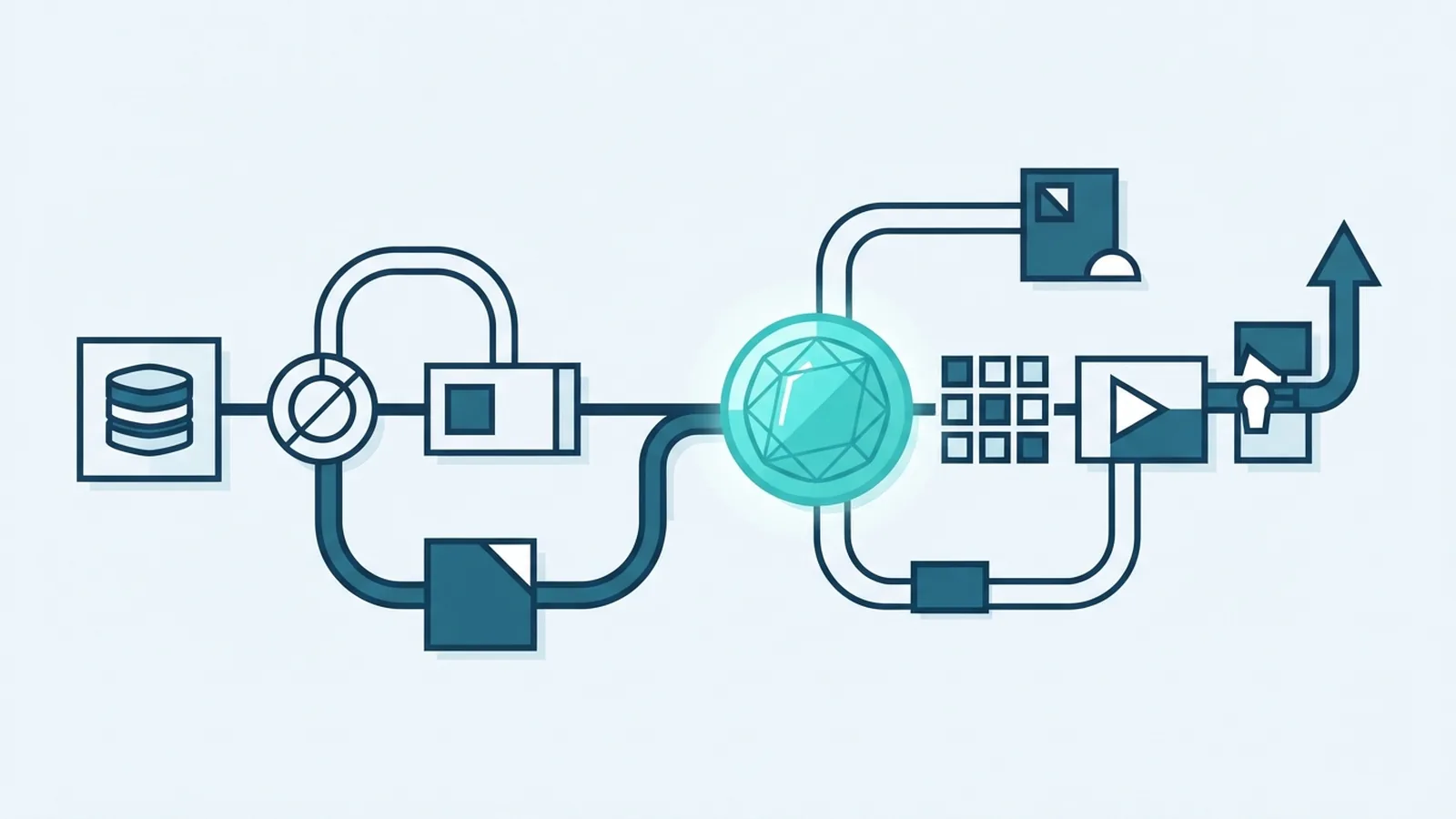
The Software Development Life Cycle (SDLC) is a set of stages teams use to plan, build, test, release, and support software. It gives engineers and project leads a shared way to turn user needs into working systems. The stages help teams manage cost, risk, quality, and change.
There is no single SDLC model for every project. Some teams use five broad stages, while others split the work into seven. Both views describe much the same journey, with more or fewer steps shown. The right approach depends on the product, team, risks, and pace of change.
Good process supports good engineering. It does not remove the need for judgement or clear communication.
How the SDLC stages fit together
The SDLC starts by finding out what people need, then shaping and building a solution. Teams check the result before release and keep improving it after launch. Each stage produces information or work that helps guide the next one.
In the five-stage view, teams group maintenance and review work into later stages or ongoing tasks. The seven-stage view names those activities separately. Both are useful ways to explain the software engineering stages, not competing rules that every team must follow.
- Five stages: Requirements Gathering, Design, Implementation, Testing, and Deployment.
- Seven stages: Planning, Requirements, Design, Development, Testing, Deployment, and Maintenance and Evaluation.
- Ongoing work: Feedback and new risks can send a team back to earlier stages.
This flow is a map, not a one-way track. Iterative development lets teams revisit plans as they learn.
The five core stages of SDLC
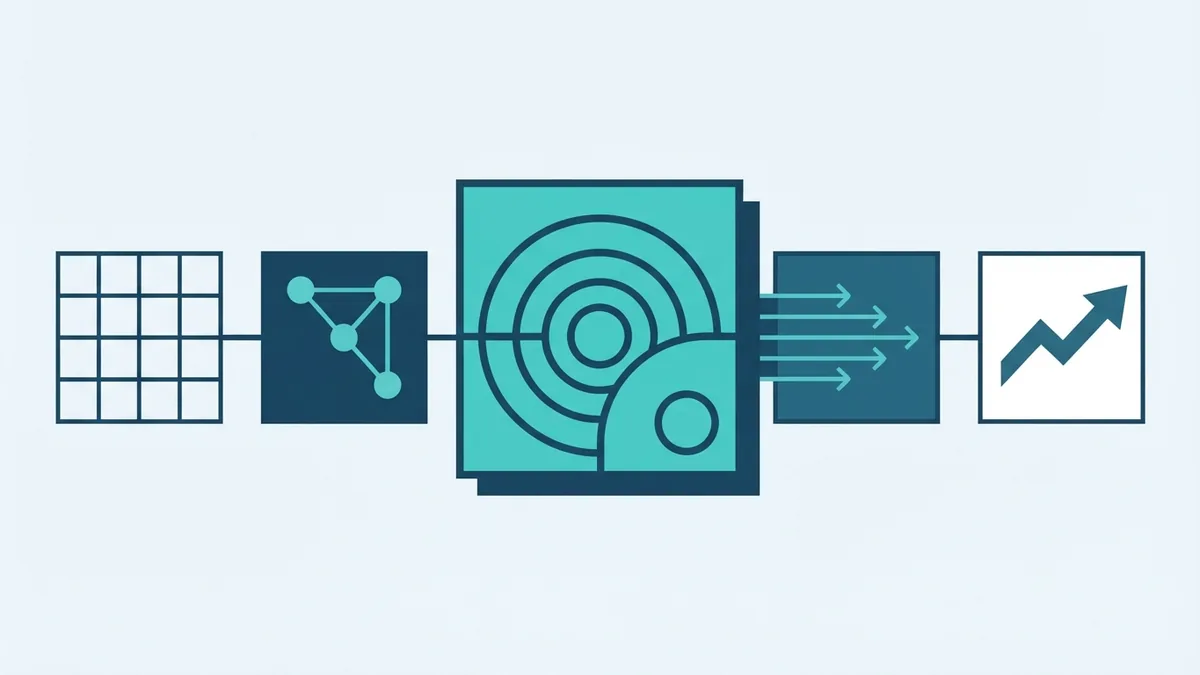
1. Requirements Gathering. The team learns what users, customers, and business owners need. It records key tasks, limits, and success measures. For example, a payment service might need to accept card payments, handle failed requests, and send a clear status to the shop system.
Unclear needs can lead to costly rework. Teams can reduce this risk with short interviews, user stories, and examples of expected behaviour. They should also agree which needs matter most before work begins.
2. Design. Engineers turn the agreed needs into a plan for the system. The design may cover data, services, access rules, and links to other tools. A small test or prototype can expose weak choices before they become costly to change.
3. Implementation. Developers build the planned features and join them into a working product. Teams often split work into small parts, review each other's code, and keep changes under version control. Small, clear tasks make errors easier to find.
4. Testing. The team checks that the software works as asked and handles likely faults. Tests can cover single parts, joined services, and full user tasks. For a payment flow, a useful test checks success, a declined card, and a lost connection.
5. Deployment. The team makes the tested software available to users. A release plan should cover data changes, access, monitoring, and a way to roll back if serious faults arise. Gradual release can limit the impact of a defect.
The seven stages, including care after launch
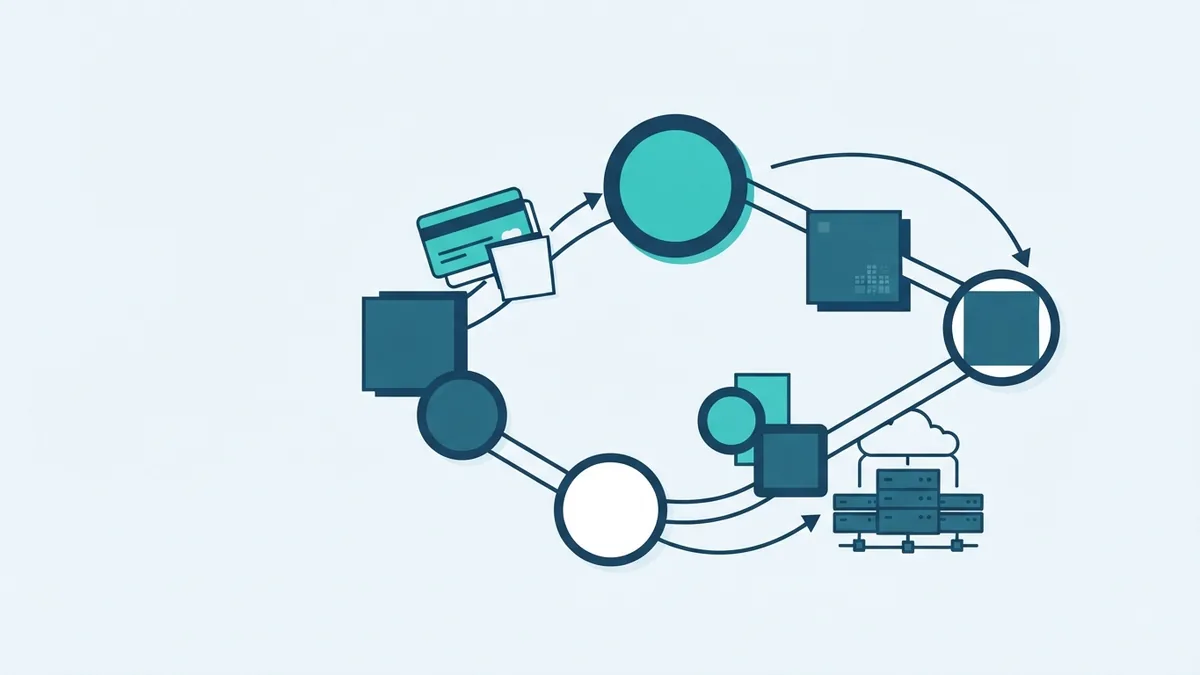
The seven-stage model gives planning its own place before requirements work. It also separates development from implementation as a named stage. This can help large teams show ownership and track progress with more detail.
- Planning: Set the goal, scope, budget, timeline, and main risks.
- Requirements: Gather and check user needs, rules, and success measures.
- Design: Choose the system shape, data flow, and key tools.
- Development: Build features and join them into the product.
- Testing: Check behaviour, safety, speed, and fit with user needs.
- Deployment: Release the product and watch its first use.
- Maintenance and Evaluation: Fix faults, review outcomes, and plan useful changes.
Maintenance keeps a live system safe and useful. It can include bug fixes, security updates, service checks, and changes to meet new needs. Evaluation compares real results with the goals set during planning.
A team might find that users abandon a sign-up step. It can review feedback, adjust the flow, and test the change. The work then moves through design, development, and testing again.
Why every stage matters
Planning sets limits the team can use to make sound choices. Requirements keep the work tied to real needs. Design reduces the chance that teams build parts that cannot work well together.
Development turns the plan into usable software, while testing checks the result before users depend on it. Deployment brings the product into real use. Maintenance and evaluation keep it reliable as needs and tools change.
Quality is not the job of one tester at the end. Each stage can prevent a different kind of failure. A clear requirement can stop a feature gap, while a release check can catch a risky data change.
Common SDLC challenges and ways to address them
Planning and requirements: Teams may face shifting goals, missing detail, or clashing views. Set a clear first scope and name who can approve changes. Rank needs by value, risk, and effort, then revisit them at set points.
Design and development: A design can be too complex, or teams can build separate parts that do not fit. Use early reviews and small prototypes to test key choices. Keep shared rules for data, service links, and code review.
Testing and deployment: Late testing leaves little time to fix major faults. Run checks throughout development, and test the full user path before release. Use a staged launch, monitor key service signs, and keep a rollback plan ready.
Maintenance and evaluation: Teams may lack time to fix old faults or learn from user feedback. Set aside time for updates and track a few useful measures, such as failure rates or task completion. A regular review helps turn support issues into clear work items.
Choose a method that fits the work
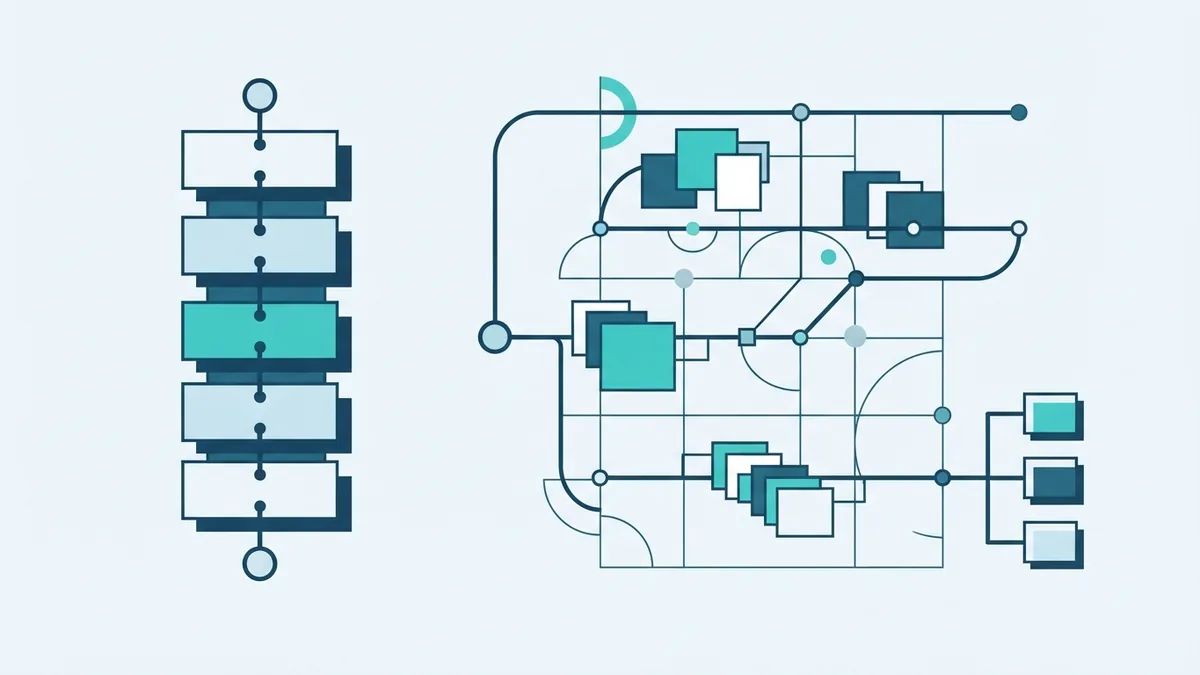
Waterfall follows a set sequence, with each stage largely completed before the next begins. It can suit work with stable needs and firm approval steps. However, late changes can be hard to absorb, so teams should check assumptions early.
Agile breaks work into short cycles, often called sprints. Teams release small pieces, gather feedback, and adjust the next cycle. This works well when needs may change, but it still requires clear priorities, testing, and release care.
Many teams use a mix. They may set broad plans and safety checks up front, then build and test features in short cycles. The best fit is the one that gives the team enough control without slowing useful learning.
Build a useful SDLC for your project
Start with the risks and needs of the product, not a process chart. A small internal tool may need a light plan and fast feedback. A system that handles payments or personal data needs stronger checks and a clear release path.
Keep each stage visible, give someone ownership, and record decisions that affect later work. Review the process when users, systems, or risks change. The SDLC is most useful when teams treat it as a flexible way to deliver and improve sound software.