
Build Better Software with the SDLC
What the Software Development Life Cycle Means
The Software Development Life Cycle, or SDLC, is a set method for building software. It guides a team from the first idea to ongoing support. Each phase has a clear goal, output, and review point.
So, what is the Software Development Life Cycle SDLC? It is a planned path for turning a business need into a working system. Teams use it to manage scope, cost, risk, quality, and change.
The SDLC applies to websites, mobile apps, payment tools, and internal systems. It also fits the wider system development life cycle SDLC. The system view can include hardware, users, data, and business rules.
- Planning sets the purpose, scope, budget, and timeline.
- Analysis turns user needs into clear requirements.
- Design defines the system shape and technical approach.
- Coding builds the planned features.
- Testing checks quality, safety, and fit.
- Deployment releases the system to users.
- Maintenance keeps the system useful and safe.
Why SDLC Matters for Software Teams
A defined development life cycle SDLC gives teams a shared plan. It shows who owns each task and what must be ready next. This helps project managers spot delays before they grow.
SDLC also cuts waste. A team can find a weak requirement before it shapes a full feature. Fixing a flaw in a plan costs less than fixing it after release.
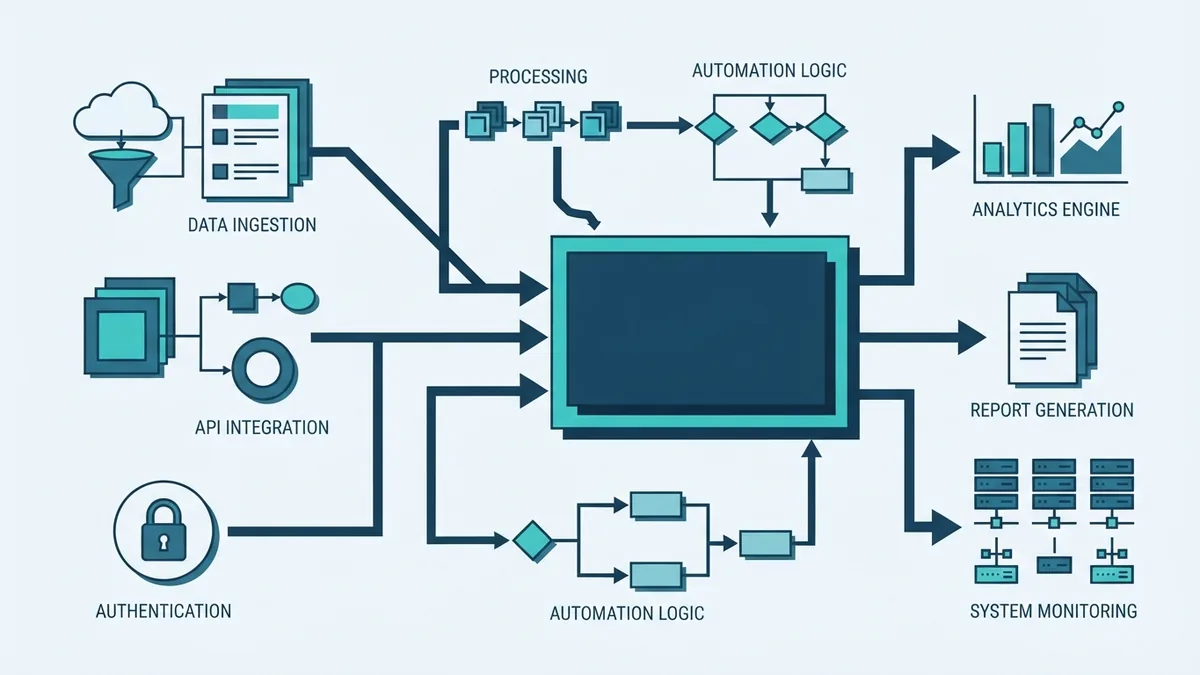
The method creates useful records at each stage. These may include a scope note, a requirements list, design plans, test results, and release notes. These records help new team members learn the system.
SDLC does not mean every project must move in a straight line. Teams can repeat phases when new facts appear. The key value lies in clear goals, checks, and decisions.
The Main SDLC Phases and Their Outputs
The software development life cycle SDLC phases work as linked steps. Each phase creates an output for the next one. A small project may combine steps, while a large project may split them into smaller workstreams.
- Planning: Define the problem, users, scope, budget, and risks. The main output is a project plan.
- Analysis: Gather needs from users and business owners. The output is a ranked requirements set.
- Design: Set the system structure, data flow, screens, and service links. The output is a design record.
- Coding: Build the features and connect the parts. The output is working software in a shared code base.
- Testing: Check features, speed, access, and failure cases. The output is test evidence and a defect list.
- Deployment: Move the system into its live setting. The output is a release with a rollback plan.
- Maintenance: Fix faults, add needed changes, and watch system health. The output is a steady stream of updates.
These phases are not just labels. They set review points. For example, coding should not begin until the team understands the key needs and design limits.
Teams should also set a clear exit rule for each phase. A design phase may end after owners approve the core data flow. A test phase may end after all high-risk defects close.
Popular SDLC Models and When to Use Them
SDLC models describe how a team moves through its phases. The right choice depends on project size, risk, change rate, and user feedback. No single model fits every system.
| Model | How it works | Best fit |
|---|---|---|
| Waterfall | Moves through fixed phases in order. | Stable needs and strict approval steps. |
| Agile | Ships small pieces through short work cycles. | Changing needs and close user feedback. |
| Spiral | Repeats planning and builds around risk checks. | Large systems with high technical risk. |
| Incremental | Adds working parts in planned releases. | Products that can grow in stages. |
| RAD | Uses fast builds and frequent user review. | Time-bound tools with clear user input. |
The Waterfall model can suit fixed rules and known outputs. It can struggle when users learn more after each release. Agile methodology handles change well, but it needs active owners and steady team input.
Spiral work puts risk at the centre of each loop. Incremental work lowers release size and gives users value sooner. RAD can speed up delivery, yet it may fail when deep research or complex links are needed.
Many teams blend these models. They may use Agile for feature work and formal gates for release approval. They may also use short build cycles inside a wider Waterfall plan.
Best Practices for Putting SDLC into Action
Start with a short project brief. State the problem, target users, success measures, limits, and owner. Keep the brief visible to the whole team.
Make requirements testable. “Fast search” is vague. “Return results within two seconds for 95% of common searches” gives testers a clear target.
- Rank needs by user value, risk, and effort.
- Assign one owner to each key decision.
- Review scope at the end of each work cycle.
- Keep design notes beside the related code.
- Use code review before shared builds.
- Track defects by impact, cause, and fix.
- Set a rollback plan before each live release.
Use continuous integration and deployment, or CI/CD, with care. Small code changes should trigger checks for build health, tests, and known security issues. Keep a human approval step for high-risk releases.
Invite users and business owners before design is final. Their feedback can expose missing needs, weak flows, or hard-to-use features. Good stakeholder input prevents late change.
Build Security into Every SDLC Phase
Security should start before coding. Threats can enter through weak needs, unsafe design, poor access rules, or rushed releases. A secure SDLC treats safety as a shared team duty.
During planning, list the data and services at risk. During analysis, define access needs and privacy limits. During design, review trust points, input paths, and failure states.
During coding, use safe defaults and review risky changes. During testing, check access control, input handling, secrets, and common attack paths. During deployment, limit access and watch for odd activity.
The NIST Secure Software Development Framework gives teams a trusted set of practices for safer software work. The OWASP secure product life cycle guidance adds useful steps for planning, building, testing, and release.
DevSecOps extends this work across the delivery flow. It brings security checks into daily builds instead of leaving them until the end. This approach finds issues sooner and shares ownership across roles.
Common SDLC Mistakes to Avoid
Poor requirement clarity is one of the costliest mistakes. Teams may build a feature that works but solves the wrong problem. Use examples, user flows, limits, and acceptance checks to remove doubt.
Insufficient stakeholder involvement creates another gap. Users may spot needs that a delivery team cannot see. Set review points with business owners, support staff, and real users.
Teams often neglect non-functional requirements. These cover speed, uptime, access, growth, privacy, and recovery. Add measurable targets before design work begins.
- Do not treat testing as a final event.
- Do not hide scope changes from decision owners.
- Do not skip data plans and failure cases.
- Do not rely on one person who knows the whole system.
- Do not release without logs, alerts, and rollback steps.
Another mistake is choosing a model by habit. A small proof of concept may need speed and feedback. A safety-critical system may need stronger gates and deeper risk checks.
Review the process after each release. Ask what caused delay, rework, defects, or user pain. Then change one or two weak steps and measure the result.
Make SDLC a Working Team Habit
The best SDLC is one that teams can use without heavy drag. Keep each phase clear, but allow feedback to move back when facts change. Use simple records that support decisions instead of creating paperwork.
Match the model to the work. Set clear outputs, involve the right people, and test key risks early. With these habits, SDLC becomes more than a process. It becomes a reliable way to ship software that users can trust.