
Software Development Cycle — Phases, Models and What Works
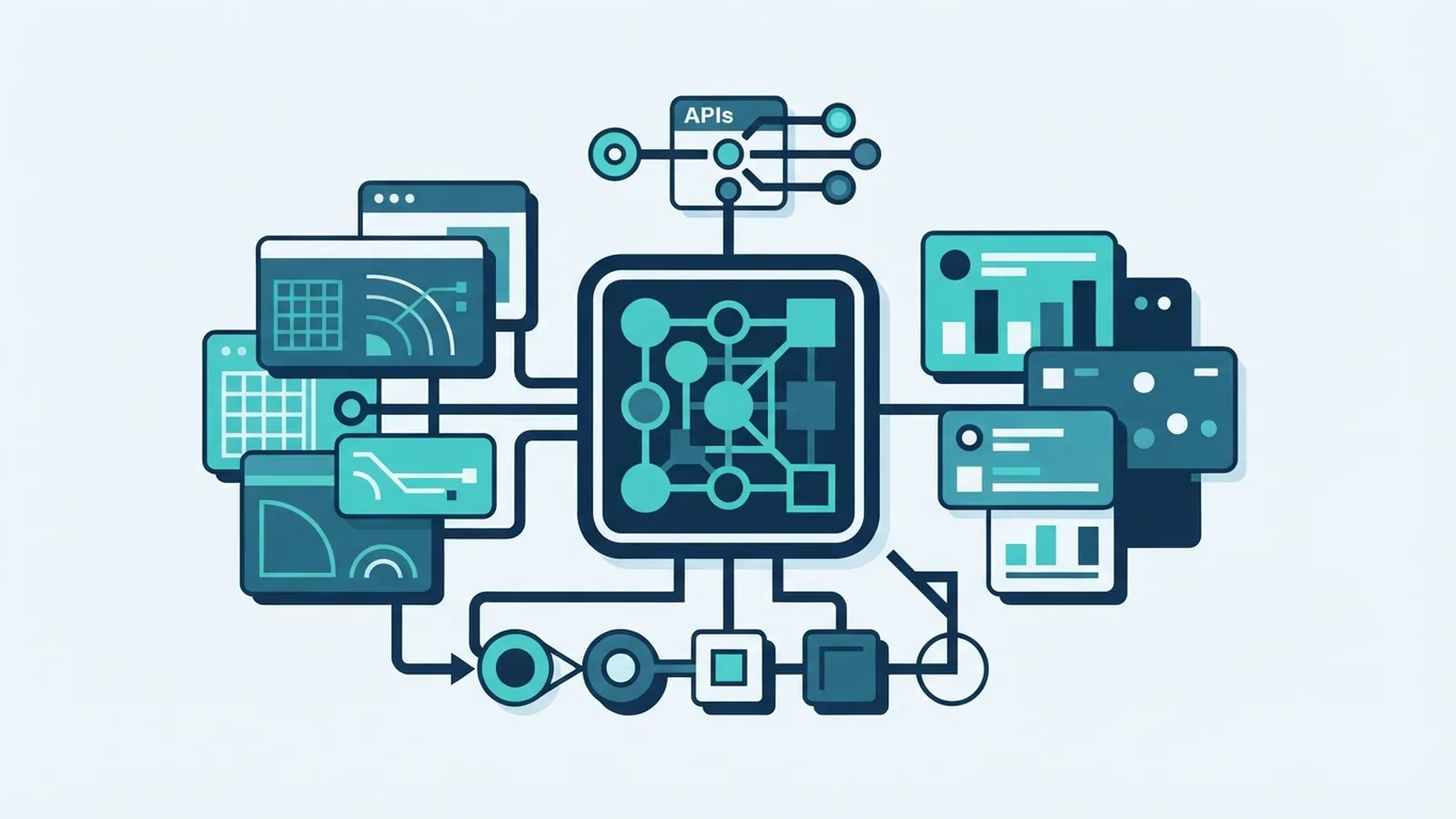
What the Software Development Cycle Means
The software development cycle is the set of steps teams use to plan, build, test, release and support software. It gives a project a shared path from a business need to a working product. Teams may call it the software development life cycle, or SDLC.
A cycle is more than a checklist. It helps project leads set goals, assign work, track risks and keep stakeholders informed. It also makes quality checks part of the work, rather than a last-minute task.
The cycle can be short or long. A small app update may take days, while a new payment platform may need months of design, testing and review. The right process depends on risk, team size and how often needs change.
Why a Defined Cycle Matters
A shared process makes it easier to spot gaps before they become costly fixes. For example, a team can confirm how a payment flow should work before it builds the gateway link. That check can prevent rework across design, code and test stages.
Requirements gathering is central to this work. Teams should ask users, product owners, engineers and support staff what the system must do. Written needs give the team a clear way to judge scope, cost and success.
Stakeholder involvement should continue after the first brief. Regular reviews help teams catch new needs and test assumptions. Clear decisions also reduce disputes about what the team agreed to build.
- Agree on goals and success measures before work starts
- Keep key decisions and risks visible to the team
- Review changes with the people who use or support the product
- Test quality throughout the work, not only before release
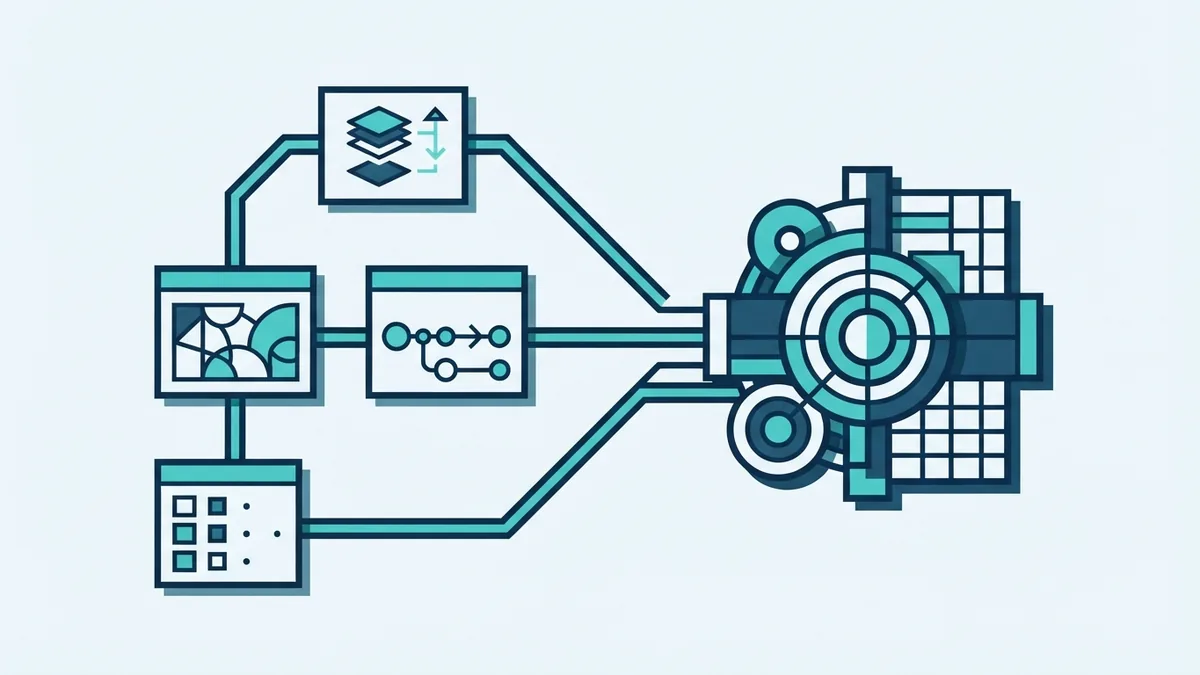
The Main Software Development Cycle Phases
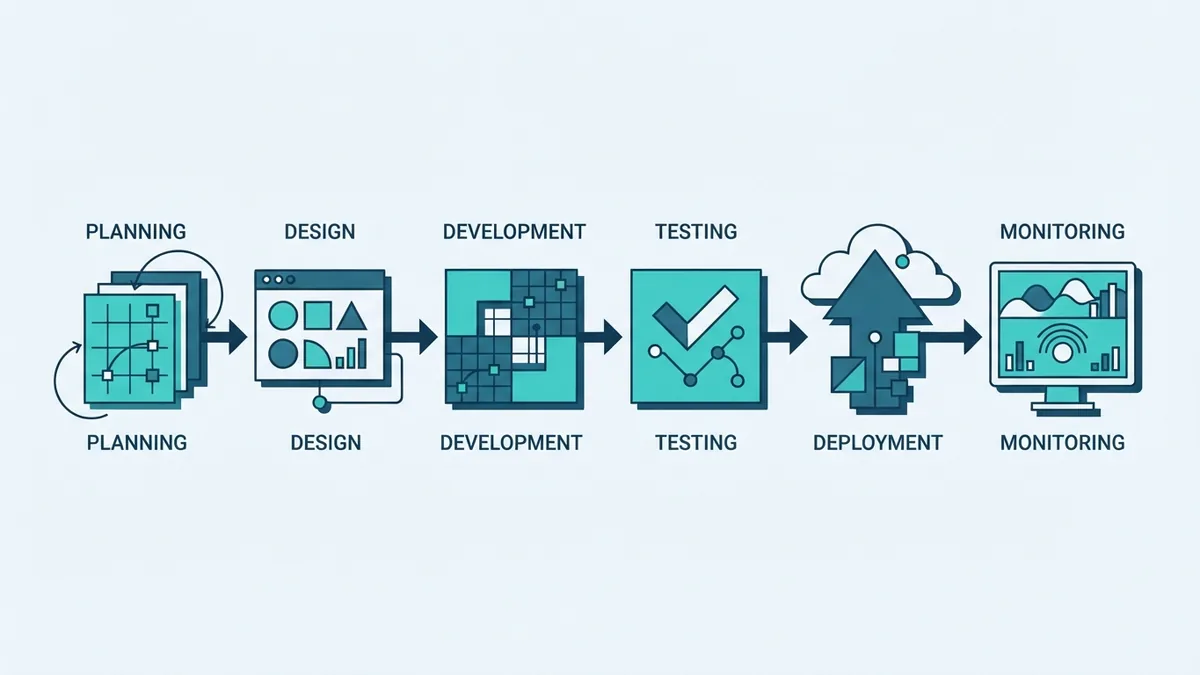
The software development cycle phases often include planning, design, implementation, testing, deployment and maintenance. Some teams add a separate discovery or review stage. Names vary, but the core work remains much the same.
Planning: Set the problem, scope, budget, timeline and risks. Gather needs and turn them into a requirement specification. Agree on what the first release must include.
Design: Map the system structure, data, user flow and links to other tools. Review security and failure cases early. A sound design helps prevent expensive changes during coding.
Implementation: Engineers write and review the code in small parts. They follow shared rules and use version control to track changes. Small, clear tasks make progress easier to check.
Testing: Check that each part works alone and with the full system. Teams test common use, edge cases, speed and security. Fixing issues before release lowers the risk of user-facing faults.
Deployment: Move the tested build into a live setting. Teams may release to a small group first, then widen access. A rollback plan gives them a safe way to undo a faulty release.
Maintenance: Watch the live system, fix faults and keep its tools up to date. User feedback can shape later changes. This stage often lasts longer than the first build.
Four Common Software Development Cycle Models
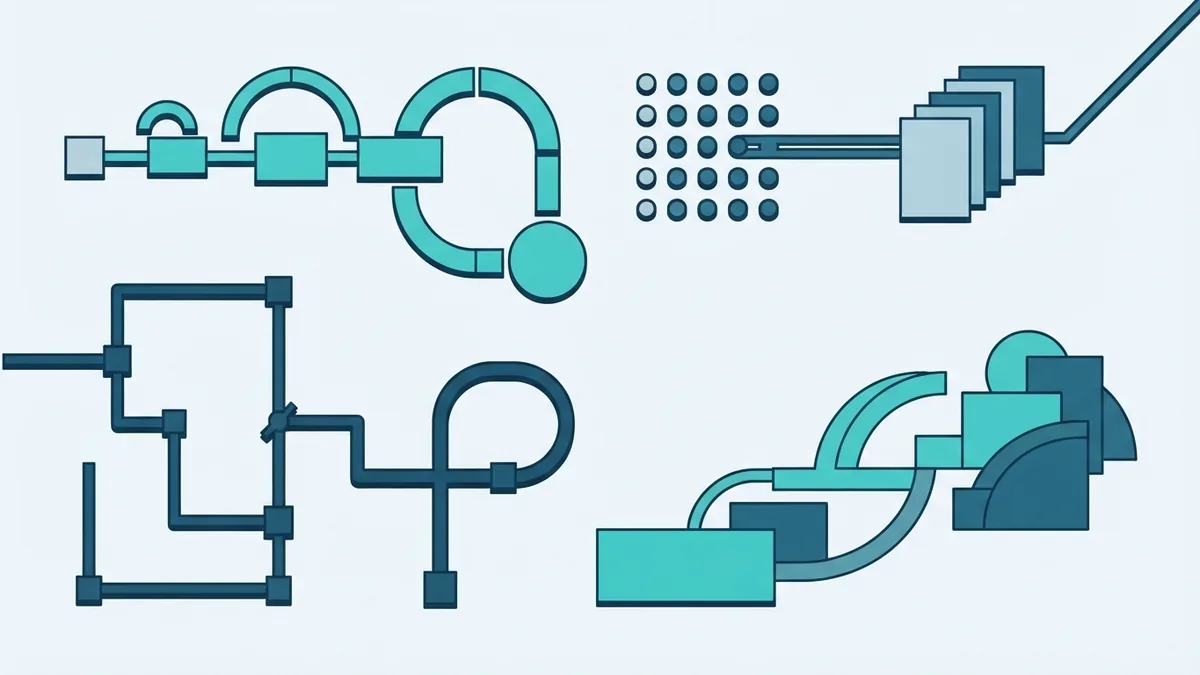
Software development cycle models describe how teams arrange and repeat the work. No model fits every project. The choice should reflect how stable the needs are and how much risk the work carries.
Waterfall moves through set stages in order. Teams finish a phase before moving to the next one. It can suit work with stable needs, but late changes can cause delays and costly rework.
Agile splits work into short rounds, often lasting one to four weeks. Teams show working features often and use feedback to set the next tasks. Agile practices suit changing needs, though they need active stakeholder input.
Iterative development builds a simple version, then improves it in cycles. Each round adds detail or fixes weak points. It helps when the team knows the goal but cannot define every detail at the start.
Spiral combines repeated builds with risk checks at each round. Teams explore the riskiest parts first, then plan the next loop. It can suit large or high-risk systems, but needs skilled planning and can cost more.
These models can also blend. A team might use Agile rounds for product work, then follow strict release checks for a payment service. The model should support the work, not become a rule that blocks learning.
Best Practices for Stronger Development
Good requirements describe what users need and how the team will know it works. Use clear examples and acceptance checks. For a checkout flow, define how a declined payment should appear and what the system should record.
Keep tasks small enough to review and test. Pair code review with automated checks, such as tests that run whenever code changes. Continuous integration helps teams find faults sooner by joining and checking code often.
Bring security and quality checks into each stage. Limit access to sensitive data, test common attack paths and keep third-party tools current. For a gateway link, test timeouts, duplicate requests and recovery after a failed response.
Keep stakeholders close to the work. Short demos give users a chance to correct a wrong assumption before it spreads. Track decisions, risks and open questions in one place the team can reach.
Common Challenges and Ways to Handle Them
Unclear needs can lead to features that miss the real problem. Ask users to walk through their current tasks, then write testable requirements. Confirm priorities before adding new work to a release.
Changing scope can strain time and budgets. Use a change review to weigh value, cost and risk. If a new request matters, agree which task will move or which date will shift.
Testing can suffer when teams leave it until late. Set aside time for tests from the start, and keep a test setup that reflects real use. Make room for slow links, failed services and unusual user actions.
Deployment can expose faults that did not appear in a test setting. Release in steps, watch key service measures and keep a rollback plan ready. After a fault, record its cause and add a check that can catch it sooner next time.
How the Development Cycle Is Changing
Automation is taking on more routine checks. Teams can run tests, scan code and build releases with fewer manual steps. This can speed up feedback, but people still need to review results and judge risk.
DevOps brings software build and service support closer together. Teams share responsibility for release quality and live system health. Frequent, smaller releases can make faults easier to trace and fixes easier to ship.
New tools and methods keep changing how teams work. Cloud services, code helpers and stronger test tools can cut effort in some tasks. Teams should judge each tool against security, cost and the needs of the project.
The core cycle still matters. Teams need clear needs, sound design, working code, careful tests and steady support. Better tools help most when they improve those steps and make feedback faster.