
Plan Cloud Service Migration for Safer, Faster Change
Understanding Cloud Service Migration
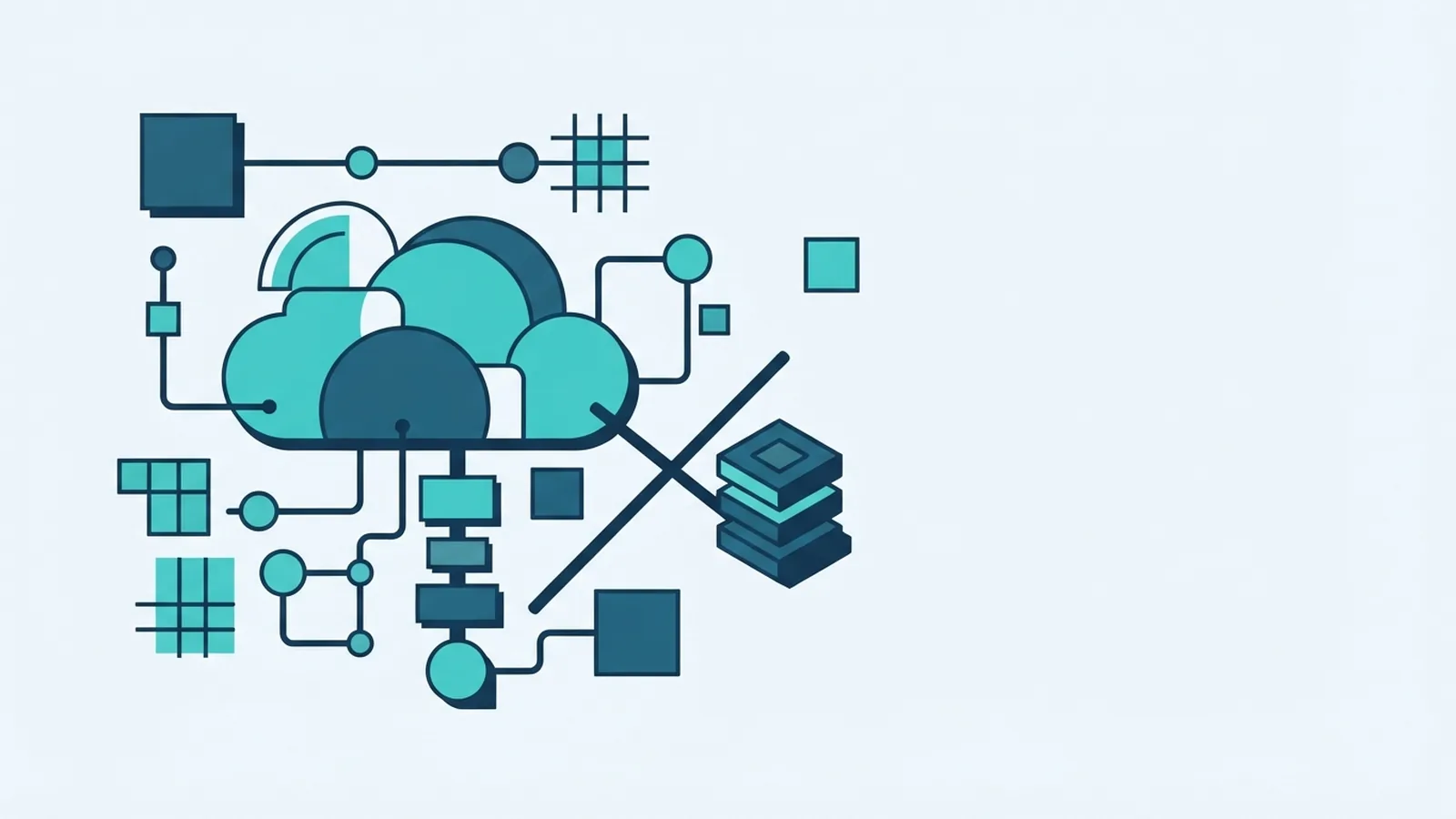
Cloud service migration moves applications, data, and other workloads from local systems to cloud infrastructure. It can also move services between cloud platforms or bring them back in-house. A sound migration plan helps teams gain cloud benefits without losing control of cost, uptime, or security.
The work is broader than copying files. Teams must map how systems depend on each other, choose a migration strategy, and test the target setup. A payment platform, for example, may rely on a database, gateway link, and reporting job. Moving one part without the others can break payment flows.
Common strategies range from a quick move to a deep rebuild. Lift-and-shift moves an application with few changes. Re-platforming makes limited changes, such as moving to a managed database. Refactoring changes the design to use cloud features, while retiring or keeping a workload can be the right call for systems with little value or high change risk.
- Lift-and-shift: Move the workload as it stands, then tune it later.
- Re-platform: Make small changes to gain a cloud service or ease upkeep.
- Refactor: Redesign parts of the system for scale, speed, or resilience.
- Retain or retire: Keep a workload where it is, or remove it if it is no longer needed.
Choose a strategy for each workload, not for the whole company. Cloud migration service providers can help teams assess options, but the business owner should set the goals. Faster releases, lower upkeep, and better recovery are distinct goals. Each needs its own measure of success.
Why Businesses Move Services to the Cloud
Cloud platforms can add or remove capacity as demand shifts. That helps a retailer handle a busy sale without buying hardware for a short peak. Teams can also use managed tools for backups, databases, and monitoring. These tools may cut routine work, though they do not remove the need for skilled staff.
A migration service can bring expert planning and tested methods. Good providers help find system links, set a move order, and rehearse cutover. This can reduce downtime and limit last-minute fixes. It cannot promise zero downtime, especially when an old system has weak tests or hidden links.
Cloud use can also speed up the build and release of software. Teams can set up repeatable test spaces and scale services as demand changes. Costs may fall when idle hardware is removed, but cloud bills can rise without clear limits. Track use, data transfer, backup needs, and support charges from the start.
Benefits depend on fit and follow-through. A move that copies poor system design may only shift its problems. Set a baseline before work begins. Compare uptime, release time, recovery time, and cost after each workload moves.

How Cloud Migration Services Work
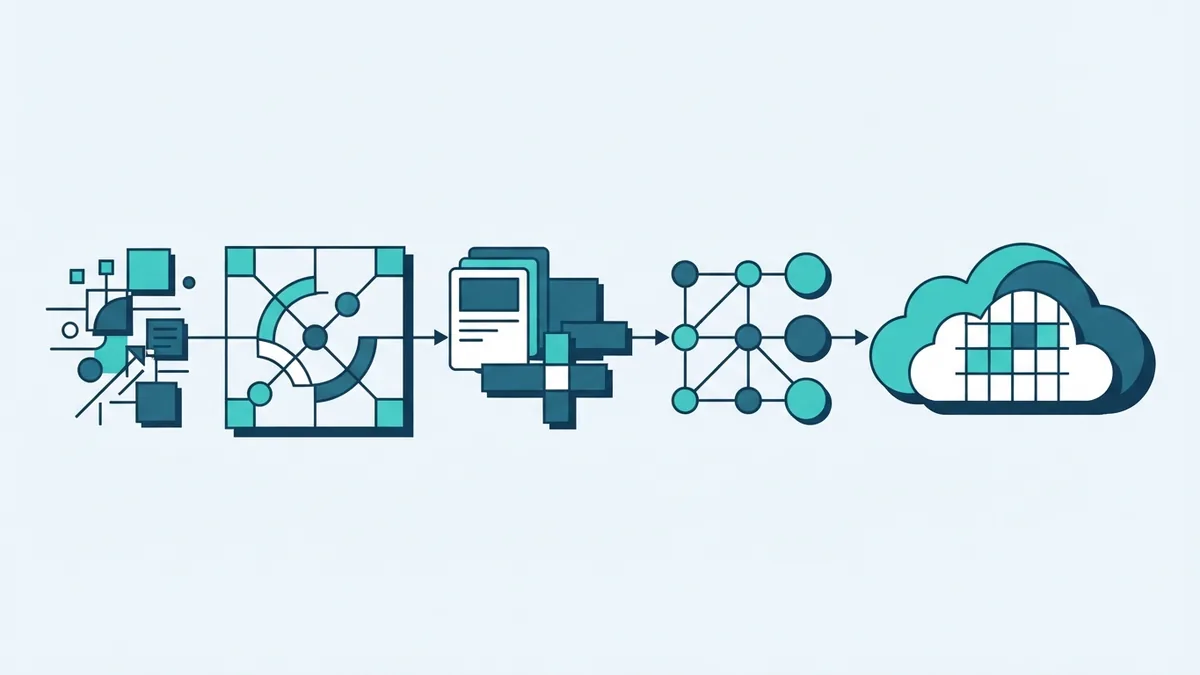
Most cloud migration services follow a staged process. First, teams agree on goals, scope, owners, and risk limits. Then they map applications, data stores, links, and user needs. A provider may use discovery tools, but staff should check the results against real system knowledge.
Next, the team picks a target design and migration strategy for each workload. It sets up access rules, networks, backups, and test spaces before moving live data. A pilot workload can reveal gaps in the plan. Pick a low-risk system that still tests a key link or data flow.
Data migration needs checks before, during, and after transfer. Teams should compare record counts, key totals, and sample records at the source and target. Hash checks can help spot file changes. For payment or order data, test both the full record and key fields, such as amount, status, and date.
The final move often uses a cutover window. The team stops or limits writes, moves any new data, runs checks, and sends traffic to the new service. It should keep a rollback route until agreed checks pass. This avoids treating a successful file copy as proof that the whole service works.
- Set goals and a clear owner for each workload.
- Map system links, data, access needs, and risk.
- Build the target setup and test a pilot move.
- Move data in stages, then validate it at the destination.
- Switch traffic, watch service health, and keep a rollback plan.
For a framework covering cloud move planning, see the AWS migration strategy guidance. It outlines common paths and helps teams link choices to workload needs.
How to Evaluate Cloud Migration Providers
Top cloud migration service providers are not simply the firms with the largest teams. The right provider has relevant experience with your cloud, workload types, and risk level. Ask for examples of similar moves, including what went wrong and how the team fixed it. A clear answer is more useful than a long client list.
Check who will do the work and how support will run. Ask about named leads, cover hours, escalation paths, and help after launch. Review the service-level agreement (SLA) for response times, uptime terms, and limits. Also ask which tasks stay with your own staff.
Ask each provider to explain its method for discovery, data checks, cutover, and rollback. Request a sample plan with stages, owners, and decision points. Compare the full cost, including cloud use, data transfer, tools, training, and support. A low initial fee may not include the work needed after launch.
Leading cloud migration providers should also explain how they protect data during the move. Check access controls, encryption, backup rules, and how they handle sensitive records. Keep control of your accounts and keys where possible. Set a clear process for access removal when the work ends.
- Relevant experience with your workload and cloud platform.
- Clear scope, named staff, and useful support after cutover.
- Written plans for data checks, security, and rollback.
- Open pricing and a clear split of team duties.
Use the same questions for each bidder. That makes proposals easier to compare and exposes gaps early. For a broad cloud adoption model, consult Microsoft's Cloud Adoption Framework. It is a primary vendor resource for planning, governance, and cloud operations.

Best Practices for a Smoother Migration
Break a large move into small, ranked workloads. Start with systems that are well understood and have few links. Keep critical payment, customer, or stock services for a later wave unless the business case demands an early move. A staged plan makes issues easier to trace and limits the impact of a fault.
Set a baseline for each service before changes begin. Record normal traffic, error rates, response times, and recovery needs. Write down who can approve a cutover and what would trigger rollback. These rules stop pressure during a launch from replacing sound judgment.
Test real user paths, not just server health. A service can run while a key process fails, such as sending a receipt or updating an order. Use test data where possible, and keep private data out of test spaces. Run load tests that match expected peaks, then check how the service behaves when a link fails.
Common challenges include poor asset records, data mismatch, skill gaps, and cost spikes. Map links with both tools and staff interviews. Use repeatable data checks to catch missing or changed records. Train the team before cutover, and set budget alerts to spot unexpected use.
Cloud security needs clear ownership. Define access by role and remove rights that no longer serve a task. Encrypt data in transit and at rest where the service supports it. Log key actions, test restore steps, and review access after each migration wave.
What to Check After Migration
Do not close a move when the first service starts. Watch error rates, response times, data checks, and user reports during a set period. Compare them with the baseline. Confirm that key business tasks work across the full system, including reports and links to outside services.
Keep the old system available until the new service meets agreed checks. Set a firm end date for that overlap, since running both can raise cost and create data drift. Once the new system is stable, archive or remove old data under your rules. Update system maps and support notes at the same time.
Then tune the service based on real use. Resize resources that sit idle, review backup plans, and test recovery. Check cloud bills each month against the plan and assign an owner to each spend area. Small reviews can catch waste before it becomes a lasting cost.
A migration is successful when the service meets its goals and the team can run it well. Keep a record of lessons from each wave. Use those notes to improve the next move, refine support terms, and guide future cloud service development.