
AWS DMS — Features, Costs, and Migration Planning
What AWS DMS does
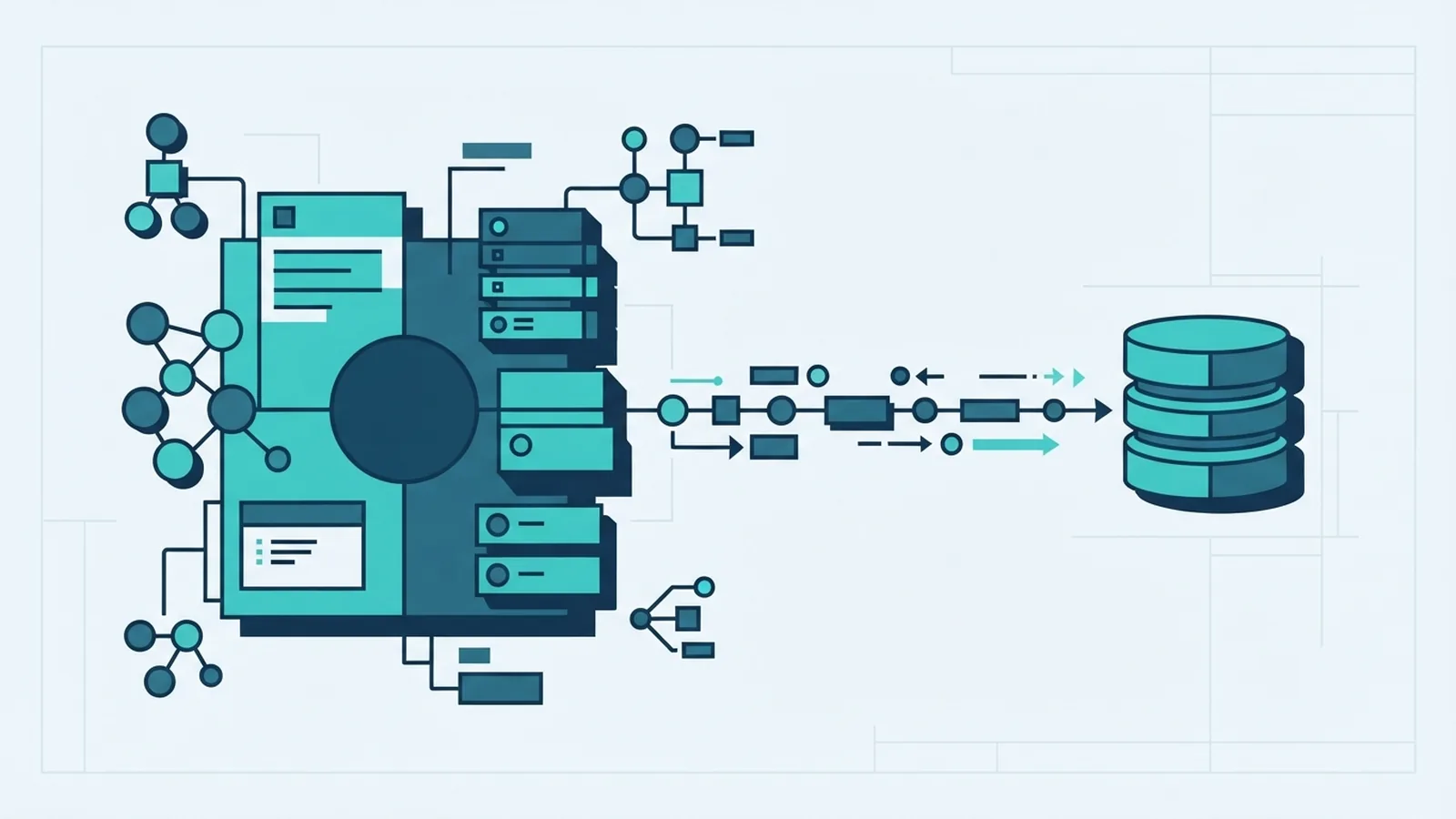
AWS Database Migration Service (AWS DMS) moves data between databases with little downtime. Your source can stay available while DMS loads data into a target, then copies ongoing changes. This helps teams move workloads without stopping normal business use.
The service supports homogeneous migrations between matching database engines, such as Oracle to Oracle. It also supports heterogeneous moves between different engines, such as SQL Server to Amazon Aurora. Common targets include Amazon RDS, Amazon Redshift, and Amazon DynamoDB.
DMS can handle a full data load, ongoing replication, or both. Ongoing replication uses change data capture (CDC) to copy changes made after the first load. For an overview of supported engines and workflows, see the AWS DMS user guide.
Features that shape a migration
DMS uses source and target endpoints to connect to each database. A replication instance or serverless replication resource moves the data between them. You can set up one task for a full load, or combine the initial load with ongoing changes.
Table mappings let you choose which schemas and tables to include. They can also apply selection rules and basic transformations, such as renaming a schema or table. Plan these rules before the move, since they affect the data that reaches the target.
Data validation checks whether rows in the source match rows in the target. It can find missing or changed values during a task, but it does not replace application testing or a review of key business totals. Treat validation as one part of your sign-off plan.
For a different database engine, DMS moves data but may not convert every schema object. AWS Schema Conversion Tool can help assess and convert some database code. Stored procedures, views, triggers, and complex functions may need manual changes or another conversion path.
- Use a full load to copy existing data.
- Use CDC to keep the target up to date as the source changes.
- Use table mappings to select and shape the data in scope.
- Use validation to check row-level results during migration.
Where teams use AWS DMS
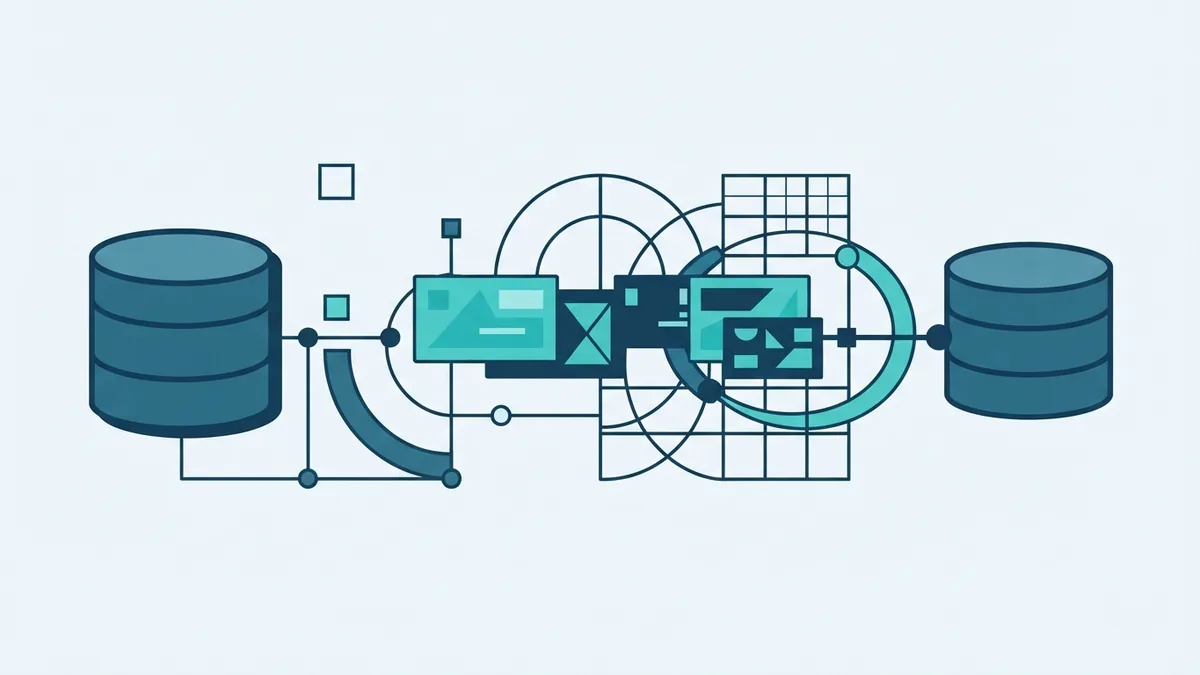
A common use is moving an on-site database to a cloud database while keeping the source live. For example, a team can copy SQL Server data to Amazon RDS, test the new application, then switch traffic after it checks out. A staged cutover can reduce the length of the final service pause.
DMS also supports database consolidation and ongoing replication. A business might copy data from several systems into Amazon Redshift for reporting. Another team might send selected records to DynamoDB for an application that needs fast key-based access.
Some moves are same-engine migrations, while others change the database engine or target type. Check that your exact source and target are supported before planning the task. Also test data types, large objects, character sets, and engine-specific features with a sample of real data.
DMS does not make every application change for you. A move from one engine to another may need new queries, schema changes, or updated connection settings. Keep the source active until the target passes technical checks and business acceptance tests.
How AWS DMS pricing works
AWS DMS pricing depends on the resources used and the time they run. Costs can include replication capacity, storage, data transfer, and related AWS services. The bill varies by region, chosen resource type, task duration, and the amount of data moved.
Standard replication instances provide set compute capacity for a task. AWS DMS Serverless adjusts capacity based on migration demand, which can suit workloads with changing needs. Serverless does not mean every migration is free while idle. Check current rates and billing terms for your region.
To estimate AWS DMS cost, list each task, estimate its run time, and size the resources for both the load and CDC phases. Include test runs and any time needed to keep replication active before cutover. Then check the AWS DMS pricing page for current rates and billing details.
Keep the estimate grounded in a test. A short trial can reveal whether the source can provide changes fast enough, whether the network is a bottleneck, and how much capacity the task needs. Stop unused test resources and review related storage and transfer charges.
| Cost driver | What to check |
|---|---|
| Replication resource | Instance size or serverless capacity and run time |
| Task duration | Full load, CDC period, testing, and cutover delay |
| Data movement | Data volume, network path, and any transfer charges |
| Other services | Target database, storage, and monitoring costs |
Plan endpoints, tasks, and cutover
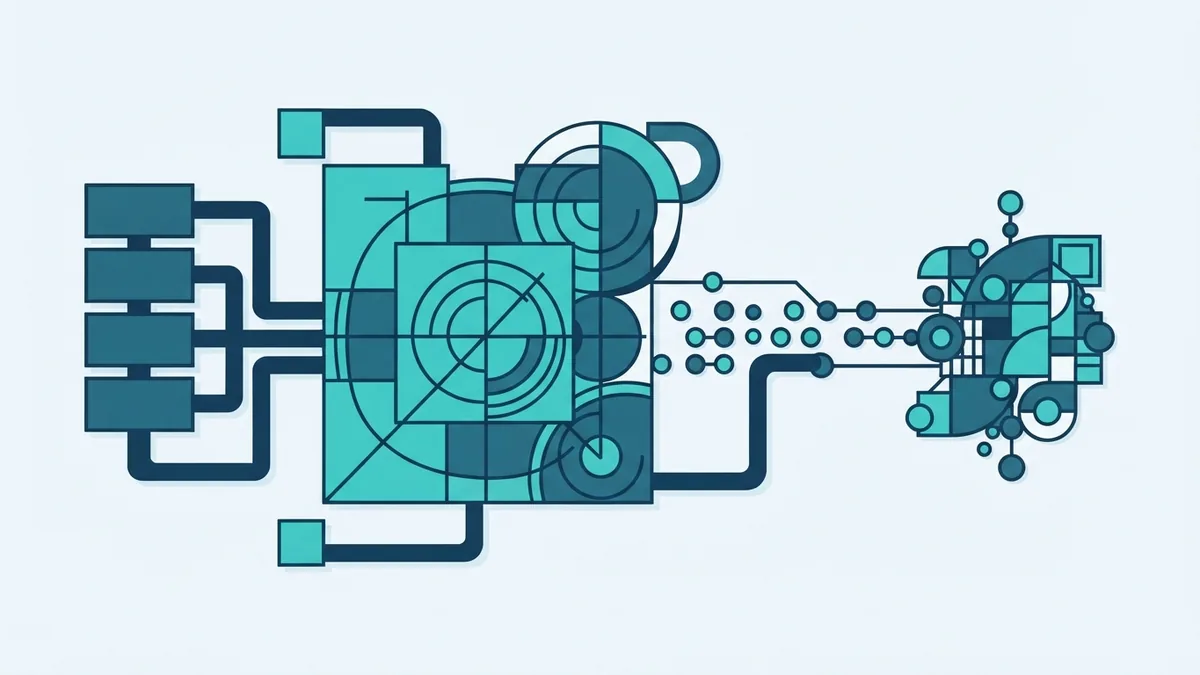
Start by confirming that the source and target engines are supported. Check network access, database permissions, and available storage. Then create a source endpoint and a target endpoint, and test both connections before you build a task.
Choose the replication resource that fits the task, then define table mappings and the migration mode. For a live system, a full load followed by CDC is a common pattern. Set task options for logging and validation where needed, and run a small test before moving the full dataset.
Watch task status, throughput, errors, and CDC lag during the run. Compare key row counts and business totals, and investigate any validation failures. Before cutover, pause writes or use a controlled change window so the target can catch up.
- Check supported engines, data types, network paths, and permissions.
- Create and test source and target endpoints.
- Set table mappings, task mode, and validation options.
- Run a test, review results, and adjust resource capacity.
- Load production data, track changes, verify results, then switch traffic.
Limits to account for
DMS is a data movement service, not a universal schema conversion tool. Heterogeneous moves can leave code objects or engine-specific behavior for your team to fix. Identify those gaps early through schema review and application tests.
Data types can behave differently across engines. Large objects, precision, time zones, and character encoding deserve close checks. Run sample loads that include edge cases, not only simple rows.
Migration speed depends on source load, network capacity, target limits, and task settings. A full load can affect a busy source, while CDC can fall behind if changes arrive faster than DMS can apply them. Plan a rollback path and keep the original database intact until the new system is proven.
Good practices for a safer move
Use a written migration plan with clear owners, checks, and a cutover window. Test with production-like data and confirm application behavior on the target. Record how to stop the task and return traffic to the source if checks fail.
Right-size resources based on test results rather than guesswork. Keep table mappings narrow, enable validation for important data, and watch replication lag throughout the run. After the move, compare key totals and monitor the target before retiring the source.
AWS DMS can make database moves less disruptive by combining an initial copy with ongoing replication. Its value depends on careful endpoint setup, realistic cost estimates, and a plan for schema changes. Treat validation and cutover testing as core parts of the migration, not final polish.