
Plan AWS Server Migration Without Disrupting Business
What AWS Application Migration Service Does
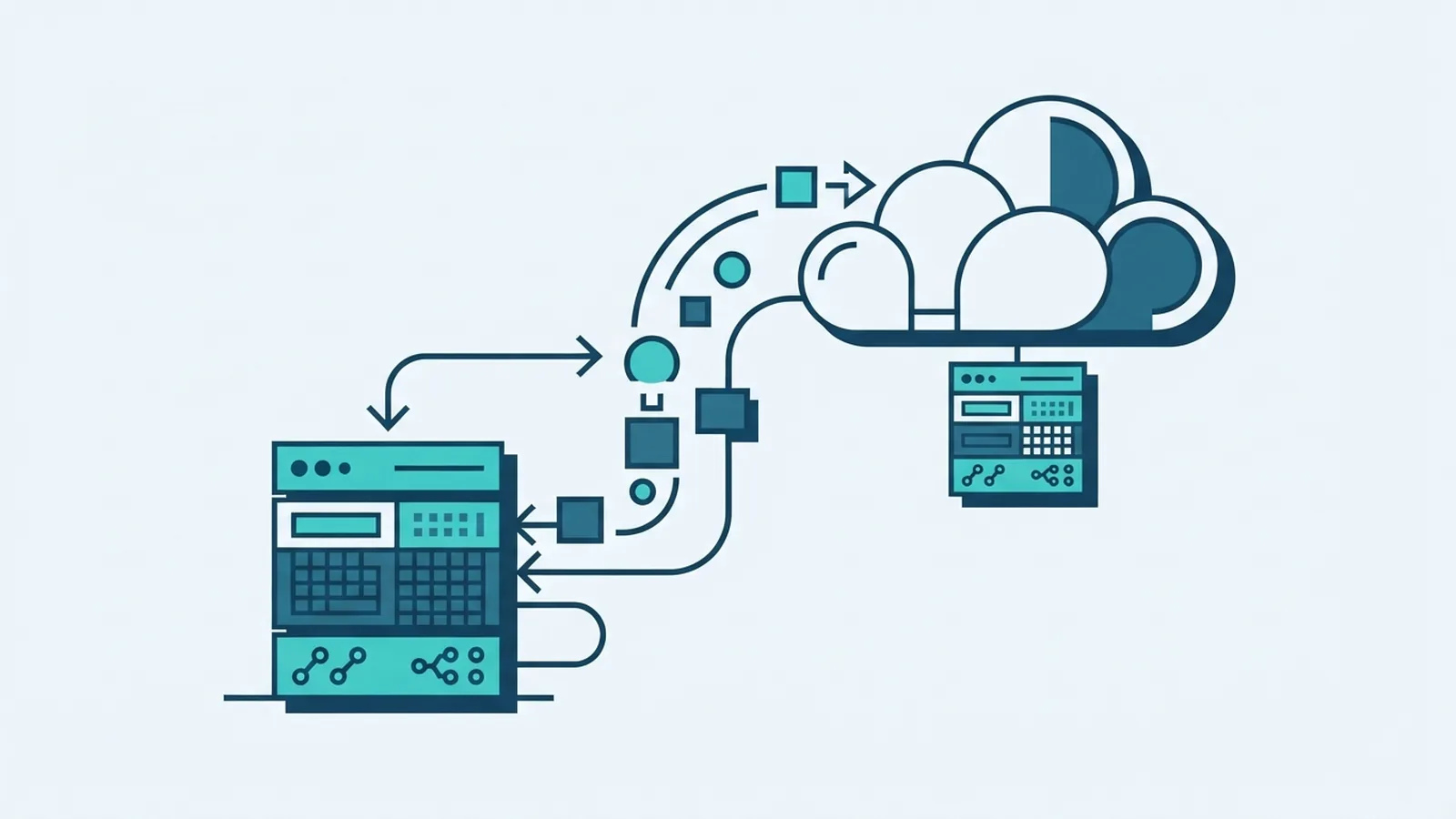
AWS Application Migration Service, often called AWS MGN, moves server workloads to Amazon EC2. It copies server disks to AWS, then lets teams launch cloud instances for testing and cutover. This is a lift-and-shift move. You move the workload first, then decide whether to modernize it.
The service supports many physical servers, VMware machines, Hyper-V machines, and some cloud-hosted servers. Support depends on your setup and current service limits. Check the AWS Application Migration Service documentation before setting your plan.
AWS MGN copies whole servers, including their operating systems and apps. AWS Database Migration Service, or DMS, moves database data and can keep supported databases in sync. Use a separate plan for an AWS DB migration that needs database-level tools.
This aws app migration service is one part of a wider AWS migration. It does not map every app link or prove that the new setup works. Teams must check network paths, access, data, and speed before users switch over.
Key Features and Migration Methods
AWS MGN sends changed disk data to a staging area in your AWS account. Replication can run while the source server stays online. When a server is ready, launch a test copy or a cutover instance in EC2.
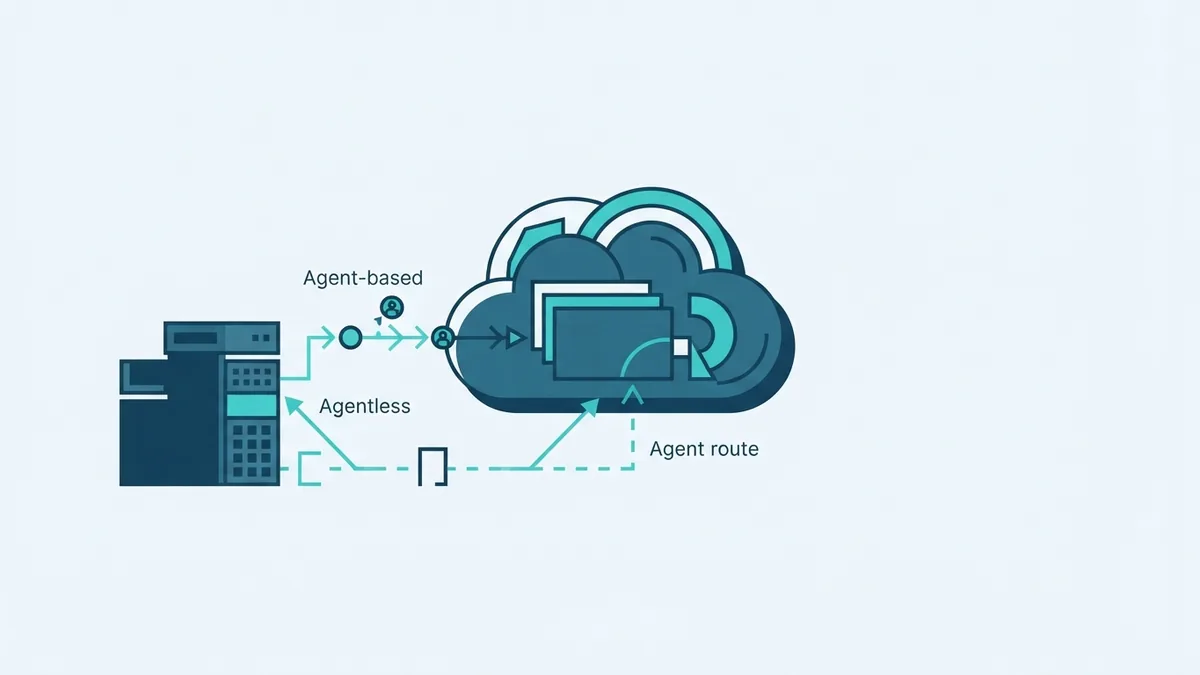
With the agent-based method, you install software on each source server. The agent reads disk data and sends changes for replication. This can suit physical servers, virtual machines, and supported cloud servers.
An agentless option may be available for some VMware setups through vCenter. It can reduce the need to install software on each virtual machine. It still has setup steps and limits. Check support for your VMware version and workload first.
- Agent-based: Install and manage an agent on each supported server.
- Agentless: Use supported VMware integration for eligible virtual machines.
- Test launch: Start a copy in AWS while the source stays live.
- Cutover launch: Start the AWS instance when the team is ready to switch traffic.
Neither method removes the need to test app behavior, network paths, access rules, and speed. For a VMware to AWS migration, test source versions and key service links before each wave.
Benefits of AWS Migration Planning
A shared tool gives teams one process for many server types. That can cut setup work across cloud migration projects and make progress easier to track. It also helps teams spot repeat issues between waves.
Ongoing data replication can shorten the final switch window. Teams can prepare the AWS setup while the source stays online. Then they can move workloads in waves that fit business needs.
An on prem to AWS migration does not need an immediate app redesign. Move and steady the workload first. Then weigh application modernization, managed services, or a new design as separate work.
AWS groups common migration paths into the 7Rs: rehost, relocate, replatform, repurchase, refactor, retain, and retire. Teams also call these the AWS 7Rs. Pick a path for each app, rather than forcing every workload into one plan.
AWS Migration Evaluator can help estimate costs from current usage data. Treat its results as planning input, not a final bill. For migration competency, AWS teams and outside firms should show relevant skills, named leads, and tested plans.
Steps for Successful Application Migration
Start with discovery, not replication. List each server, its owner, operating system, app links, data needs, and work hours. Note fixed IPs, local devices, strict timing, and links to other servers.
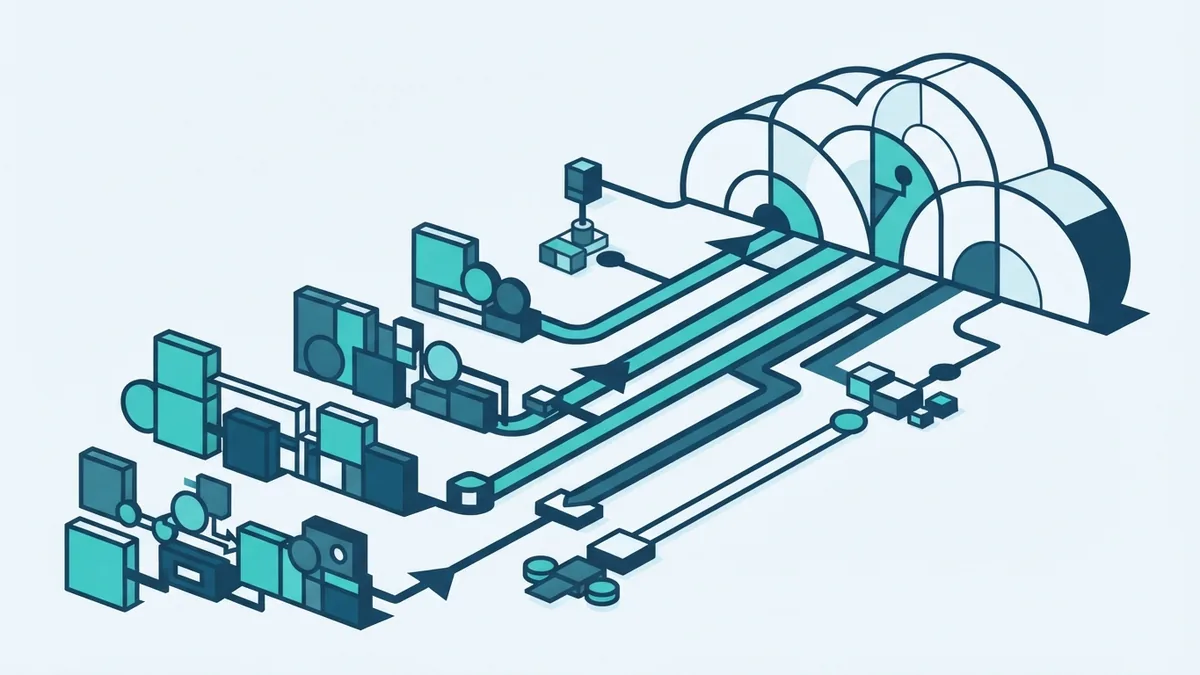
Group linked systems into waves. Move a small, low-risk group first, then use the results to improve later waves. Keep tightly linked systems together, or test their links before splitting launch dates.
- Assess: Check server support, app links, data size, and business impact.
- Prepare: Set AWS access, routes, security rules, and target instance plans.
- Replicate: Install agents or set up a supported agentless path. Check replication health.
- Test: Launch test instances. Check app tasks, data, access, and speed.
- Cut over: Set a change window. Pause writes if needed, then switch traffic.
- Verify: Check user access and key tasks. Keep a rollback plan ready.
Testing should include real user tasks, not just a server boot check. Confirm data matches, app links work, and response times meet agreed goals. Test backup and restore steps before the change window.
Keep the source system intact until the new setup passes its checks. Set a clear rollback trigger, such as failed sign-in or missing data. This helps teams act fast without guesswork.
Monitor and Tune the New Cloud Setup
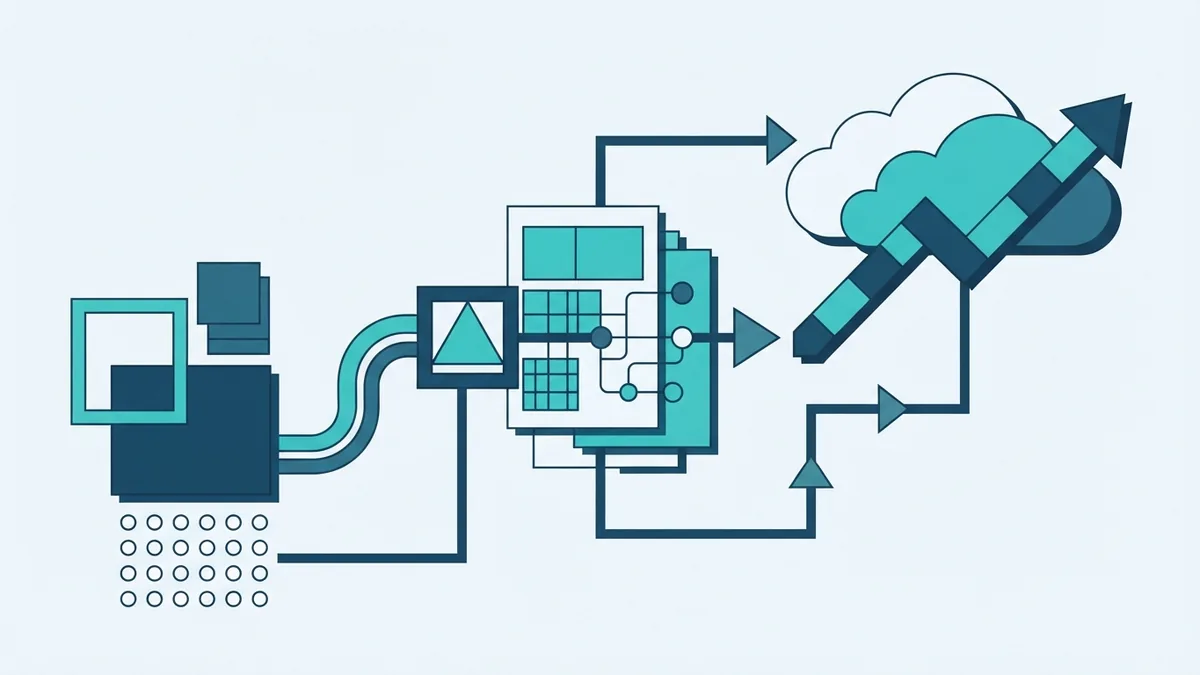
Watch replication lag, disk use, and server health during each wave. A growing lag can point to network limits or a busy source disk. Fix the cause before scheduling the final switch.
After cutover, check logs, app response, and key business tasks. Ask users to confirm their main workflows. Keep the first support window staffed by people who know both the old and new systems.
Once the cloud environment is stable, tune instance size and storage use. A lift-and-shift server may not need its old hardware capacity. Change one factor at a time, then check speed and cost.
For wider cloud migration solutions, use AWS tools where they fit, but keep each app's needs in view. A server move, database move, and app rebuild call for different plans.
Cost Considerations and Common Challenges
Migration costs include AWS use during testing, data transfer, staff time, and any added tools. A long test period can raise charges if instances stay on. Set owners and shutdown times for test resources.
AWS migration services can help teams move different workloads through a shared process. That can reduce repeated setup work, but it does not make every project cheap. Track both migration costs and the cost of running the new setup.
Common issues include blocked network ports, unsupported operating systems, unclear app links, and slow data transfer. Find these early through discovery and a small test wave. Keep a list of each issue, its owner, and the fix.
Costs can also rise when teams copy unused servers or over-size target instances. Review asset lists with app owners before launch. After cutover, remove test resources and revisit capacity once traffic settles.
AWS migration funding or credits may be available for some projects, but eligibility and terms can change. Ask AWS or a qualified migration company for current details. Do not count credits as savings until approval is confirmed.
Some workloads need a different path. An AWS DB migration may suit DMS, while a server move may suit MGN. For Azure to AWS migration or other cloud moves, map service differences and test each app link before cutover.
Use the AWS migration strategy guidance to compare paths and plan each workload. A sound plan keeps service needs, risk, and cost in view.