
Plan Your Cloud Migration — From Strategy to Steady-State
What cloud migration means
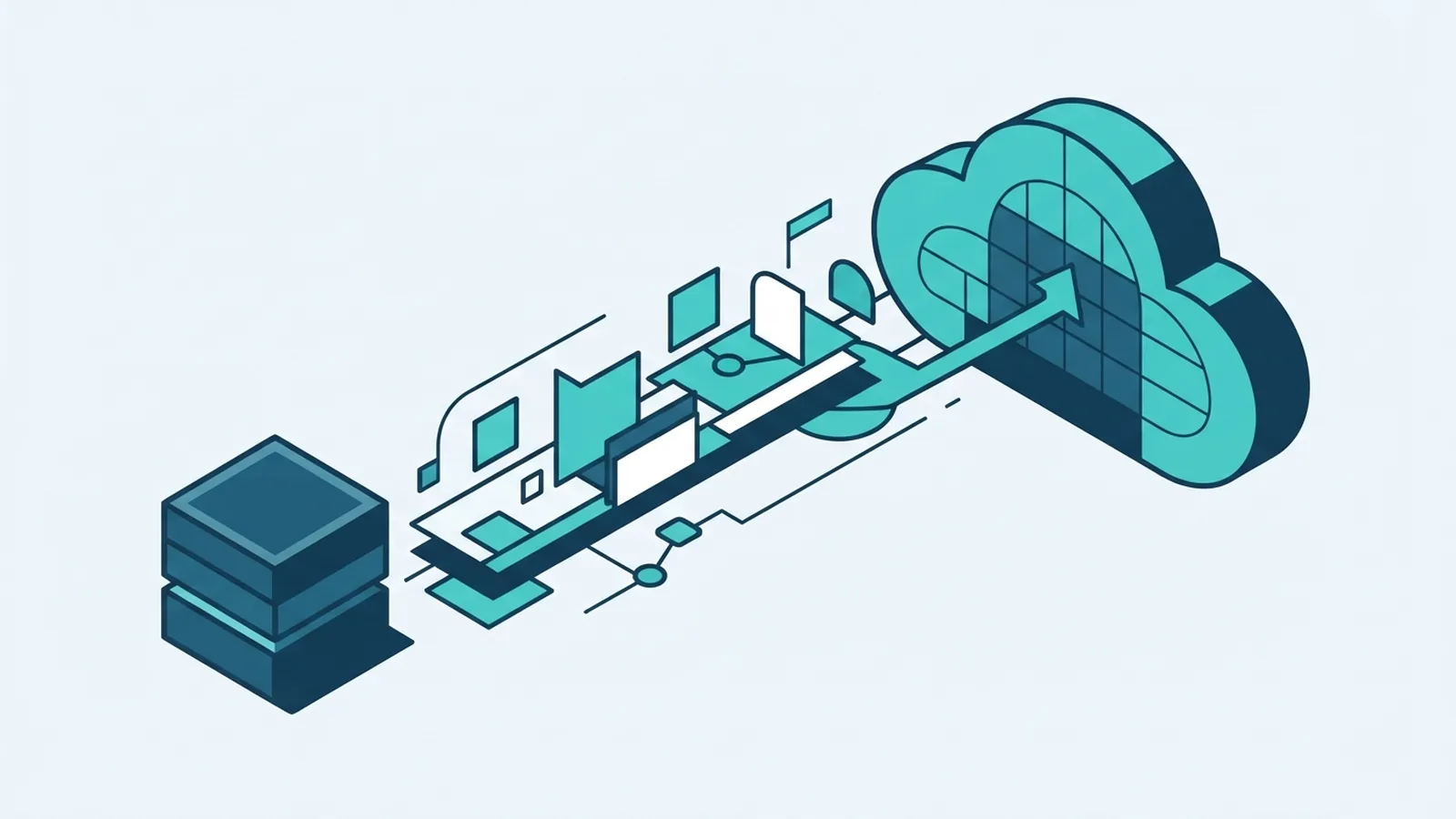
Cloud migration moves data, applications, and workloads from on-site or legacy systems to a cloud provider. It can also mean moving services between cloud providers. A data cloud migration may involve files, databases, records, or data tools. The work goes beyond copying files.
Start by mapping the systems that support each service. Note where data sits, who uses it, and which apps rely on it. This view helps your team plan a safe move and spot links that could cause downtime. It also shows which workloads may not need to move.
Choose a cloud model for each workload. A public cloud uses shared provider services. A private cloud is set aside for one organization. A hybrid cloud migration links cloud services with systems that stay on site. Your needs may call for more than one model.
Cloud service models also shape what your team must run. IaaS offers rented computing tools. PaaS adds a managed base for building apps. SaaS gives users ready-to-use software. On premises cloud migration can happen in stages, so not every system needs to move at once.
Cloud migration is a business change, not just a server move. It can affect access, support, backup, and daily work. Agree on goals before you set a move date. Clear goals keep the plan tied to real needs.
Benefits and the cost of cloud migration
Cloud services can cut the need to buy and run hardware. A small firm may avoid paying for peak capacity all year. Cloud migration for small business still needs a clear goal and budget. Savings are not automatic.
Cloud tools can scale as demand shifts. An online shop might add capacity during a busy week, then scale back. Teams can also test new services without waiting for hardware. That can help them ship changes sooner.
Security tools for access control, threat checks, and data recovery can help protect workloads. Yet cloud migration security depends on good setup and clear ownership. Your team still needs to set access rules, protect data, and check app settings. The provider does not take on every risk.
To estimate the cost of cloud migration, first set a baseline for current bills, uptime, and support work. Add data transfer, staff time, new tools, training, and backup costs. Include the cost of running old and new systems at the same time. Check bills after each move. Idle services and frequent data transfers can erode savings.
Cloud migration and management services can help with planning and day-to-day care. A cloud migration platform may track workloads or automate parts of a move. Ask cloud migration companies how they will handle your systems, data, and risks. Compare their scope, skills, and handover plan.
Measure cloud migration ROI (return on investment) against goals you set before the move. Look at service uptime, staff effort, speed of change, and total spend. A lower server bill alone may not show the full value. Keep the measures simple and review them often.
Choose a migration strategy for each workload
The 7Rs of cloud migration describe common paths for each workload. They are choices, not fixed steps. One team may rehost an app now, then refactor it later. Another may retain a service on site until its needs change.
- Rehost: Move an app with few code changes. It is quick, but old limits may remain.
- Replatform: Make small changes, such as switching to a managed database.
- Refactor: Change the app design to make better use of cloud features.
- Repurchase: Replace an old app with a new product, often a SaaS service.
- Retire: Shut down apps or services that no longer serve a real need.
- Retain: Keep a workload where it is for now. Cost, risk, or technical limits may make a move unwise.
- Relocate: Move a group of virtual servers with few changes to another cloud setting.
Pick a strategy for each workload, not for the whole business at once. Rehosting may suit a stable app with a short deadline. Refactoring may suit a key service that needs to scale or link with newer tools. Your cloud migration strategy should weigh risk, cost, and future needs.
Legacy to cloud migration often needs more than copying old servers. Check which apps still matter and what each one relies on. Some may need a new design. Others may be safer to replace, retire, or retain.
Cloud to cloud migration needs its own checks. Review how data moves between providers, how users keep access, and whether key features still work. Test any automated cloud migration tool on a small workload first. Keep a way to return to the old setup if the test fails.
Some firms use an agile cloud migration plan. They move small groups of workloads, learn from each move, and adjust the next one. This can limit risk, but only if teams keep clear records and avoid rushed cutovers.
For a useful view of common workload paths, see AWS migration strategies. Treat each path as a decision aid. The best choice depends on the app and its role.
Manage security, rules, and technical risks
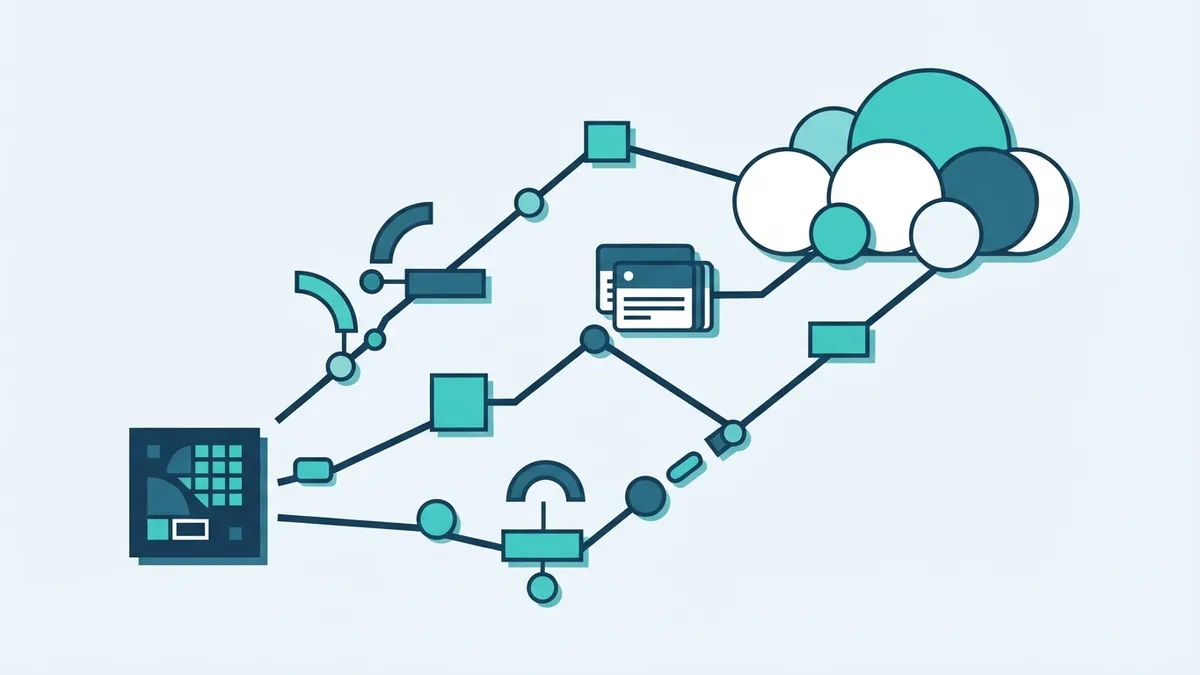
Security, rules, and technical links are common hurdles. Teams may not know where sensitive records sit or which apps can reach them. Rules can vary by data type, customer, and country. Map data flows and set access rules before moving records.
Large data stores may need a staged copy. Busy apps may need a short cutover window. Test data quality and user access after each copy. Keep the old source until the new system works.
App links can turn a small move into a wider task. One app may rely on a local database, fixed network address, or older sign-in tool. Map these links before choosing a move order. Test the full service, not just the app itself.
Teams may also lack cloud skills or clear ownership. Set roles for access, cost checks, backup, and incident response. Bring in outside help when your team lacks the time or skills. Keep one owner accountable for each workload.
For healthcare or government data, check the rules that apply before moving records. Do not assume a provider setting meets every need. Ask your legal and security teams to review data location, access, and backup plans. Write down the controls you will test.
Plan and carry out the move
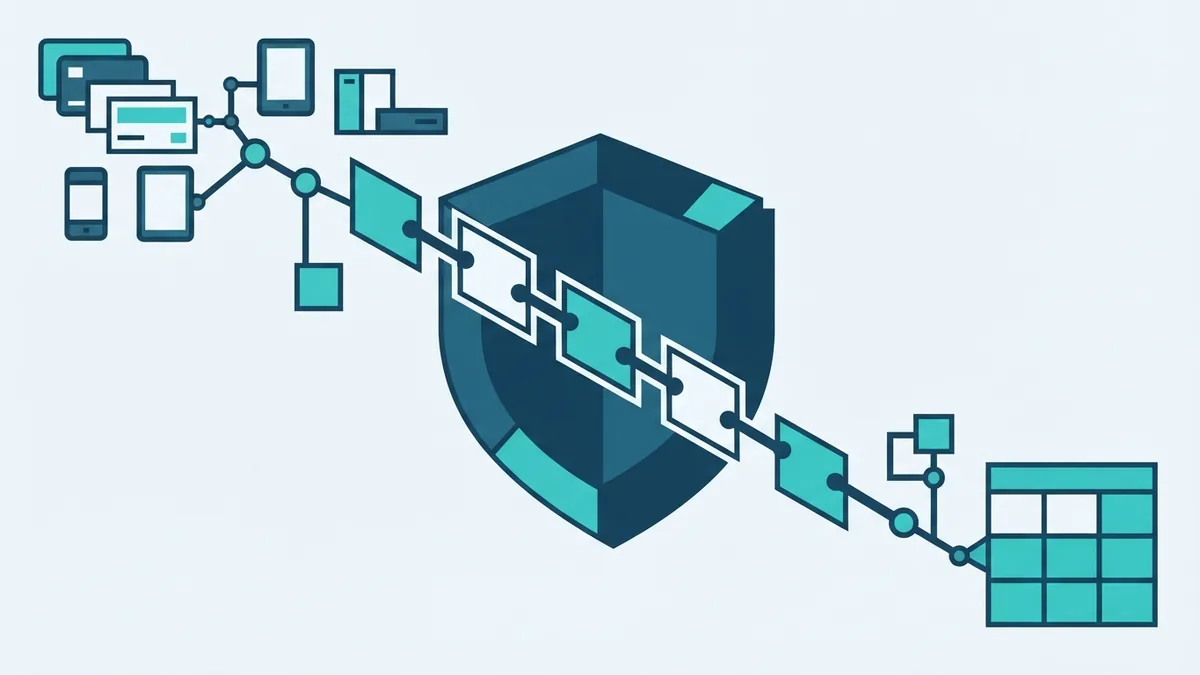
Build an inventory of apps, data stores, owners, and links. Mark each workload by value, risk, size, and downtime needs. This lets you group work into sensible waves. Start with a low-risk service that can prove the plan.
Set the target cloud model and a move path for each workload. Define what success means, such as a test result, cost limit, or uptime goal. Name the people who can approve the move and the people who can stop it. A clear plan cuts last-minute choices.
Run a proof of concept before a large move. Test a small workload with real access rules and data checks. Measure speed, cost, and any user impact. Use what you learn to fix the plan before the next wave.
Prepare a cutover plan with a time, owner, and fallback. Tell users what may change and when. Copy data, test key tasks, then switch traffic only when checks pass. Keep the old service ready until the new one is stable.
Cloud migration implementation works best when teams keep a live record of decisions, issues, and test results. Review that record at each wave. Fix repeat problems at their source instead of patching them again. This makes later moves safer and faster.
Optimize and manage cloud services after the move
A move is not done when the new service starts. Watch speed, uptime, errors, and user reports. Compare results with the baseline you set before the move. This shows whether the service meets its goal.
Cloud migration optimization can include turning off idle tools, changing service sizes, and reducing needless data transfer. Check bills on a set schedule. Ask owners to explain large changes in spend. Small checks can prevent waste from building up.
Set up backups and test recovery. A backup that has never been restored is not a proven plan. Pick a recovery goal for each service, then test it with the people who will act during an outage. Store copies away from the main workload where risk calls for it.
Keep access rules and system records up to date. Remove old accounts and review who can change key settings. Track changes to apps and data links. Good cloud management keeps the new setup safe as the business changes.
Finally, review each workload against its original goal. Keep, tune, or move it again if costs or needs shift. Cloud migration is an ongoing choice, not a one-time project. Regular checks help the cloud setup stay useful.