
SaaS Platforms — How They Work and Why They Matter
What is a SaaS platform?
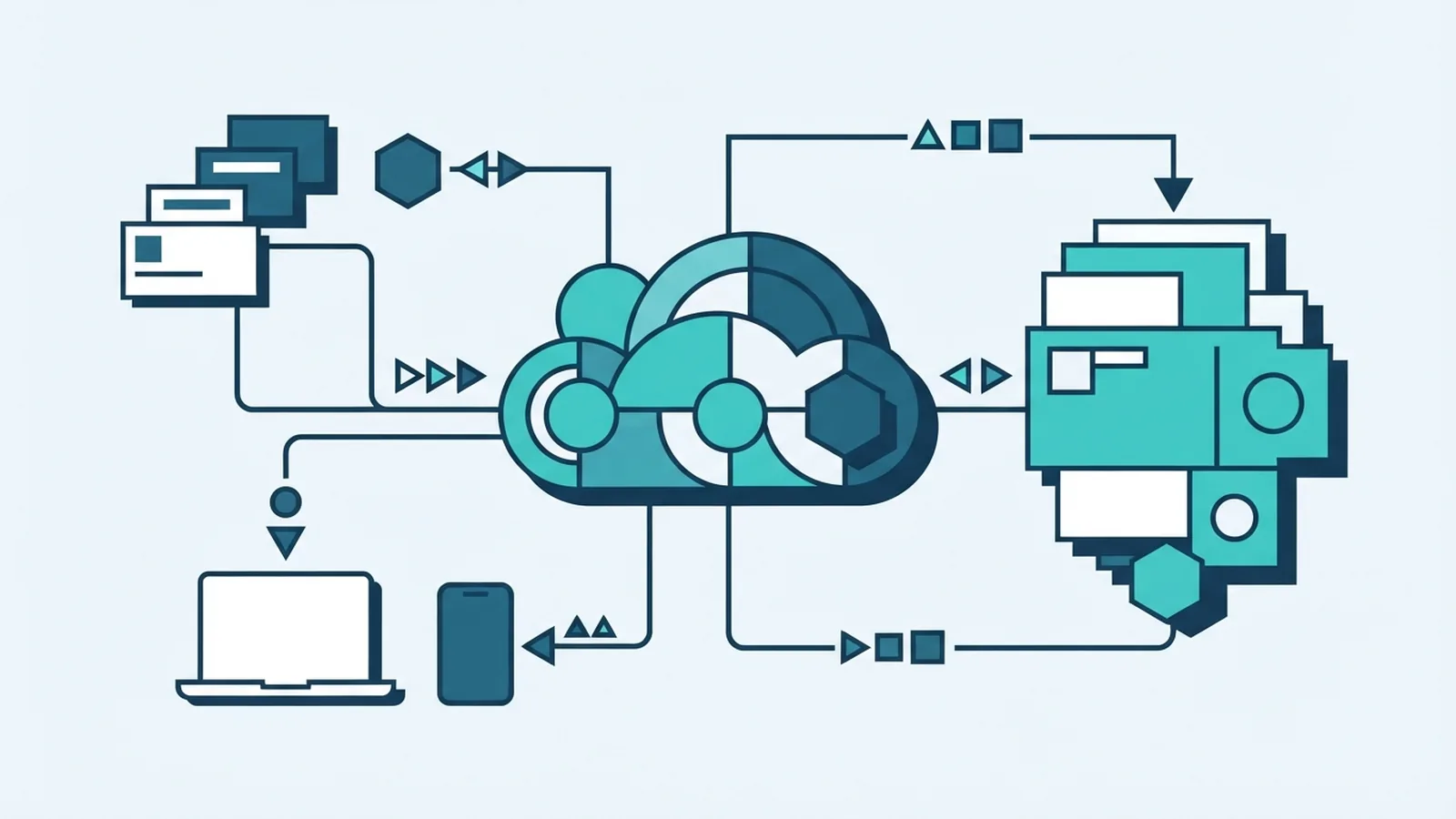
A SaaS platform is software that a provider hosts online and delivers through the internet. SaaS stands for Software as a Service. Instead of installing the main program on your computer, you open it in a web browser and sign in.
Most SaaS products use a subscription model. Customers pay monthly or yearly, often based on the number of users or features they need. The provider runs the software, manages its servers, and ships updates. This can make setup much simpler than buying and maintaining software on your own machines.
SaaS is one way to use cloud computing, where computing tools and data sit on remote servers. The National Institute of Standards and Technology defines SaaS as a cloud service model. Its definition of cloud computing is a useful source for the wider model.
People searching “what is an SaaS platform” usually mean the same thing. The wording may vary, but the core idea stays the same: use hosted software as a service, rather than run a full copy yourself.
Key features of SaaS platforms
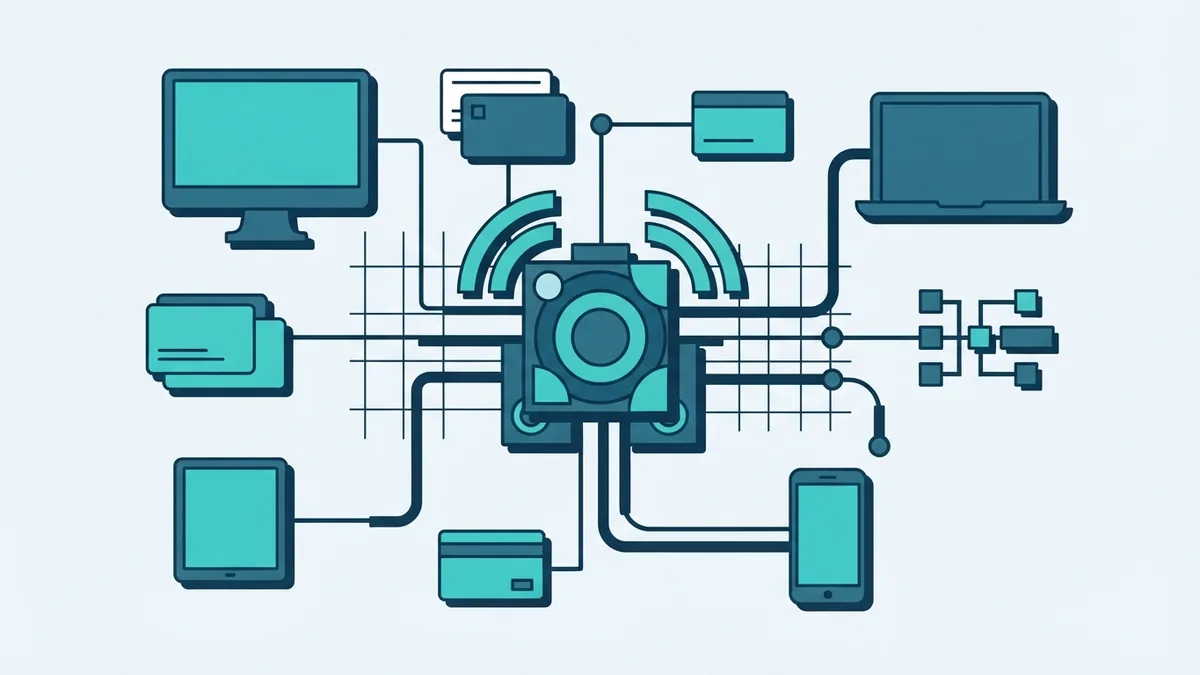
A SaaS service runs on the provider’s systems and is reached over the internet. Many products work on laptops, phones, and tablets. A browser is often enough, though some providers also offer desktop or mobile apps.
Updates usually reach users automatically. The provider can fix bugs or add features without asking each customer to install a new version. This cuts down on manual work, but it also means customers have less control over update timing.
Many SaaS tools support several users at once. Teams can share files, manage work, or join calls from different places. Access rules let an account owner decide who can view or change data.
- Online access: Sign in from a supported device with an internet connection.
- Hosted service: The provider runs the core software and server tools.
- Automatic updates: New fixes and features arrive through the service.
- Shared use: Several users can work within one account or workspace.
- Subscription fees: Plans often renew monthly or yearly.
Internet access matters. Some tools offer limited offline features, but many need a live connection to sync work and use their full set of features.
Why businesses choose SaaS
SaaS can lower the cost and effort of running software. A business may avoid buying servers, setting up each computer, and paying staff to manage local installs. It still needs to check subscription fees, support costs, and any charges for extra storage or users.
It can also help a company grow. A small team might begin with a few accounts, then add more as it hires. That is often easier than buying new servers and planning a large software rollout. The exact process depends on the provider’s plan and account limits.
Shared online tools can help teams work together. Staff can view the same records, files, or project updates without sending copies back and forth. SaaS products may also link with other services, such as payment tools or customer databases.
There are trade-offs. A provider outage can block access, and a weak internet link can slow work. Businesses should check data security, account controls, backups, and how they can export their data before they sign up.
- Compare the monthly or annual fee with current software and upkeep costs.
- Check how the service handles user access, data backups, and account recovery.
- Test links to tools your team already uses.
- Confirm how to export data if you later change providers.
Popular examples of SaaS applications
Many common work tools use the SaaS model. Google Workspace offers online email, documents, storage, and team tools. Microsoft 365 includes hosted versions of familiar office apps, along with storage and collaboration features.
Salesforce provides customer relationship management software. Businesses use it to track sales leads, customer records, and service work. Zoom offers video meetings and related tools that people can join through a browser or an app.
These products differ in purpose, but they share a delivery model. The provider hosts the service, manages updates, and gives customers access through an account. Some features may still need a local app, so check the product details before choosing a plan.
When comparing services, focus on the work you need to do. Check user limits, storage, support, data controls, and links with tools you already use. A well-known name alone does not show whether a product fits your team.
SaaS and traditional software compared
Traditional software is often installed and run on a local computer or a company’s own servers. The buyer may pay once or buy a license, then handle updates and upkeep. Some traditional products now use subscriptions, so payment type alone does not define the difference.
With SaaS, the provider runs the core service and users sign in online. This can speed up setup and reduce local maintenance. It also puts more reliance on the provider’s service, internet access, and rules for storing data.
| Area | SaaS | Traditional software |
|---|---|---|
| Where it runs | Provider’s online systems | Local computers or company servers |
| Setup | Usually starts with an account | Often needs installation and setup |
| Updates | Provider usually handles them | Customer may install and manage them |
| Growth | Often add users through a plan | May need more licenses or hardware |
| Access | Often available across devices online | May depend on where it is installed |
Neither model suits every case. SaaS can work well when teams need easy access and regular updates. Local software may fit work that needs offline use or tight control over its operating setup.
Where SaaS is heading
SaaS keeps changing as firms link more tools and move more work online. A business may connect billing, customer records, and support tools to cut repeated data entry. These links can save time, but they need careful setup and access checks.
More services also use automation to handle routine tasks. That can help teams move faster, though staff still need to review key choices and protect private data. Buyers should ask what data a feature uses and how the provider stores it.
The main test remains practical: does the service fit the work, budget, and risk needs of the team? Review its price as usage grows, test its key features, and plan how to leave if needs change. SaaS makes software easier to reach, but a good fit still takes careful thought.