
B2B SaaS — How Businesses Use Online Software
What B2B SaaS means
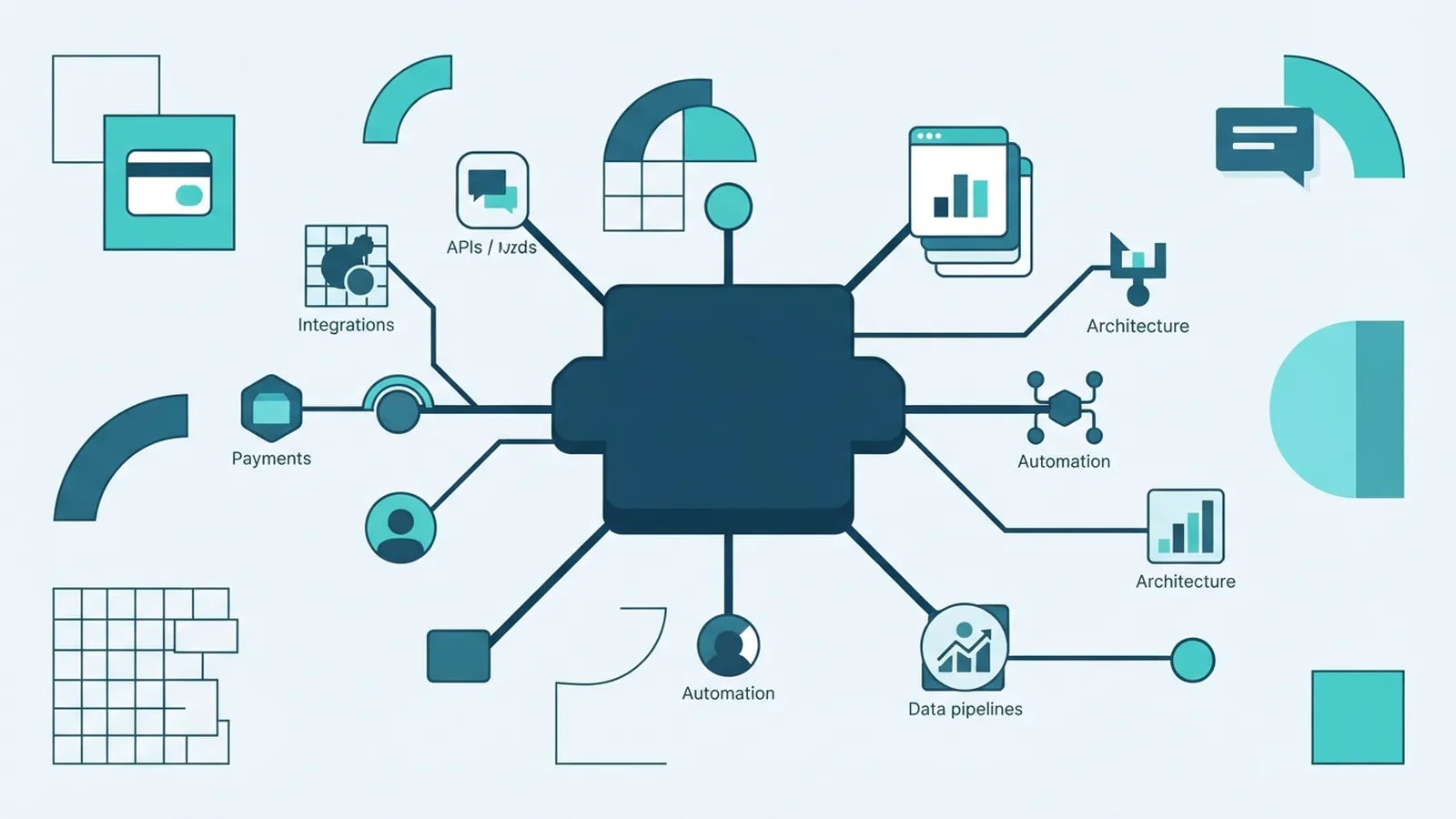
B2B SaaS means Business to Business Software as a Service. It is software delivered over the internet for businesses to use. Instead of buying a program and running it on their own servers, a business uses a provider’s online platform.
The provider hosts the software and manages its upkeep. Staff can sign in through a web browser or app, often from different sites and devices. This model can support daily work without a company building its own software tools.
So, what does B2B SaaS mean in practice? A firm pays to use a service that another firm builds and runs. The provider may charge each month or year, based on users, features, or use.
A B2B SaaS company sells this kind of software to other businesses. Its customers may range from small teams to large firms with many offices. The product can serve one task, such as team chat, or link several work processes.
Core features of B2B SaaS tools

Most B2B SaaS tools share a few traits. The provider runs the core service, while customers use it through an internet link. This setup shifts much of the upkeep away from the customer’s own IT team.
Scale is a key feature. A company can often add users or features as its needs change. It may also reduce its plan when demand falls, subject to the provider’s terms.
Updates and basic upkeep are usually handled by the provider. That can reduce work for internal teams, though customers still need to set access rules and train staff. A cloud-based platform can also support remote work across sites.
- Subscription pricing: Pay a set fee each month or year, or pay by user or use.
- Flexible access: Let staff use approved tools from different places and devices.
- Automatic updates: Get new features and fixes from the provider.
- Shared platform: Store work in one service, with access controls for teams.
- Integration: Link the tool with other systems to move data between tasks.
These features vary by product and plan. Check what the price includes, how data is handled, and whether key links need extra fees. A low entry price may not cover every feature a team needs.
Benefits and trade-offs for businesses
B2B SaaS can lower the cost of getting started. A firm may avoid buying servers or hiring staff to run a custom system. Subscription fees also spread costs over time, though long-term spend can exceed a one-time purchase.
Fast access is another benefit. Teams can often start with a small group, then add users as needs grow. This can make it easier to test a tool before rolling it out across the business.
There are trade-offs. The business relies on the provider to keep the service available and secure. It should check data export options, service terms, support hours, and what happens if it ends the contract.
Security needs careful review. Ask how the provider protects data, controls staff access, and handles service issues. Also check whether the tool meets the rules that apply to your industry and location.
| Business need | How SaaS can help | What to check |
|---|---|---|
| Growing teams | Add users without buying more servers | Price changes as seats grow |
| Connected workflows | Link tools and share data | Integration costs and limits |
| Reliable access | Use a hosted service across sites | Uptime terms and support |
| Data protection | Use built-in access and safety controls | Data location, export, and recovery |
Cost savings are not automatic. Compare the full cost of each option, including setup, training, support, and extra features. A good fit should solve a real work problem, not add another tool for staff to manage.
Where businesses use B2B SaaS
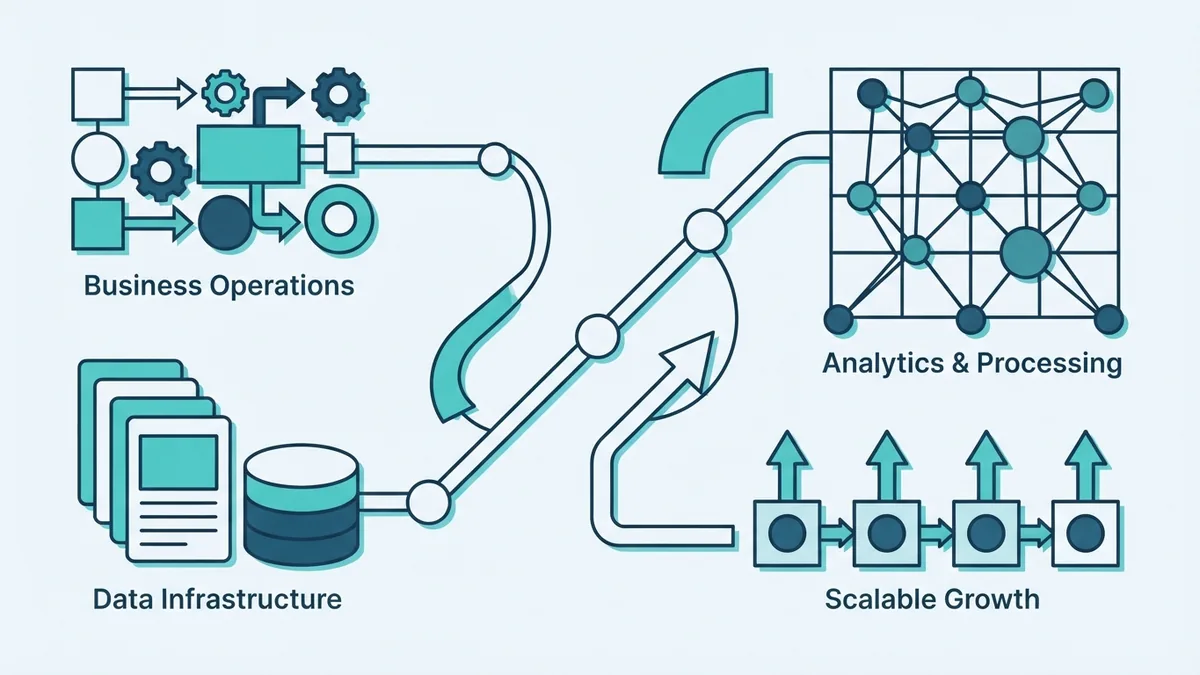
B2B SaaS serves many parts of a business. Marketing teams use it to manage campaigns, track leads, and study results. Finance teams may use online tools for billing, planning, and expense records.
Human resources teams use these platforms to manage hiring, staff records, and leave. Customer service teams use shared systems to track requests and help clients. These examples show how software can support both internal work and customer-facing tasks.
Some firms connect several tools so data can move between teams. For example, a new sales lead may flow into a customer record, then prompt a follow-up task. Good integration can cut repeated data entry, but teams should map access and ownership first.
Popular B2B SaaS companies include Salesforce, Slack, and Google Workspace. Salesforce offers tools for customer and sales work. Slack supports team messaging, while Google Workspace brings together email, shared files, and other work tools.
The best choice depends on the task, not the brand name. List the work that needs help, then test a few tools with the people who will use them. A short trial can reveal gaps in fit, speed, and ease of use.
How to market B2B SaaS
Good B2B SaaS marketing starts with a clear buyer and a clear problem. Define who feels the problem, how it affects their work, and who can approve a purchase. A sales lead, daily user, and budget owner may be different people.
Build messages around the work your product improves. Show how it saves time, cuts errors, or helps teams serve customers. Use specific examples, such as fewer handoffs or faster reports, rather than broad claims about innovation.
Useful content can answer buyer questions before a sales call. Publish clear product pages, setup advice, and comparisons that explain limits as well as benefits. Keep the path to a demo or trial simple.
Track a small set of measures. These might include qualified leads, trial-to-paid rate, customer loss, and the cost to gain a customer. Review them by channel and buyer type, then shift effort toward the sources that bring good-fit customers.
- Choose a narrow customer group and learn its buying process.
- Show the product solving a real task, not just listing features.
- Offer a useful trial or demo with a clear next step.
- Check lead quality and customer retention, not visits alone.
Marketing also needs feedback from sales and support teams. Their questions reveal where buyers get stuck and what proof they need. Use that insight to improve the product story and the buying process.
What comes next for B2B SaaS
B2B SaaS keeps changing as firms move more work online. One market forecast puts annual growth at 18% through 2032. Forecasts differ by source and scope, so treat this figure as an estimate, not a promise.
Buyers are likely to keep asking for tools that work well together. That raises the value of open integrations, clear data controls, and easy ways to move records between providers. Firms will also expect tools to fit their own work, rather than force every team into one process.
Automation and data analysis will shape many products. They can help teams spot patterns or reduce repeat tasks. Businesses should still check how a tool makes choices and whether its results can be reviewed.
Before choosing a platform, set the outcome you need and the risks you can accept. Compare the full price, test key workflows, and review security and exit terms. B2B SaaS works best when it makes a measurable task easier without creating new friction.