
SaaS — How Software Becomes a Service
What SaaS means
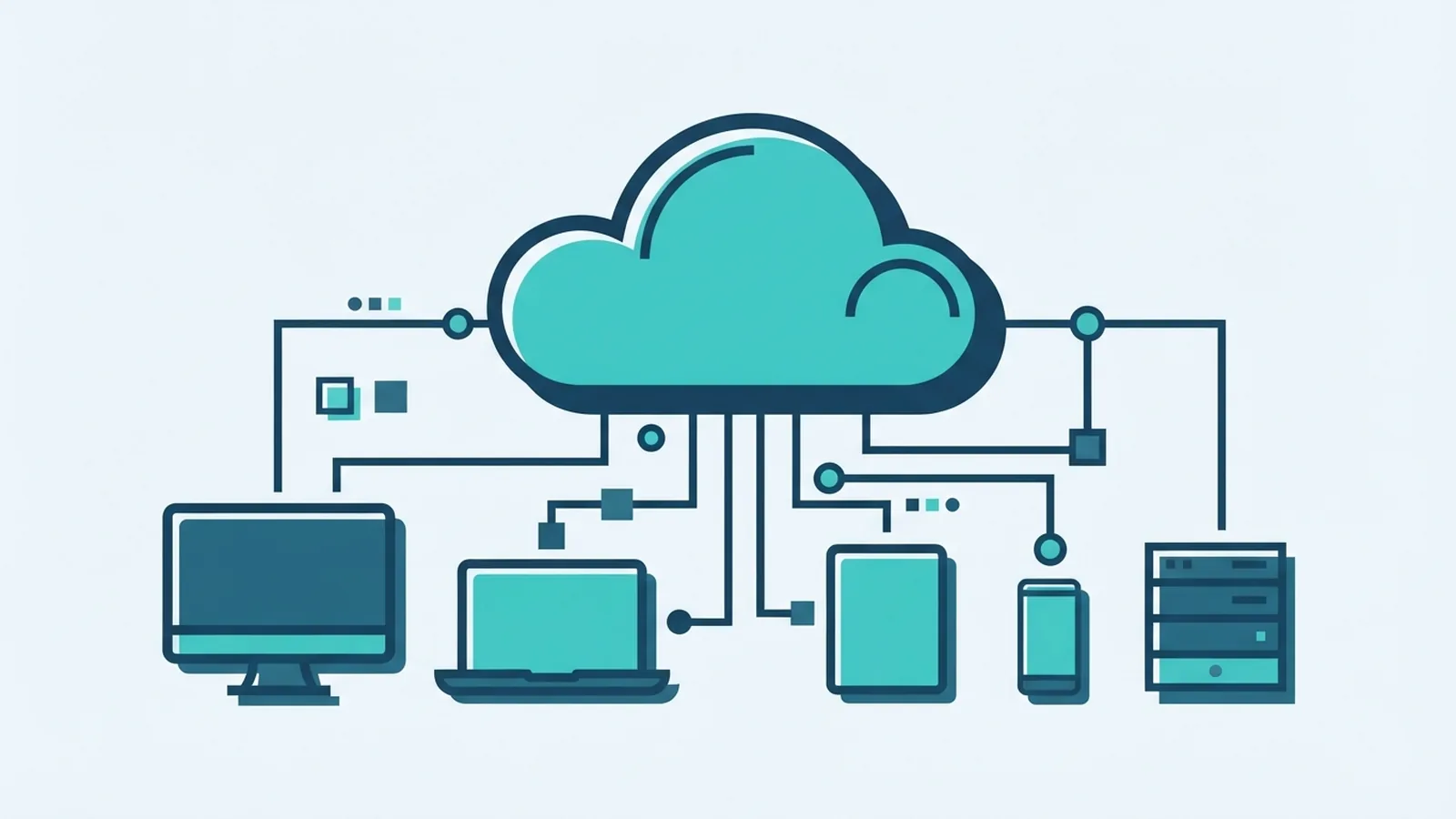
SaaS stands for Software as a Service. It is a cloud computing model that lets people use software over the internet. Instead of installing and running an app on each computer, customers access it through a browser or app. The provider runs the software and manages its core systems.
So, what does SaaS mean in business? A business pays to use software hosted by a provider, often through a monthly or yearly subscription. Staff can sign in from different devices with an internet connection. The company can add or remove users as its needs change.
SaaS describes how software is delivered, not what the software does. A customer relationship management tool, video meeting app, and cloud storage service can all use this model. The key difference is that the provider hosts and maintains the service.
How SaaS grew from earlier software models
Early business software often ran on a company's own computers or servers. Teams had to install it, keep it updated, and manage the hardware it needed. That approach gave firms direct control, but it could take time and money to maintain.
In the 1990s, hosted software let customers reach some business apps through the internet. Faster connections and larger data centres later made it easier to run complex apps online. SaaS grew from that shift and became a common way to buy business software.
Today, a provider may serve many customers from shared systems. This setup is called multi-tenant architecture. Each customer has its own account and data, while the provider runs a shared software platform.
How SaaS works behind the scenes
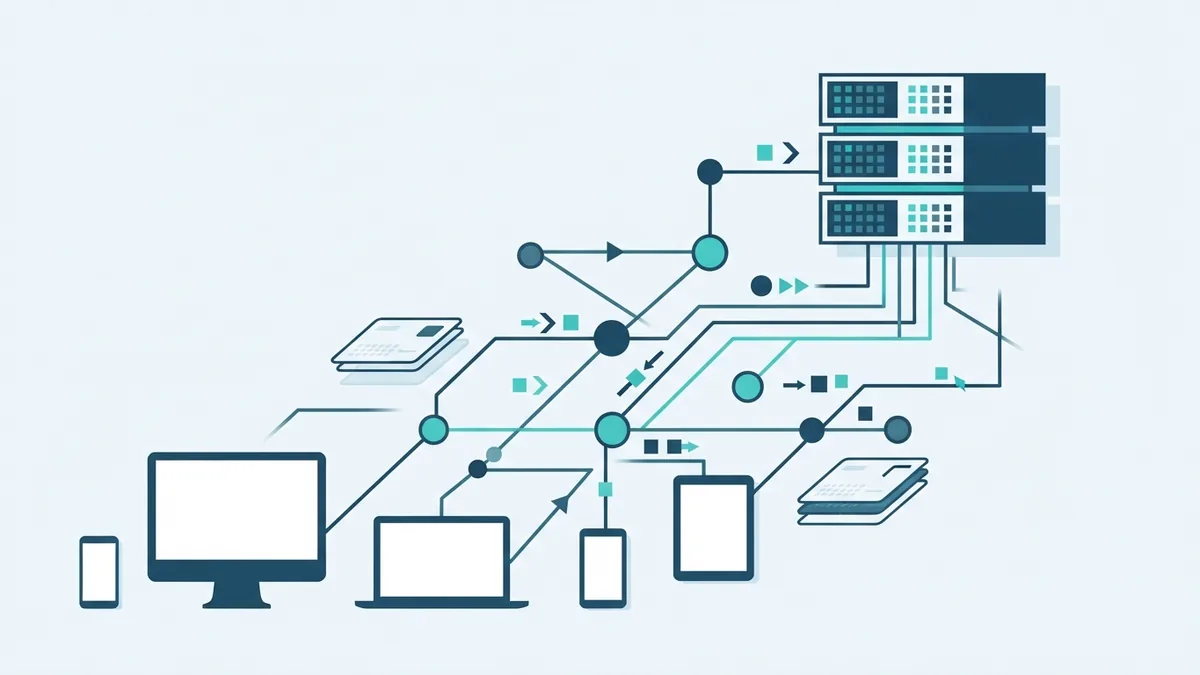
With SaaS, the provider runs the app on remote servers. A user signs in through a browser or a mobile app, then sends requests over the internet. The provider's systems process those requests and send results back to the user's device.
The provider usually handles software updates, server upkeep, and much of the day-to-day service work. Customers manage their accounts, settings, and access rights. The exact split varies, so check what the service includes before you buy.
Most SaaS plans charge a recurring fee. Some charge per user, while others price by storage, features, or use. A freemium model offers a basic plan at no cost, with paid plans for extra tools or higher limits.
- Choose a service and plan that match your needs.
- Create accounts and set user access.
- Move data into the app, if needed.
- Use the service online and review costs as use grows.
The steps can be quick for a small app, but data moves may take longer. Teams should test key tasks before they shift work into a new service.
Why businesses choose SaaS
SaaS can lower the cost of getting started. A business may avoid buying its own servers or paying a large fee for a software licence. Recurring fees still add up, but they can make costs easier to plan.
Access is another draw. Staff can use the same app from different sites and devices, subject to the provider's sign-in rules. This can help teams that work across offices or from home.
Providers often release updates for all customers. That can reduce the need for each business to install patches by hand. SaaS can also scale with demand: a firm can add users or storage as it grows.
- Less local setup and upkeep for many apps
- Updates managed by the provider
- Access from connected devices
- Plans that can grow or shrink with use
These gains depend on the service and the business. A small firm may value quick setup, while a larger firm may focus on access controls and links to other systems.
Common SaaS apps at work
SaaS covers many kinds of application software. Salesforce is a well-known example of a customer relationship management system. Teams use tools in this group to track leads, customer details, and sales work.
Zoom is a common example of a collaboration tool for video meetings. Dropbox offers cloud storage, which lets users keep and share files online. Email, payroll, accounting, project tracking, and customer support tools are also often sold as SaaS.
When comparing apps, look beyond the feature list. Check how well each tool fits your team's work and how it connects to current systems. A simple test with real tasks can reveal gaps early.
Challenges to weigh before adopting SaaS
SaaS shifts some control to the provider. If a business stores key records in one service, moving them later may be hard or costly. This is known as vendor lock-in. Before signing up, check export tools, data formats, and exit terms.
Data security also needs care. Ask how the provider protects data, who can reach it, and where it is stored. Set strong sign-in rules and give each user only the access they need.
Reliability depends on both the provider and your internet link. A service outage can block work until access returns. Review the provider's service terms, support options, and backup plans for vital tasks.
- Test how to export your data before you rely on the app.
- Check who owns backups and how long recovery may take.
- Review user access when staff join, change roles, or leave.
- Plan a fallback for work that cannot stop during an outage.
These checks do not remove every risk. They help a business understand its duties and make a sound choice.
Where SaaS may go next
SaaS providers keep adding links between apps. These links can cut repeated data entry and help teams move work between tools. But each new link also needs clear access rules and careful setup.
More providers are also adding AI features to their apps. Businesses should test whether these tools save time and check how they handle company data. A new feature is useful only when it fits the task and its risks are clear.
SaaS is likely to remain a core way to deliver business software. The best choice is not always the app with the longest feature list. Match the service to the work, costs, security needs, and exit plan.