
Understand MCP in AI — How Apps Connect to Tools
What Is the Model Context Protocol?
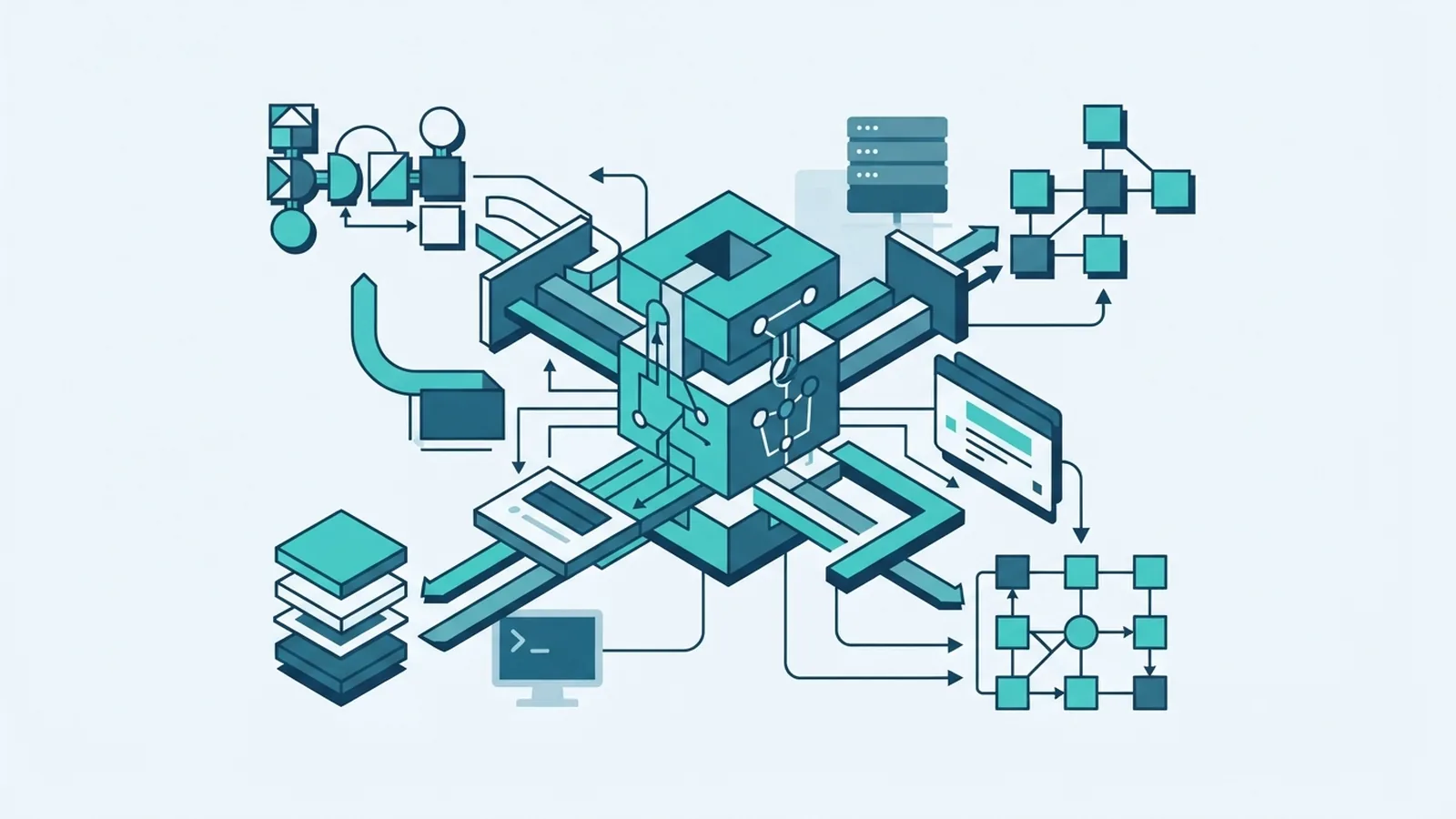
MCP stands for Model Context Protocol. Anthropic established it as an open standard for connecting AI apps with tools and data. It gives apps a shared way to find and use outside services. The model itself is not MCP.
So, what is MCP in AI? It is a shared connection method between an AI app and an external service. The app can request information or ask a tool to take an action. It can draw on selected sources, rather than relying only on training data.
Searchers also ask, “What is MCP AI?” and “What is an MCP AI?” The wording varies, but the idea is the same. MCP is a protocol that lets AI apps connect with tools and data. It is not a type of model.
Questions such as “what is MCP in the context of AI” or “what is a MCP in AI” also refer to this connection layer. MCP does not make a model smarter by itself. It gives the app a way to supply useful context and actions.
In short, MCP links AI to other systems. It does not replace the model.
How MCP works
An AI app connects to an MCP server that offers defined tools or data. The app can ask what the server provides. It can then request information or an action. The server handles the link to the outside service.
For example, a support assistant could search help pages and check an order record. It might use those results to draft a reply. If it can also change an order, that action needs tighter checks. Reading a record and changing one carry different risks.
MCP supports dynamic data access. A model can use current stock details instead of guessing from old training data. The app may pass verified facts into the model’s working context. This can reduce hallucinations, but it cannot prevent every mistake.
Results still depend on the source and the model’s reading of it. A server may return old data, or the model may draw the wrong meaning. Test both parts before relying on the answer. Current facts help. They do not make every answer right.
- Find the task that needs outside data or an action.
- Connect an MCP server that offers the needed feature.
- Set limits on what the app can read or change.
- Test the returned data and the model’s response.
MCP architecture: host, client, and server
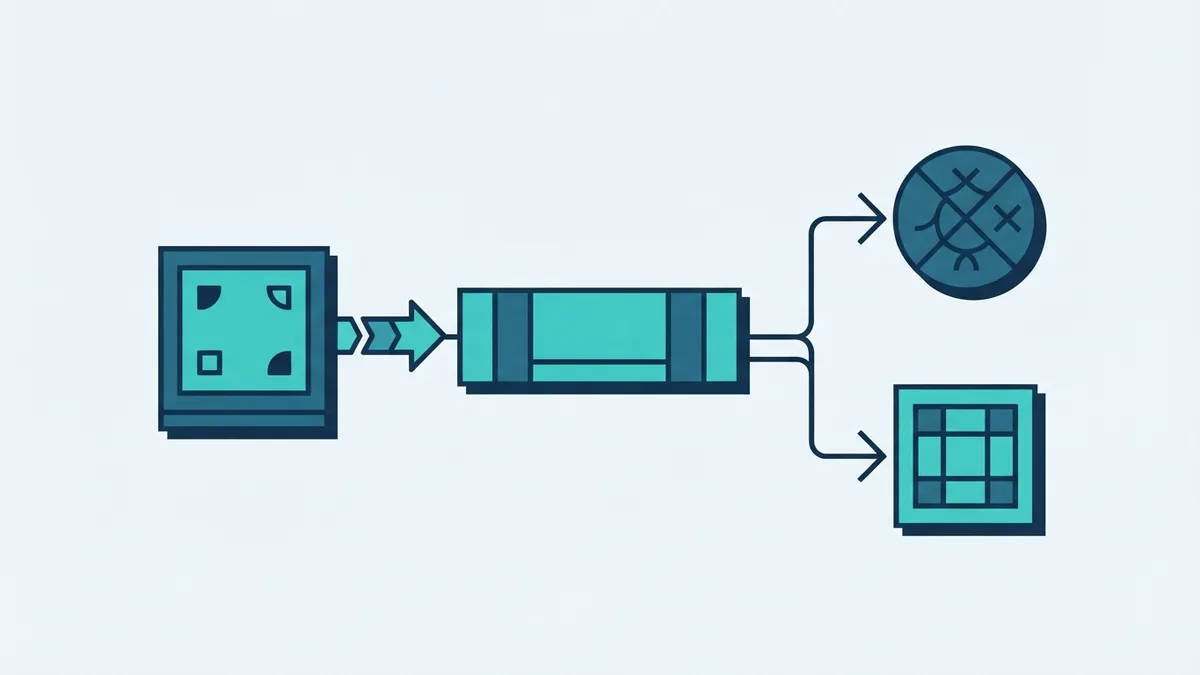
MCP has three main parts: a host, a client, and a server. The host is the AI app that a person uses. It may be an assistant, code tool, or another app with MCP support.
The client runs inside the host. It manages the link to a server and sends requests in the format MCP defines. The server offers access to a tool or data source. It may run on the same device or on a remote system.
- MCP host: The app that brings the model and user experience together.
- MCP client: The part of the host that talks to a server through MCP.
- MCP server: The service that offers data or actions to the client.
A host can connect to several servers. Each server can focus on one service or source. This split can make links easier to build and reuse. It also means teams must check each server and its access rights.
The Model Context Protocol introduction explains the core roles and how they fit together. It is the protocol’s own source for its design. Check its current docs when planning a build.

Benefits of using MCP
A shared standard can reduce one-off links between AI apps and outside systems. Developers can build a server and connect it to compatible hosts. That can make integrations easier to maintain. Each link still needs setup, testing, and support.
MCP can also help automate routine work. An assistant might gather facts from several sources, compare them, and draft an update for review. This can cut manual copying between tools. The time saved depends on the task and the data.
Better context can improve an assistant’s usefulness. A model with current, approved facts has a stronger basis for its answer. Still, teams should show sources where they can. Ask for human review when an error could cause harm.
Some readers ask, “Will DevOps be replaced by AI?” MCP does not replace DevOps roles. AI may help with routine tasks, but people still set goals, manage risk, and fix hard failures. Use it to support work, not skip checks.
The main gains are easier links, more automation, and better access to current information. They are not automatic. Teams need a sound setup and clear limits.
MCP use cases
MCP can help when an AI app needs data or actions beyond its model. Start with one narrow task, then check whether it works well. Add more access only when the first setup is safe and useful.
- Knowledge search: Find details in team files, product guides, or support records.
- Customer support: Check order details and draft replies for staff review.
- Software work: Let an assistant read approved project files or run selected tools.
- Operations: Gather facts from service systems and prepare a status update.
What is MCP in an AI agent? It is the same protocol used by an agent to reach tools or data. An agent is software that can plan and act toward a goal. MCP can give it a shared way to call approved services.
People also ask, “What are MCP in AI?” MCP is one protocol, not a set of separate models. An app may connect to several MCP servers, each with different tools. The phrase “what MCP in AI” usually asks what role this standard plays.
Choose use cases where the needed data is clear and the actions are limited. A read-only search is a safer first test than an action that changes records. Measure time saved and check answer quality before expanding access.
Security considerations for MCP
A link to an outside tool can expose data or allow actions. Treat each server as a point of access that needs review. Give it only the permissions needed for its task. Keep sensitive systems out of scope until controls are tested.
Check what data the server can read, where requests go, and what it can change. Use approval steps for high-impact actions. Keep logs so teams can review what the app asked and what the server returned.
Test failure cases as well as normal use. Check what happens when a server returns bad data or stops responding. Make sure users can see when an answer came from an outside source. Keep a way to pause or remove a connection.
MCP provides a common way to connect systems. It does not make each connection safe by default. Good access rules, careful testing, and human oversight remain essential.