
Understand the Software Development Lifecycle — From Plan to Care
What Is the Software Development Lifecycle?
The software development lifecycle, or SDLC, is a structured process for building software.
It covers planning, analysis, design, development, testing, deployment, and maintenance. Each stage gives a team clear goals and checks.
The software development lifecycle process helps turn a business need into a working product. It also guides the work after launch.
A team may follow one model or blend several methods. The right choice depends on risk, scope, users, and change.
Why SDLC Matters for Software Teams
SDLC gives a project a shared path from idea to release. That path helps teams spot gaps before they become costly fixes.
It also improves talks between developers, clients, testers, and business leads. Each group can see what the team needs next.
Good software development lifecycle management links technical work with business goals. It helps teams track scope, cost, time, quality, and risk.
- It sets clear work stages and review points.
- It supports early checks on needs and scope.
- It helps teams manage project risks before release.
- It gives stakeholders regular chances to share feedback.
- It creates a record of key choices and test results.
SDLC does not remove all risk. It makes risk easier to see and act on.
The Seven Software Development Lifecycle Stages
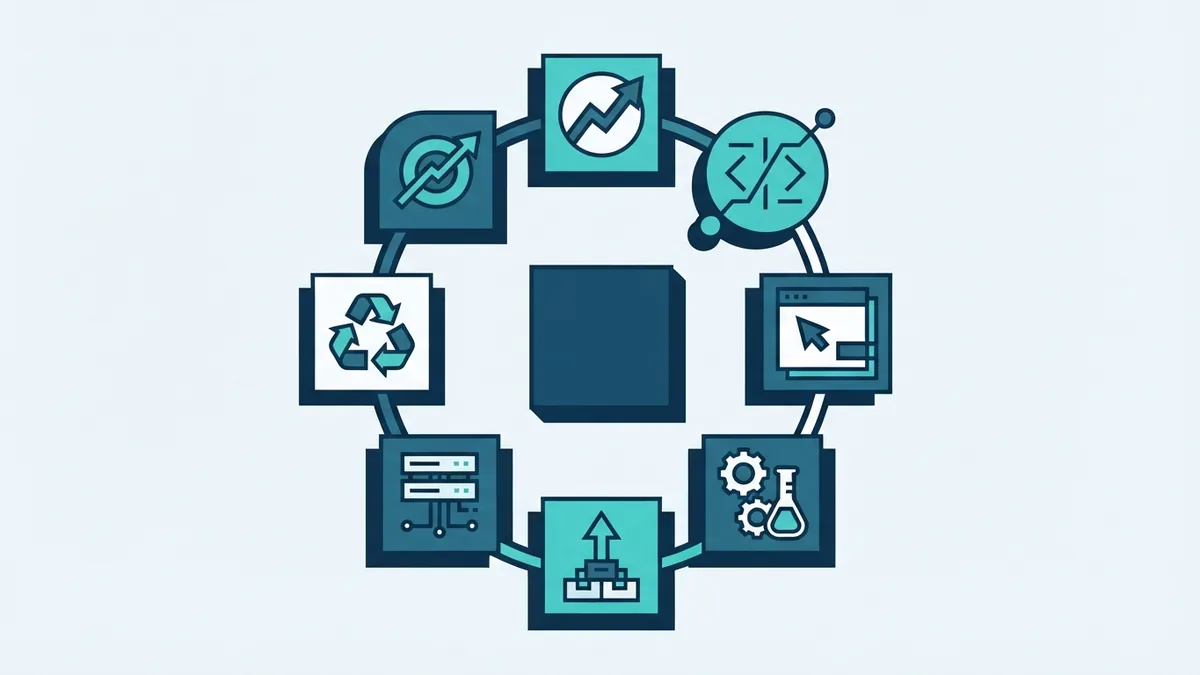
Most teams use seven software development lifecycle stages. The stages may overlap, especially in Agile teams.
1. Planning
The team defines the problem, target users, scope, budget, and likely timeline. It also checks if the idea is useful and possible.
Early planning should name key risks. These may include data needs, third-party tools, legal duties, and system limits.
2. Analysis
During analysis, the team gathers and tests requirements. A requirement states what the system must do or support.
Teams should validate requirements with users before design work grows. Simple prototypes, user stories, and workshops can reveal weak assumptions.
3. Design
Design turns needs into a plan for the system. It may cover data, screens, services, access rules, and links to other tools.
Teams should record key design choices. This record helps later changes stay safe and clear.
4. Development
Developers build the planned features and connect the needed services. They should use small code changes and review work often.
Continuous integration can check each change as it enters the shared codebase. This helps teams find faults while changes remain small.
5. Testing
Testing checks whether the software works as planned. Quality assurance may cover features, speed, access, security, and ease of use.
Testers should use both normal and edge cases. A payment gateway, for example, needs tests for failed payments and duplicate requests.
6. Deployment
Deployment moves tested software into a live setting. Teams may release to a small group first, then expand access.
A release plan should include backups, checks, alerts, and a way back. This reduces the impact of a failed release.
7. Maintenance
Maintenance starts after release and can last for years. Teams fix faults, patch risks, improve speed, and add useful features.
Usage data and support feedback can shape the next planning cycle. The full software development lifecycle is a loop, not a one-way line.
Common SDLC Models and When to Use Them
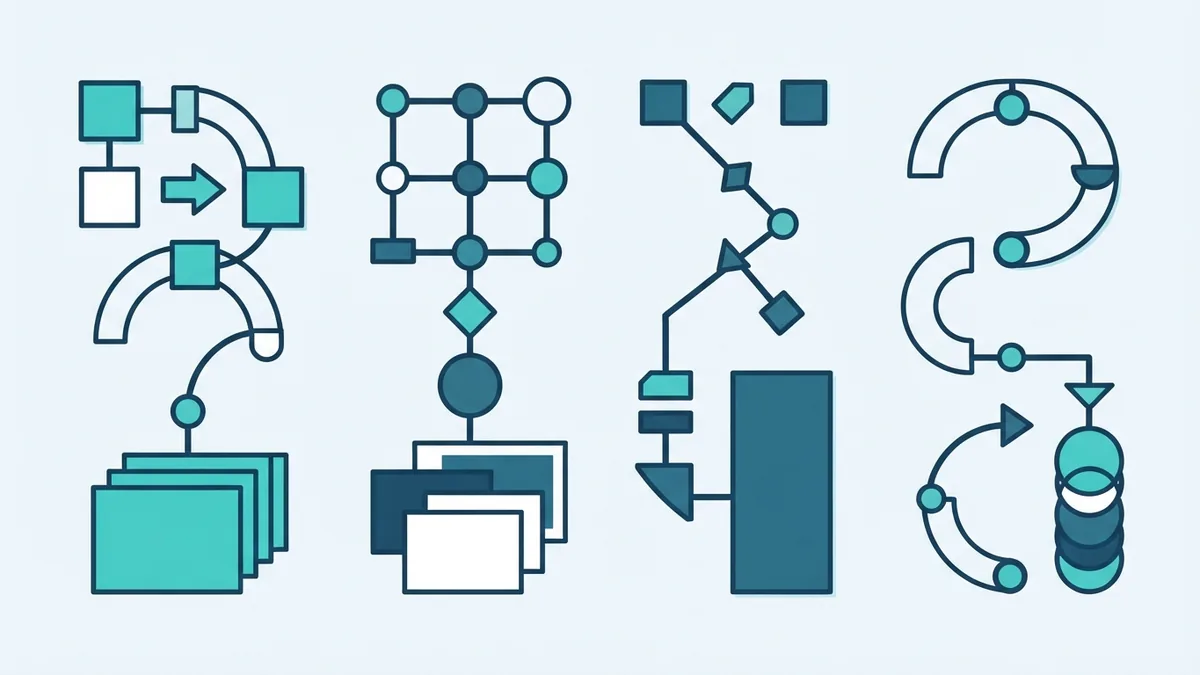
An SDLC model sets the order and pace of work. Each model suits a different mix of change, risk, and delivery needs.
Waterfall
The Waterfall model moves through set stages in sequence. Teams finish one stage before the next stage begins.
Waterfall can suit fixed scope and strict records. It can struggle when users need changes after development starts.
Agile
Agile software development lifecycle work uses short cycles and frequent feedback. Teams plan, build, test, and review small pieces of value.
Agile suits products with changing needs. It needs close stakeholder engagement and strong team habits.
Spiral
The Spiral model joins repeated builds with formal risk checks. Each cycle explores risks, tests ideas, and plans the next cycle.
It can suit large or risky systems. The extra planning may cost more than a small project needs.
V-Model
The V-Model links each build stage with a matching test stage. For example, system design links with system testing.
This model gives testing a strong place from the start. It works well when teams need firm proof and traceable checks.
| Model | Best fit | Main trade-off |
|---|---|---|
| Waterfall | Stable scope and fixed steps | Late changes cost more |
| Agile | Fast change and user feedback | Needs close team input |
| Spiral | High risk or complex work | Needs more planning time |
| V-Model | Strict testing and proof | Less room for change |
No model wins in every case. Many teams use Agile delivery with Waterfall-style governance and review.
Build Security Into Every SDLC Stage
Security should start during planning, not after a release fails. Teams need to ask what data they hold and who may access it.
DevSecOps adds security checks to daily build and release work. It makes security a shared task across development, testing, and operations.
The Microsoft Security Development Lifecycle practices show how teams can add security work throughout software delivery.
- Review threats during design.
- Check third-party packages for known risks.
- Scan code and settings during development.
- Test access rules and failure paths before release.
- Watch live systems and patch issues quickly.
Security checks should match the risk of the product. A payment platform needs deeper checks than a private proof of concept.
The OWASP Application Security Verification Standard offers a trusted set of checks for web applications.
Common Challenges in Software Development
Projects often fail when teams build from unclear needs. Early validation helps expose missing rules, weak goals, and false assumptions.
Scope changes create another challenge. A change may affect design, code, tests, cost, and launch plans.
Technical debt can also slow a team. Technical debt means a quick fix creates extra work later.
Teams can reduce these risks with clear records and small releases. They should review priorities at set points, not only when trouble starts.
- Write requirements in plain language.
- Set a clear owner for each key decision.
- Show working software at regular points.
- Keep tests close to the code they check.
- Review risks before each major release.
Communication must continue through every stage. A short weekly review can prevent a month of work in the wrong direction.
Use SDLC as a Flexible Working System
SDLC gives software teams a way to plan, build, test, launch, and improve products. Its seven stages create useful checks without forcing every project into one shape.
Choose a model that fits the work. Use Agile for fast learning, Waterfall for stable plans, Spiral for high risk, and V-Model for strict proof.
Strong results come from early requirement checks, steady communication, and flexible execution. Security must also run through the whole software deployment lifecycle.
When teams use SDLC well, software stays closer to user needs. Risks become visible sooner, and each release becomes easier to manage.