
SDLC — How Software Moves From Plan to Product
What is the SDLC in software development?
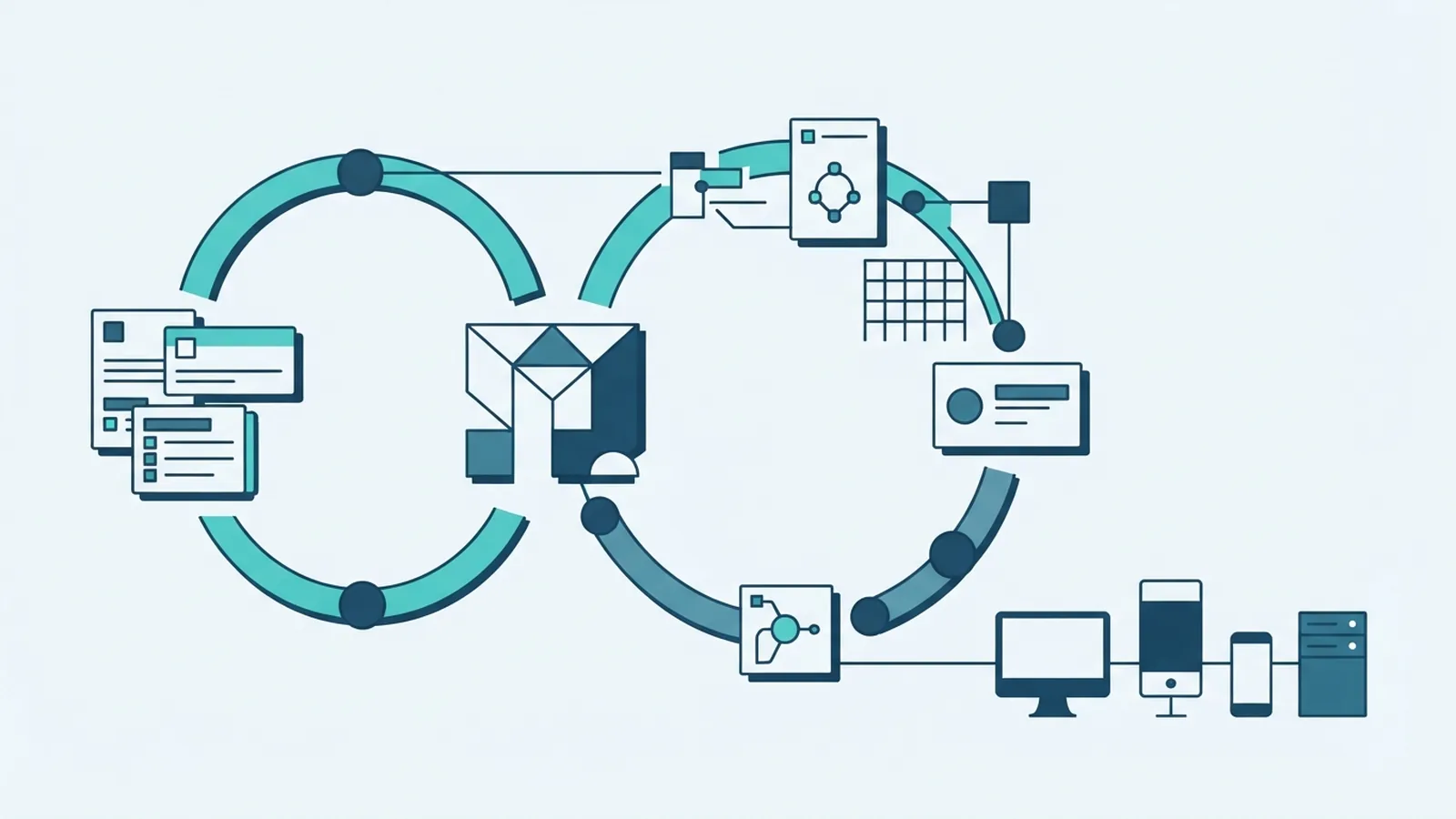
SDLC means Software Development Life Cycle. It is a structured method for building, testing, releasing, and maintaining software.
Teams use SDLC to turn an idea into a working product. The cycle sets clear goals, owners, checks, and review points.
So, what is SDLC in software development? It is the set of steps that guides work from the first need through long-term support.
Each team may name its steps differently. Most SDLC plans still cover these core activities:
- Planning sets the goal, scope, budget, and delivery plan.
- Analysis finds user needs, system rules, and project risks.
- Design maps the system structure, data flow, and user paths.
- Coding turns the design into working software.
- Testing checks quality, safety, speed, and ease of use.
- Deployment moves the product into a live setting.
- Maintenance fixes faults and adds useful changes.
SDLC in software engineering gives teams a shared way to make decisions. It also helps leaders track progress without relying on guesswork.
Seven phases that shape the software life cycle
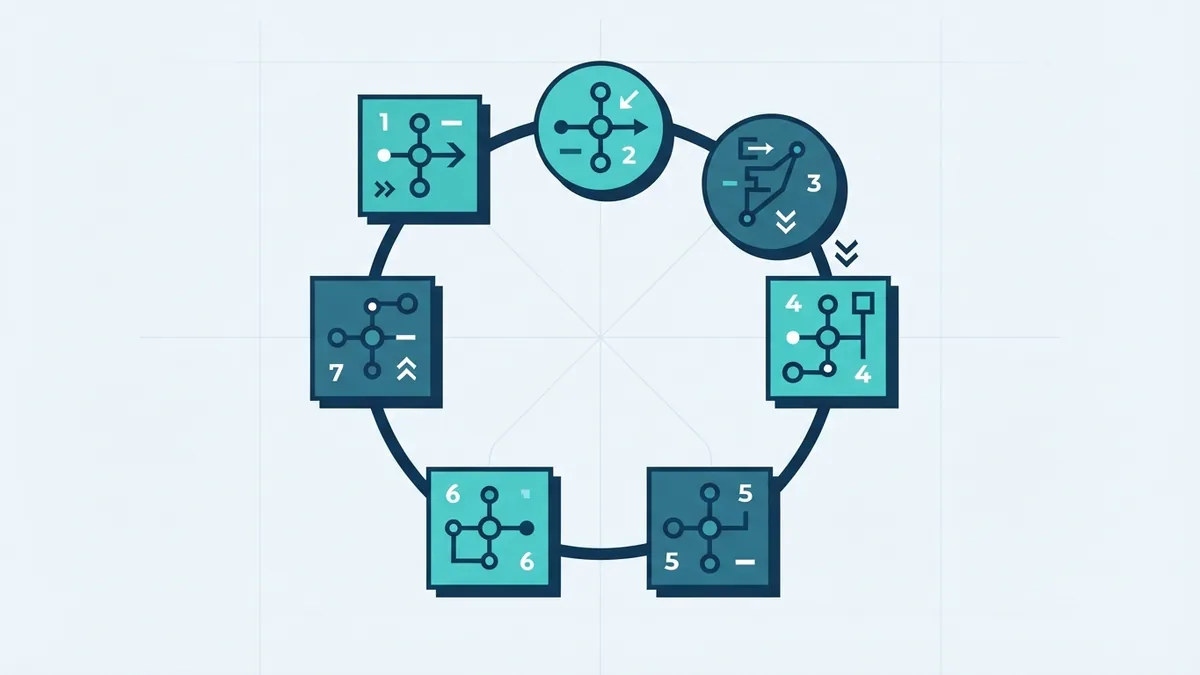
The SDLC software development life cycle is not just a list of tasks. Each phase creates inputs for the next phase.
1. Planning
Planning defines the problem, users, scope, timeline, and cost. Teams also review technical limits and likely risks.
A small project may need one planning session. A large platform may need a written roadmap with milestones and owners.
2. Analysis
Analysis turns broad goals into clear needs. Teams speak with users, review current systems, and record key rules.
A Software Requirements Specification, or SRS, can hold these needs. Good requirements state what the system must do and how well it must do it.
3. Design
Design explains how the planned system will work. It may cover screens, services, data stores, APIs, and access rules.
Teams should test the design against real use cases. Early design reviews cost less than late changes.
4. Coding
Developers build the system in small, reviewable parts. They use source control and shared coding rules to reduce errors.
Continuous integration checks new code as developers merge it. This helps teams spot faults before they spread.
5. Testing
Testing checks whether the product meets its needs. Tests may cover units, services, full user flows, security, and load.
Quality assurance also checks the work process. A defect found early takes less time to fix than one found after release.
6. Deployment
Deployment moves approved software into a live environment. Teams may release all changes at once or use a small pilot group.
A rollback plan matters here. It gives the team a safe way to recover after a failed release.
7. Maintenance
Maintenance starts after release and may last for years. Teams fix bugs, patch weak points, tune speed, and add new features.
Usage data and support requests guide future work. The cycle then returns to planning for the next change.
| Phase | Main output | Useful check |
|---|---|---|
| Planning | Scope and delivery plan | Can the team measure success? |
| Analysis | Clear needs and rules | Can users confirm the requirements? |
| Design | System and data plan | Does the design fit real use? |
| Testing | Test results and defect list | Does the product meet its needs? |
| Deployment | Live release | Can the team roll back safely? |
Popular SDLC models and when to use them
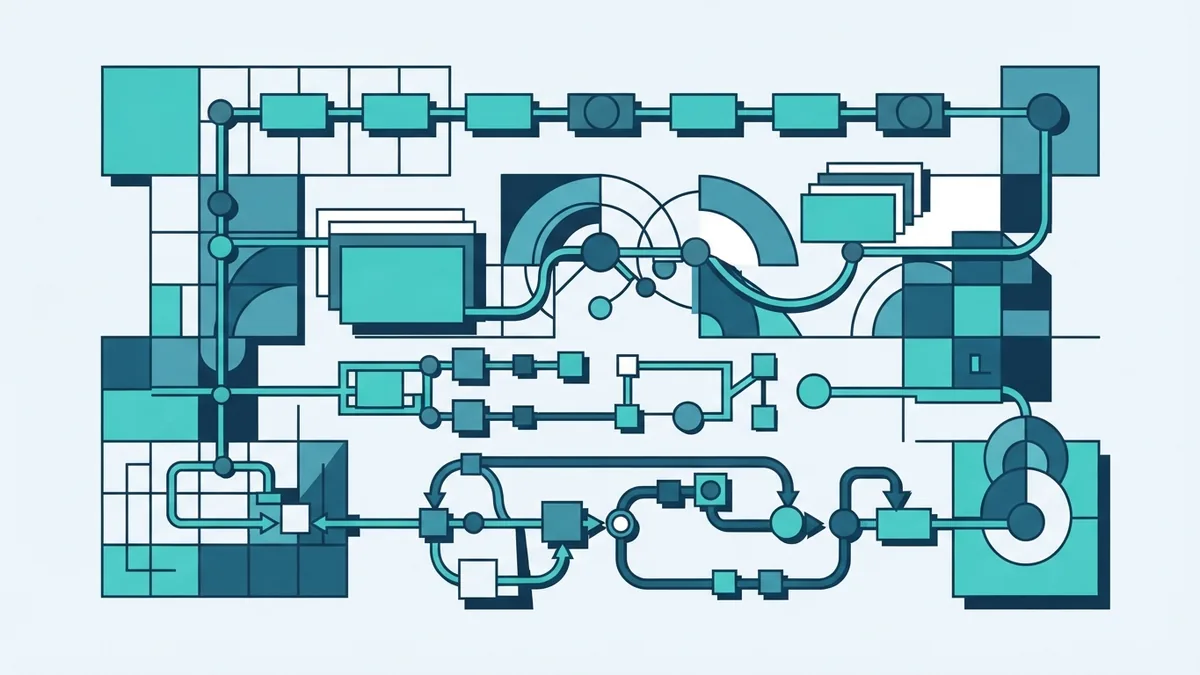
An SDLC model sets the order and pace of work. The right choice depends on risk, change, team size, and user feedback.
Waterfall
The Waterfall model moves through fixed stages in order. Teams finish one stage before starting the next.
Waterfall suits projects with stable needs and strict approval gates. It can struggle when users change their minds during development.
Agile
Agile breaks work into short cycles called iterations. Teams build small parts, gather feedback, and adjust the plan often.
This model suits products with changing needs. It also supports close work between developers, users, testers, and owners.
V-Model
The V-Model links each build stage with a matching test stage. For example, system design links with system testing.
This approach makes test planning start early. It suits work with strict quality needs, such as medical or transport systems.
Spiral
Spiral development repeats planning, risk review, building, and feedback. Each loop tackles the risks that matter most at that point.
Spiral suits complex work with unknown risks. It needs skilled planning and strong control over cost.
- Choose Waterfall when needs are stable and change costs are high.
- Choose Agile when feedback and change drive the work.
- Choose V-Model when proof and test links matter most.
- Choose Spiral when risk shapes each design choice.
Why teams follow an SDLC
A clear SDLC improves project management because it gives work a visible shape. Leaders can track goals, owners, risks, and open decisions.
It also helps teams plan time and cost with better facts. Each phase creates a review point before more money gets spent.
Better risk control
Risk checks begin before coding starts. Teams can spot weak designs, unclear needs, vendor limits, and security gaps early.
Early action is often cheaper than a late fix. A risk log also gives stakeholders one shared view of threats.
Higher software quality
Testing is planned instead of added at the end. Review rules, test data, and release checks then support steady quality.
Teams can track defects by cause and stage. This shows where the process needs change.
Stronger teamwork
SDLC gives business and technical teams a shared language. It clarifies who decides, who builds, and who approves.
That structure reduces missed handoffs. It also makes progress easier to explain to clients and leaders.
Build security into every SDLC phase
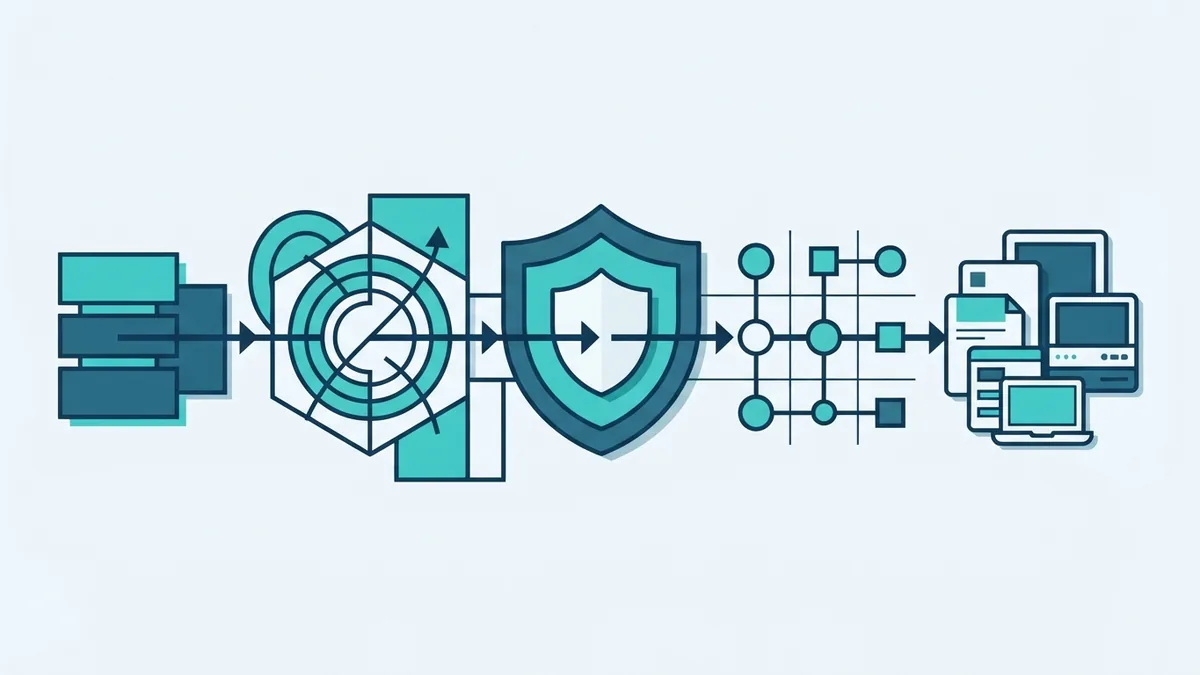
Security should not wait until the final test. DevSecOps adds security work to planning, coding, testing, release, and maintenance.
The NIST Secure Software Development Framework gives teams a strong reference point. It groups secure work around preparing, protecting, producing, and responding.
- Planning: name data risks, legal needs, and likely attack paths.
- Analysis: define access rules and safe handling for sensitive data.
- Design: limit trust between services and reduce needless access.
- Coding: review code and scan third-party packages.
- Testing: check common flaws, misuse cases, and weak settings.
- Deployment: protect secrets and watch live system signals.
- Maintenance: patch faults and review new threats after each change.
Automation helps teams run these checks on every change. CI/CD pipelines can block a release when a serious flaw appears.
Security still needs human review. Tools can miss business risks and unsafe design choices.
Common SDLC mistakes that harm projects
Many project failures begin before the first code change. Teams often rush past discovery because delivery pressure feels urgent.
That choice creates hidden work later. Clear phase gates help expose these issues while change remains cheap.
Unclear requirements
Vague needs lead to different views of success. Write examples, limits, and acceptance checks for each key feature.
Ask users to confirm the requirements before design begins. Update the record when scope changes.
Weak stakeholder involvement
Stakeholders should review needs, designs, demos, and release plans. Their input can reveal risks that technical teams miss.
Do not invite them only at the final sign-off. Late feedback can force costly rework.
Skipping risk and security work
Some teams treat risk reviews as paperwork. That leaves weak controls hidden until testing or live use.
Give each major risk an owner, due date, and response. Review the list at every key stage.
Testing too late
Late testing creates a queue of defects near release. Test key paths while the team builds them.
Use both automated checks and hands-on review. Each method finds different problems.
Ignoring maintenance
Software needs care after launch. Plan time for patches, support, monitoring, and small improvements.
A product without maintenance gains cost and risk over time. Treat live support as part of the life cycle.
Use SDLC as a living way of working
SDLC in software development gives teams a repeatable path from need to working product. It does not force every project into one rigid process.
Choose a model that fits the work. Then set clear goals, involve stakeholders, test early, and track risk throughout.
The best SDLC process also learns from each release. Review results, fix weak steps, and improve the next cycle.
That balance creates software with better quality, safer releases, and clearer project control.