
What Is an MCP Server and How Does It Work?
What Is an MCP Server?
What is an MCP server? It is a bridge between an AI app and outside tools or data.
MCP stands for Model Context Protocol. The MCP protocol gives AI clients one shared way to find and use trusted sources.
So, what is an MCP server in AI? It is a service that offers data, tools, or actions in a clear form. A large language model can request useful context during a task.
In simple terms, an MCP server helps an AI app work beyond its training data. It might fetch an order status, search a private file, or check stock.
People often ask, “mcp server what is it?” The short answer is simple. It manages the link between an AI client and a source system.
The same idea answers “what is a mcp server” and “what is an MCP server for AI?” Both describe a service that gives an AI app controlled access to useful systems.
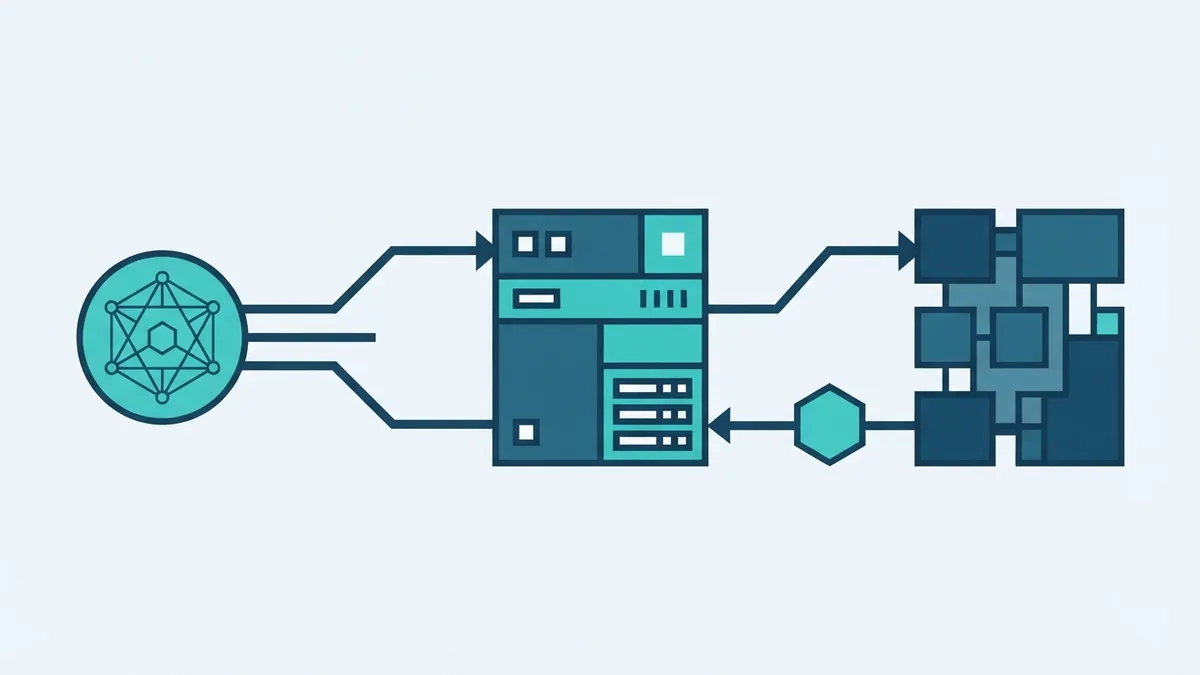
The server does not replace the AI model. It does not decide whether an answer is true. Instead, it exposes clear tools and resources that the client can request.
The phrase “whats an mcp server” points to the same core idea. MCP makes outside data easier for AI apps to find and use.
- MCP means Model Context Protocol
- An MCP server connects AI clients to data and tools
- Fresh data can improve an AI answer
- Access rules limit what the AI app can do
How MCP Servers Work
How does an MCP server work? Four parts take part in a typical request.
The AI model reads the user request. The MCP client holds the session. The MCP server offers tools and resources. A source system stores data or performs an action.
The client first connects to the server. The server shares its available tools and data paths. These details show what the server can safely provide.
What is an MCP tool? It is a named action that an AI client can call. One tool might search an order. Another might read a file or check stock.
What are MCP tools used for? They handle clear tasks through set inputs and results. Small tools are easier to test and control.
| Part | Job |
|---|---|
| AI model | Understands the request and picks an action |
| MCP client | Keeps the session between the app and server |
| MCP server | Offers approved tools and data access |
| Source system | Stores data or carries out the action |
The MCP architecture specification defines this client and server model. It also explains how servers expose tools and resources.
The model picks a tool based on the request. The client sends that call to the MCP server.
The server checks the call before it reaches the source system. It then returns a structured result to the client.
The model uses that result in its reply. It may call another tool if the task needs more data.
This process explains what an MCP server does in practice. It receives a safe request, talks to a source, and returns useful context.
Why MCP Matters in AI
What is MCP server in AI used for? It gives AI systems a shared route to live data and actions.
That route matters because model training data can become old. A server can fetch current records at the time of a request.
Fresh data may reduce hallucinations. A hallucination is a false answer that sounds true.
Fresh records do not remove all risk. They give the model better facts to use.
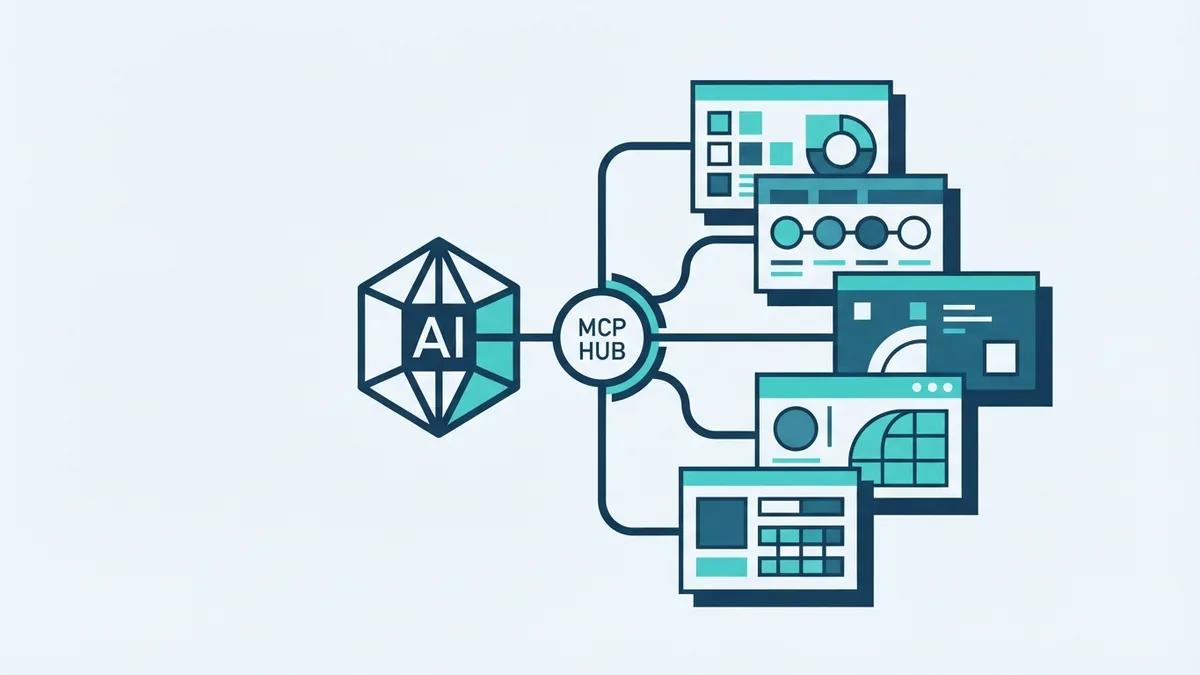
MCP also solves a common build problem. Without a shared pattern, teams create separate links for each AI app and data source.
One MCP server can serve several clients. A team can build one link for a business system.
Different AI products can then use that link. This can reduce repeat build work across a company.
An AI agent can plan several steps. It may search a record, compare results, and update a task.
This is where MCP in agentic AI becomes useful. The agent can call approved tools during a longer task.
An MCP agent is not a special server type. It is an AI system that uses tools to plan and act.
- One server can support several AI clients
- Fresh data can replace stale model guesses
- Tool limits can reduce unsafe actions
- Shared links can cut repeat engineering work
Common Use Cases for MCP Servers
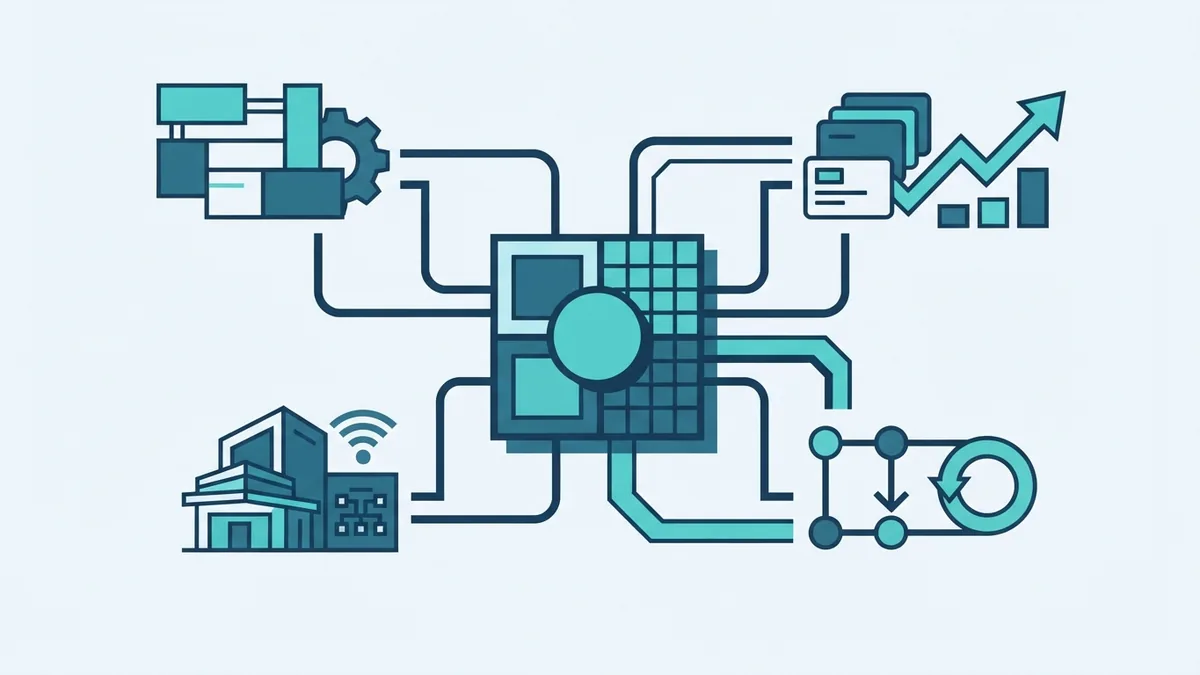
MCP server use cases appear wherever an AI app needs live data. They also suit tasks that span several systems.
A remote MCP server can sit outside the main AI app. It can serve approved tools through a protected network link.
What is a remote MCP server? It is an MCP server that runs on another machine or cloud service.
Customer support
A support assistant can search orders, accounts, and help content. It can combine the results into one reply.
Staff then spend less time moving between systems. The server can limit access to records needed for each case.
Business data and reports
An MCP server can gather data from sales, stock, and finance tools. An analyst can ask one question across these sources.
This is data aggregation. The server gives the AI app one route to many systems.
Engineering and operations
An AI coding tool can inspect approved files or query a task system. It can then suggest a change with better context.
A team could connect an MCP server to issue tracking, logs, or build records. Write actions should need review before they run.
Automation and payments
An automation system can check an account, create a record, or start a payment flow. Each action should have a narrow purpose.
Read-only tools make a safer first step. Teams can add write tools after they test access and approval rules.
MCP Compared With Other Integration Methods
Traditional API integration still works well for fixed software flows. A developer defines each request and response in advance.
MCP adds a shared way for AI clients to discover tools and resources. This makes it better suited to changing, open-ended tasks.
What is an MCP integration? It is a connection between an MCP client, an MCP server, and one or more source systems.
The server hides some source details from the AI app. The client sees a clear tool set instead of many separate system links.

| Approach | Best fit | Main limit |
|---|---|---|
| Direct API link | One known app and one fixed flow | More custom links as needs grow |
| Data export | Reports and batch analysis | Data may become stale |
| MCP server | AI tools, live context, and shared access | Needs strong access controls |
MCP does not replace every API. It can sit above existing APIs and expose only the actions an AI client needs.
That design can simplify data integration. It can also give system owners one place to review tool access.
Open standards matter here. A shared protocol can reduce lock-in between AI clients and data sources.
Security and Privacy in MCP
Security must shape every MCP server design. A tool call can read data or change a real system.
User consent should be clear before sensitive data leaves its source. People should know what the AI app can access.
Controlled access limits each client to the data it needs. This follows the least privilege rule.
Data masking can hide personal or payment details. The server should remove fields that the task does not need.
Teams should also log tool calls and review failed requests. Logs help spot misuse and fix weak rules.
- Start with read-only tools
- Ask for approval before risky actions
- Use narrow access scopes
- Mask private fields where possible
- Log calls, errors, and user approvals
A remote MCP server needs extra care. Use strong sign-in, encrypted links, and clear network rules.
Keep secrets outside prompts and tool inputs. Rotate keys when staff, vendors, or systems change.
The goal is not to give an AI app broad system power. The goal is to offer small, useful actions with clear limits.
What an MCP Server Can Do
What can an MCP server do? It can expose data, offer tools, and pass results between an AI client and source systems.
It can search a record, read a document, check stock, or start a controlled workflow. Its value depends on the quality of its tools and rules.
The purpose of an MCP server is not to make an AI model smarter by itself. It gives the model better context and safer ways to act.
Teams should map each tool to one clear business need. They should then test its inputs, outputs, errors, and access scope.
A good first build often has three parts. Start with one trusted source, add read-only tools, and measure the results.
Later, the team can add more sources or approved actions. Each new tool should pass the same security checks.
MCP works best when it stays practical. Clear tools, fresh data, and tight controls create a useful base for AI systems.