
How SaaS Works for Modern Businesses
Understanding SaaS: A Simple Definition
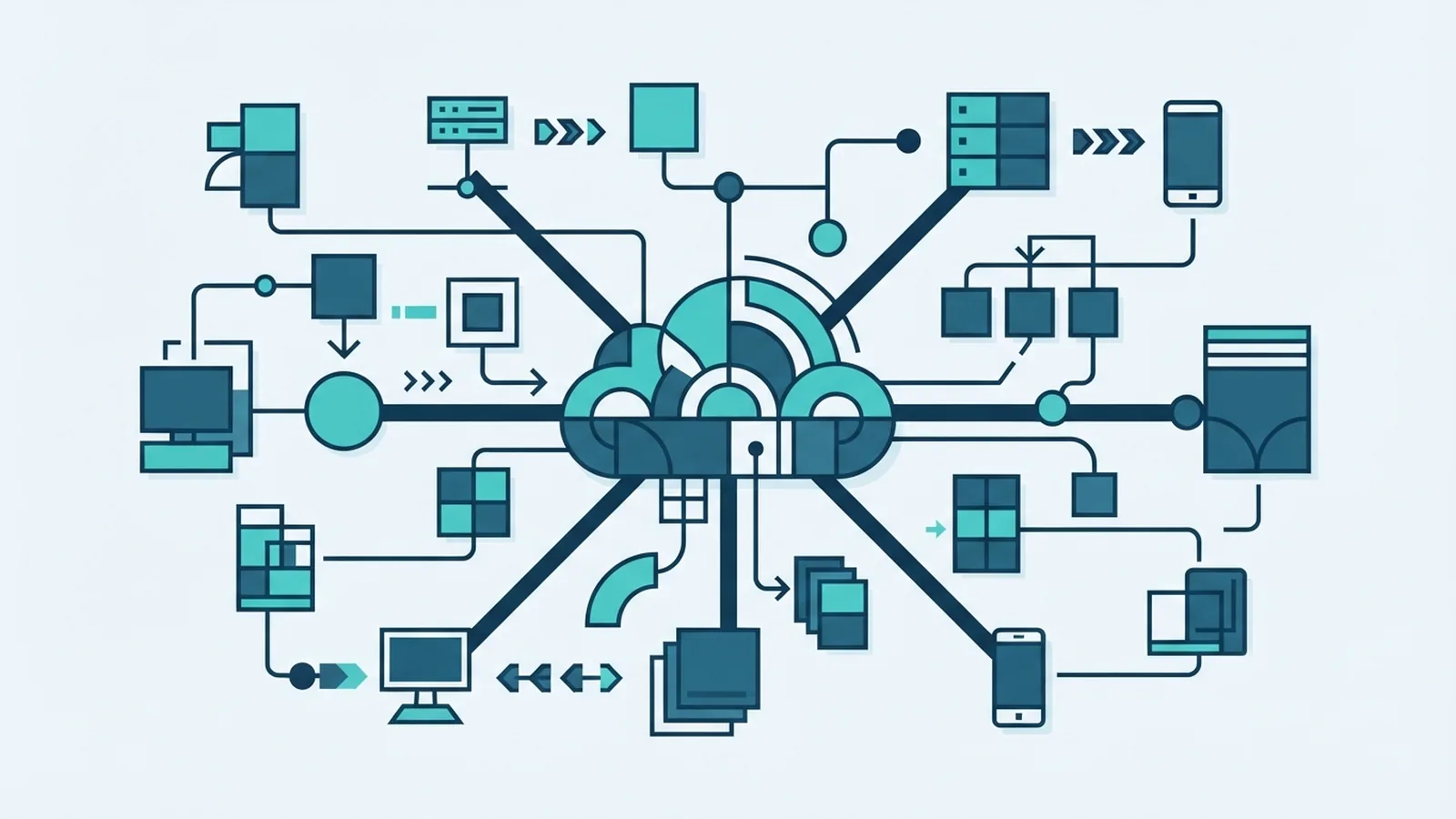
SaaS means Software as a Service. It delivers software through the internet instead of local installation. Users open an app through a browser or mobile device. The provider runs the servers, updates the product, and manages much of the upkeep.
So, whats a saas product? It is an online application that customers use without owning the underlying hardware. Access often works on laptops, phones, and tablets. A user usually needs only an account and an internet connection.
Most SaaS tools use a subscription model. Customers pay each month or year for access. Some providers also charge by user, feature, usage, or payment volume. The NIST definition of cloud computing places SaaS among three main cloud service models.
Common examples include CRM systems, email platforms, payroll tools, video services, and online storage. A CRM helps teams track leads and customer work. An entertainment service delivers films or music through the same broad model.
How SaaS Evolved Into a Mainstream Model
Early business software often ran on office computers or private servers. Teams bought licenses and installed each version by hand. Updates took time and often needed specialist help. Hardware costs also grew as more staff needed access.
Application service providers changed this pattern in the late 1990s. They hosted business tools for many customers. Yet those systems often used older hosting methods. Broadband, web browsers, and cloud computing later made SaaS faster and easier to scale.
Modern SaaS firms run shared platforms for many customers. This design is called multitenancy. Each customer shares core software while keeping its own data apart. Providers can then ship one update across the whole service.
The shift also changed how firms buy software. Teams can test a tool this week and add users next month. They do not need a large server room or a long setup project. SaaS now supports small firms, global companies, and public bodies.
Key Features of SaaS Products
SaaS products share several traits. These traits shape the user experience and the provider’s work. They also explain why SaaS differs from traditional licensed software.
- Internet access: Users reach the app from supported devices and locations.
- Managed updates: The provider handles fixes, new features, and server upkeep.
- Shared platform: One core service can support many customer accounts.
- Flexible scale: A firm can add users, storage, or features as needs grow.
- Connected tools: APIs help the app share data with other cloud services.
- Usage records: Providers can track seats, actions, storage, or other billable use.
Ease of access is a major draw. A remote team can work in one system without complex setup. Admins can also remove access when a worker leaves. This helps firms keep control as teams change.
SaaS products often connect with payment tools, email systems, analytics, and support platforms. These links cut repeat data entry. They can also create automated work across several services.
Still, easy access needs strong controls. Firms should check sign-in methods, user roles, backups, and audit logs. Data security in SaaS depends on both the provider and the customer.
Why Businesses Choose SaaS
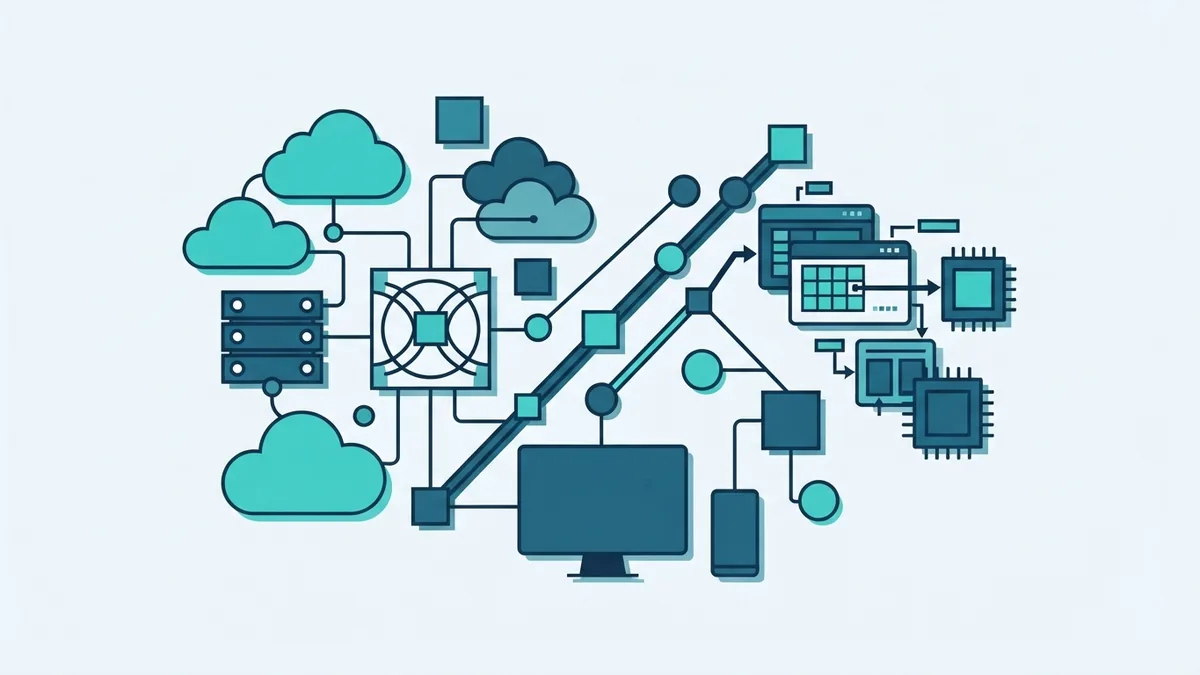
SaaS can lower the cost of getting software up and running. A firm avoids much of the hardware spend. It also needs less time for setup, patching, and server care. These savings can free staff for work that earns revenue.
Speed is another clear gain. A team may start with ten users and expand to 500 later. The provider handles much of the added load. This makes SaaS useful for firms with changing demand.
SaaS can also improve team access. Staff in different offices can use the same records and workflows. Leaders gain a shared view of sales, service, finance, or operations. That can reduce delays caused by local files and old systems.
However, the value depends on fit. A low monthly fee does not help if staff avoid the tool. Teams should measure use, time saved, error rates, and customer results. Look for gains that link to a clear business goal.
- Lower upfront spend for software and server gear
- Faster setup for new teams and locations
- Simple growth as users and workloads rise
- Regular updates without manual installs
- Better links between core business tools
Common SaaS Pricing Models
SaaS pricing can look simple at first. Bills may include seats, usage, storage, or paid add-ons. Read the full price rules before moving key work into a platform.
| Model | How it works | Best fit |
|---|---|---|
| Per user | Pay for each named or active user | Teams with steady staff numbers |
| Tiered | Choose a package with set features | Firms that need clear growth paths |
| Usage based | Pay for actions, storage, or data use | Workloads that rise and fall |
| Freemium | Use a limited free plan, then upgrade | Small teams testing a product |
| Pay per use | Pay only when a defined action occurs | Irregular or event-based work |
Freemium plans can help a team test basic features. They may limit storage, support, or admin controls. A paid plan may become costly after the team grows.
Ask for a full cost view before signing. Include setup work, training, add-ons, support, and data export fees. Compare the cost over three years, not only the first month.
Challenges and Key Checks Before Adoption
SaaS shifts some work to the provider, but it does not remove risk. The provider may control uptime, access, updates, and data storage. A service outage can affect many teams at once.
Security needs close review. Check where data lives and who can access it. Ask how the provider handles backups, breaches, and staff access. Review independent reports when the tool will hold private or regulated data.
Vendor lock-in is another concern. It happens when leaving a service becomes hard or costly. A firm may rely on custom links, unique data formats, or staff habits. Migration costs can include new tools, data cleanup, training, and lost work time.
Before adoption, write down a simple exit plan. Test a data export and confirm its format. Check contract terms for notice periods and deletion rules. Keep key records in a form that another tool can use.
- Map the data the provider will store
- Check roles, sign-in rules, and audit records
- Price setup, training, support, and exit work
- Test integrations with key business systems
- Set service, backup, and breach terms in writing
What Does a SaaS Company Do?
Whats a saas company? It is a firm that builds, hosts, and sells access to online software. Its work covers more than product design. It must run secure systems, support users, fix faults, and keep the service available.
A SaaS company also watches product use and customer needs. It may release small updates each week. The firm must balance new features with speed, safety, and ease of use.
So, whats saas sales? It is the process of selling recurring access to a SaaS product. Sales teams often show the product, learn the buyer’s needs, and guide setup. They may sell to one team or across a whole company.
SaaS sales can use free trials, demos, partner channels, or self-serve plans. The best route depends on price and product risk. A low-cost tool may need little human help. A platform tied to finance or customer data may need a longer review.
Future Trends in SaaS
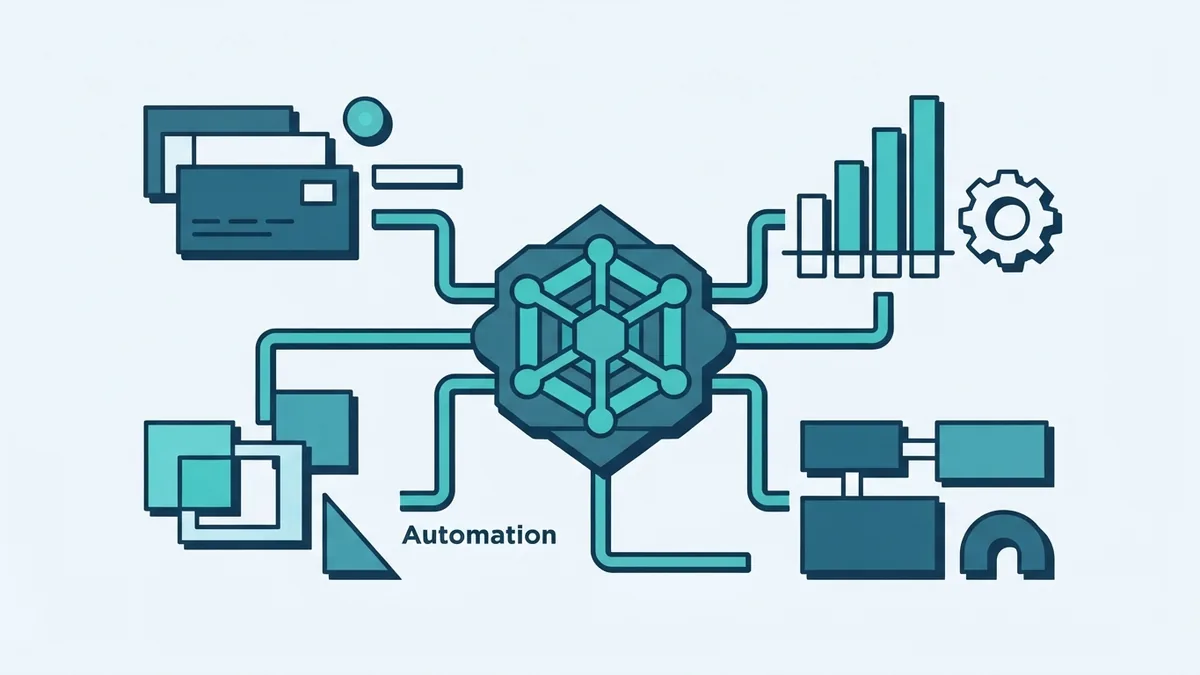
SaaS will keep moving toward deeper links between tools. Firms want fewer data gaps across sales, finance, service, and operations. Better APIs and shared standards can help systems work as one stack.
Artificial intelligence will add new features to many products. These may include search, drafting, task routing, and data checks. Buyers should ask how each feature uses customer data. They should also check human review, error control, and access limits.
More firms will also review cloud costs. A flexible service can become expensive when use grows without limits. Clear usage alerts and budget rules can prevent surprise bills.
The strongest SaaS choices will balance ease with control. They will offer useful links, clear pricing, strong security, and simple export tools. That mix helps a business gain speed without losing choice.
How to Judge a SaaS Tool
Start with the job that needs fixing. Name the users, data, systems, and result you want. Then test a short list with real work, not only a sales demo.
- Set a clear goal and success measure.
- Test the core workflow with real sample data.
- Check security, roles, backups, and data export.
- Price the full cost over three years.
- Plan training, support, and a safe exit.
A good SaaS choice should save time without adding hidden risk. Review the tool after launch and track actual use. Keep the service only when the value stays clear.