
What CRM Means for Business Teams
What Is CRM and What Does It Mean?
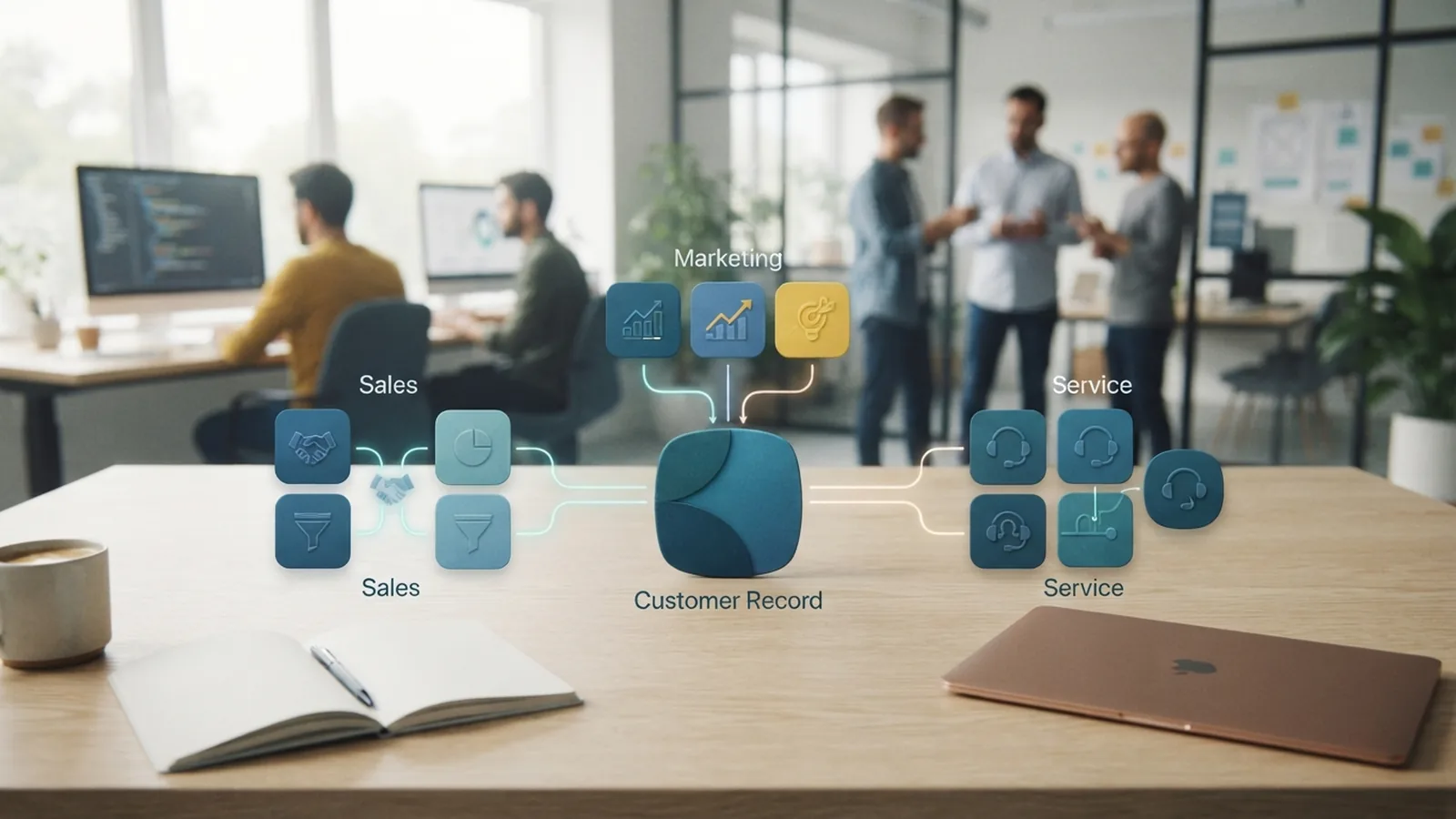
CRM stands for Customer Relationship Management. It covers the plans, habits, and software used to manage customer ties. So, what is CRM mean in plain terms? It means keeping customer details and follow-up work in one clear system.
What is CRM in business? It is a shared way to track leads, buyers, support needs, and past contact. A CRM system brings these records together. Teams can then see emails, calls, orders, notes, and open tasks.
What is CRM management? It is the work of keeping customer records useful and up to date. It also covers the rules that guide sales, marketing, and service teams. Good CRM management turns scattered facts into clear next steps.
- CRM means Customer Relationship Management
- CRM links customer records with daily team work
- CRM helps firms plan, track, and improve customer contact
What is a CRM program or platform?
What is a CRM program? It is software that helps a team store records and manage customer work. What is a CRM platform? It is a wider set of tools that may cover sales, marketing, service, reports, and team tasks.
What is a CRM application? It is a software app that lets staff view, add, and update customer records. What is a CRM application with example? A web app that logs calls, shows deal stages, and sets follow-up tasks is one example.
Why CRM Matters in Business

A CRM gives each team the same core view of a customer. Without one, key details may sit in inboxes, files, or private notes. That gap can lead to missed calls and poor handoffs.
Marketing can see which leads need more care. Sales can view campaign history before a call. Service staff can check the promise made during the sale.
What is a CRM system in marketing? It links campaigns with real customer action. A team can see which message brought a lead and whether that lead became a buyer. This helps firms spend money on work that brings useful results.
What is CRM in sales? It is a way to plan outreach and manage deals. A seller can see the next task, record the result, and move the deal to its next stage. It keeps sales pipeline management clear.
How CRM supports daily work
CRM systems can automate business processes such as lead routing, task alerts, and email steps. Staff still make the key human choices. The system handles repeat work with less delay.
A new web form can create a lead record. It can then alert the right seller and start a short follow-up flow. Each team sees the same customer history.
- Sales teams track leads, deals, tasks, and calls
- Marketing teams group contacts and measure campaign results
- Service teams manage cases, owners, due dates, and replies
- Managers review work from one shared source
Types of CRM Systems and Tools
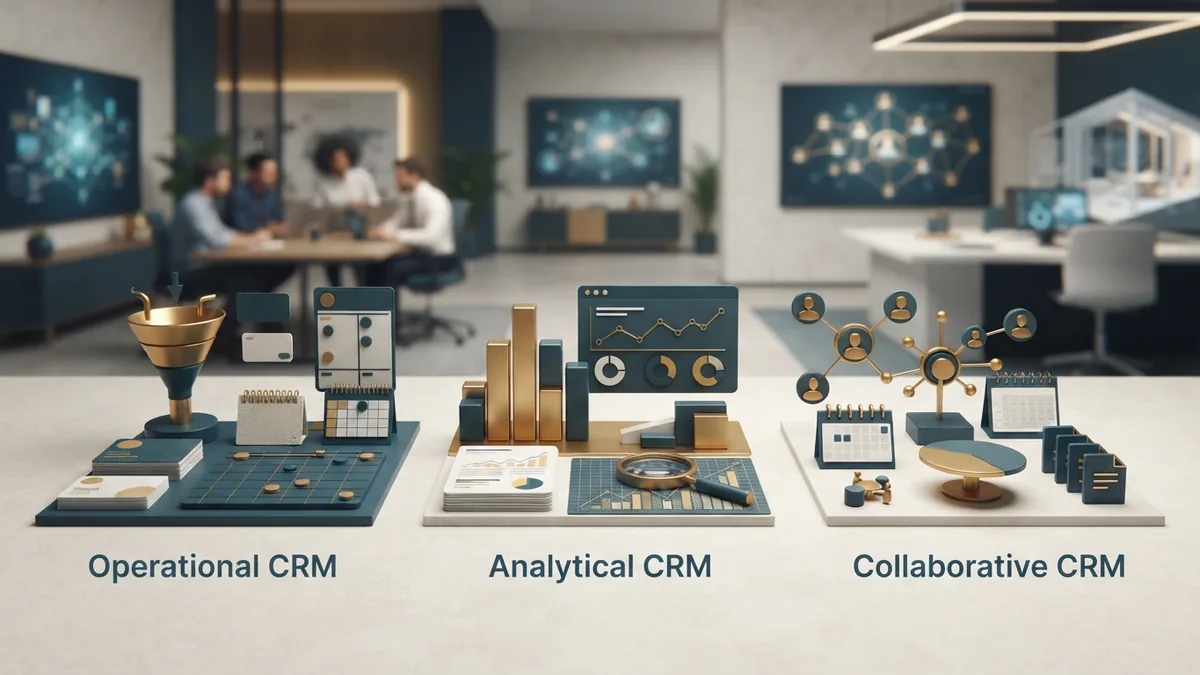
What are CRM tools? They are the features and apps used to manage customer work. Most tools fit three broad types. Many modern systems mix all three.
| CRM type | Main purpose | Common features |
|---|---|---|
| Operational CRM | Run daily customer work | Lead tracking, tasks, campaigns, and service cases |
| Analytical CRM | Learn from customer data | Reports, trends, forecasts, and customer groups |
| Collaborative CRM | Share insight across teams | Shared records, notes, files, and contact history |
Operational CRM
Operational CRM helps teams run repeat tasks. It can assign leads, send email steps, and update deal stages. This cuts manual work and keeps routine actions on track.
It may also flag a late reply or an overdue case. Managers can then fix the gap before it harms the customer. The result is steadier service.
Analytical CRM
Analytical CRM turns stored facts into useful findings. It may show which source brings the best leads. It may also show when buyers tend to leave.
This data helps leaders shape business strategy. They can test offers, plan staff time, and spot weak points. Reports work best when teams enter clean records.
Collaborative CRM
Collaborative CRM helps teams share customer knowledge. A sales rep can leave a note for service staff. A service agent can share a product issue with the product team.
This matters when a customer speaks with many groups. It lowers repeat questions and keeps the full story in view. Customers get a more joined-up experience.
CRM Data, Integration, and Technical Terms
What is CRM data? It is the customer information held in the system. It can include names, firms, contact details, consent records, calls, orders, cases, and deal notes.
What is CRM data entry? It is the act of adding or changing those records. Clear rules help staff use the same names, dates, and stages. Bad entry can make reports hard to trust.
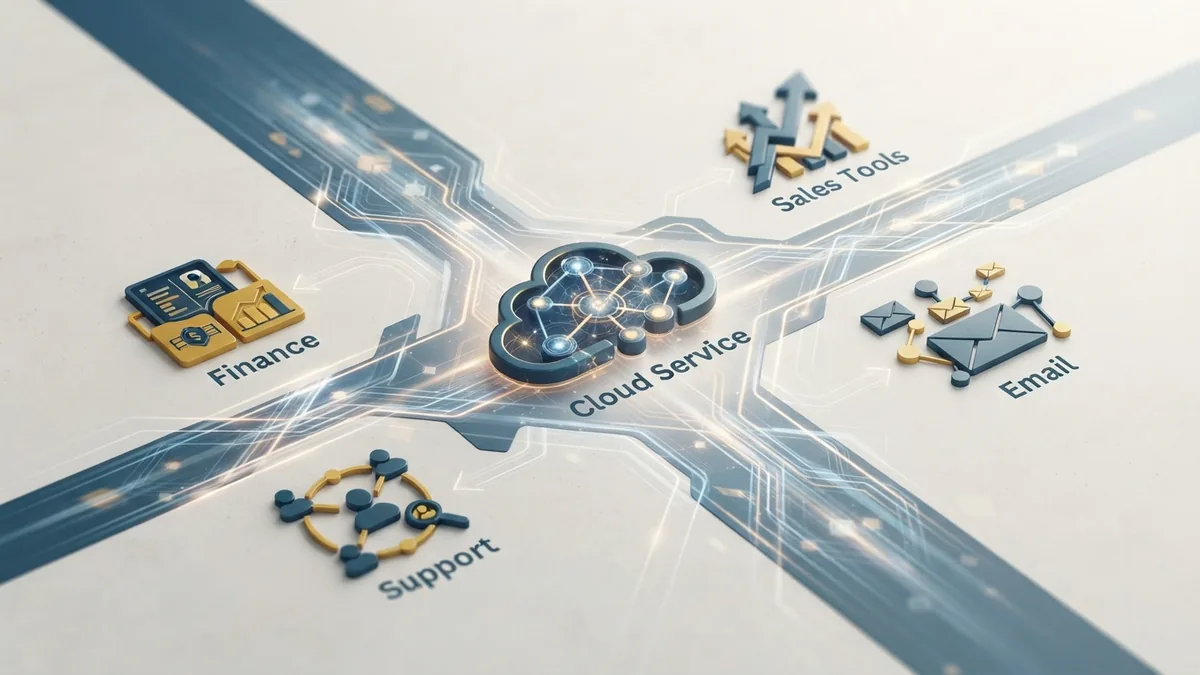
What is CRM integration? It is a link between a CRM and another tool. What is a CRM integration? It is the same idea viewed as one link or build. Common links connect email, forms, billing, support, and finance tools.
What is CRM and ERP? CRM manages customer ties. ERP manages wider firm work, such as stock, finance, and supply. A link between them can join sales demand with orders and accounts.
Cloud, servers, APIs, and development
What is CRM in cloud computing? It is a CRM that runs on remote tools through the web. The vendor hosts the main service. Staff can use it from approved devices.
What is a CRM server? It is the computer or cloud service that stores and runs CRM data. Some firms host their own server. Others use a vendor's hosted service.
What is CRM API? An API is a set of rules that lets two apps share data. A CRM API might send a new lead to a sales tool. It might also bring an order back into the customer record.
What is CRM development? It is the design, build, and upkeep of a CRM system. Development may add custom fields, links, reports, or work flows. A small build is often easier to use than a large one.
Key Benefits of Using CRM
The value of CRM comes from better records and better action. A tool alone will not fix poor work habits. A clear process makes the gains more likely.
More sales and stronger retention
CRM can help sellers respond while a lead still has interest. It can rank tasks, flag stalled deals, and show the next step. Better follow-up can lift the share of leads that become buyers.
It can also support customer retention. Teams can spot late renewals, low use, or open complaints. They can act before a small issue turns into a lost account.
Faster work and better service
Staff spend less time searching for old messages. They can find a record in seconds. This leaves more time for calls, problem solving, and sound advice.
CRM can keep service work clear. Each case can have an owner, a due date, and a full contact trail. Managers can see where work slows down.
- Quicker replies through shared customer history
- Fewer missed tasks and weak handoffs
- Better reports for sales and marketing choices
- More consistent service across teams
CRM Challenges and Adoption Risks
CRM projects can fail when the scope grows too fast. A firm may try to rebuild every process at once. That can delay launch and confuse staff.
Vendor reliability also matters. A service needs strong uptime, clear support, fair pricing, and safe data handling. Check these points before signing a long contract.
User adoption issues are another common risk. Staff may avoid a tool that feels slow or adds needless steps. Good training, simple screens, and firm data rules can help.
How to choose and roll out a CRM
- Set a short list of business goals, such as faster lead response.
- Map the customer work that teams handle each day.
- Pick only the fields and tools needed for the first launch.
- Test links with email, forms, finance, and support tools.
- Train each team with real tasks and short guides.
- Review use, data quality, and results after launch.
The Future of CRM Technology
CRM tools are moving toward richer automation and clearer insight. AI in CRM can help sort leads, draft replies, and flag risk. People should still check key outputs before they reach customers.
Multi-channel distribution is also shaping CRM design. Customers may use email, chat, phone, social feeds, and web forms. A strong system brings those touchpoints into one useful record.
The best CRM choice depends on the work, not the feature count. A small firm may need contact records and tasks. A larger firm may need reports, links, roles, and custom development.
Finally, what is a CRM company? It is a vendor that builds or sells CRM software and related services. Some vendors focus on one trade. Others offer broad platforms for many teams.
CRM works when people trust the data and use the system each day. Start with a clear need. Keep the first build small. Then grow it as the team learns.