
CRM Software — How It Connects Customers, Teams and Data

What Is CRM Software?
CRM stands for Customer Relationship Management. CRM software helps a business manage customer interactions and relationships in one shared system.
It stores useful details about leads, customers, accounts, calls, emails, deals and support requests. Teams can then view the same customer record instead of keeping data in separate files.
So, what is CRM software used for? It helps teams track customer needs, manage sales work, answer service questions and plan marketing activity. It also shows what happened before each new customer conversation.
What is CRM system software in simple terms? It is a set of tools that turns customer data into useful work. A good system links people, tasks and events across the customer journey.
- Sales teams track leads, deals and follow-up tasks
- Marketing teams group contacts and manage campaigns
- Service teams record issues and share customer history
- Managers review results and spot gaps in the sales process
What CRM Software Does Day to Day
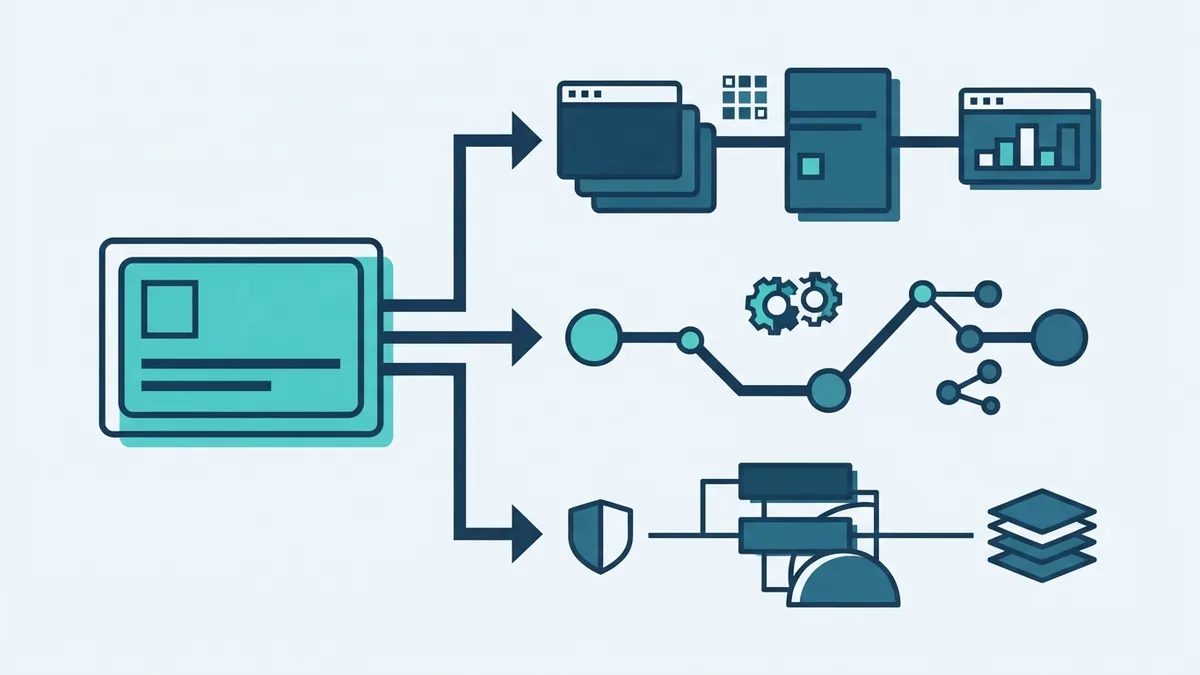
CRM software gives each customer a central profile. That profile may include contact details, purchase history, email records and open support cases.
A sales worker can see the next task without searching through inboxes. A service worker can read the customer history before replying. This creates a smoother handoff between teams.
Many CRM systems also automate routine work. They can assign new leads, send reminders, update deal stages and alert staff when a task is late.
These steps reduce manual data entry. They also make it easier to follow a shared process from first contact to renewal.
Core Functions of CRM Software
Contact management is often the starting point. It lets teams save customer details, company links, notes and past activity in one place.
Sales automation helps staff manage leads and deals. The system can move a lead through set stages, schedule follow-ups and show likely sales totals.
Marketing automation supports targeted outreach. Teams can group contacts by need, location or past activity. They can then send a fitting message to each group.
Customer service tools bring support work into the same record. Staff can log cases, set response tasks and track whether an issue was solved.
Reporting tools turn stored data into clear views. Managers can compare lead sources, sales value, response times and customer churn.
- Contact management: Stores people, firms, notes and activity
- Sales analytics: Shows pipeline value, win rates and sales trends
- Marketing automation: Runs planned emails and contact groups
- Task management: Creates reminders, owners and due dates
- Service tracking: Records cases, replies and outcomes
Why Businesses Use CRM Software
The main benefit is shared access to customer data. Staff spend less time asking who owns a lead or where a deal stands.
CRM software can also improve customer engagement. Staff see past conversations before they make contact. This helps them give more relevant answers and offers.
Automation saves time on repeat work. For example, a new form entry can create a lead, assign an owner and start a follow-up task.
Better records can also support stronger decisions. A manager may find that one campaign brings many leads but few sales. The team can then shift time towards better sources.
Benefits vary by firm. A small team may value shared contact records most. A larger firm may need access rules, reports and links to other business tools.
| Business need | How CRM software helps |
|---|---|
| Faster follow-up | Creates tasks and reminders for each lead |
| Better team handoffs | Shares notes and customer history |
| Clearer sales control | Shows deal stages and likely revenue |
| Stronger service | Tracks cases from first reply to close |

Types of CRM Software
Most CRM products fit into three broad types. Many modern products mix these types in one cloud-based CRM.
Operational CRM supports daily work. It helps teams capture leads, run sales steps, send campaigns and handle service tasks. This type suits firms that want smoother processes.
Analytical CRM focuses on customer data analysis. It turns records into reports about sales, buying habits and service results. This type suits firms that need better planning.
Collaborative CRM helps teams share customer knowledge. It links sales, marketing and service work across teams or sites. This type suits firms with complex handoffs.
One product may offer all three. The right mix depends on the work your teams do and the data they need.
- Choose operational tools for repeat work and process control
- Choose analytical tools for reports and trend review
- Choose collaborative tools for shared customer work
Key CRM Features to Look For
Core features should match the way your business works. A long feature list does not help if staff find the system hard to use.
Look first for strong contact records and search. Staff should find a customer in seconds. They should also see tasks, notes and recent activity without extra steps.
Check the sales tools next. Useful features include deal stages, quotes, task rules, forecasts and sales analytics. These tools should match your real sales process.
Marketing teams may need email groups, campaign tracking and lead scoring. Service teams may need case queues, response targets and shared reply history.
Also check links with your current tools. Common links include email, calendars, payment systems, websites and support platforms.

- Contact and account records
- Lead and deal tracking
- Email and calendar links
- Sales reports and dashboards
- Marketing campaign tools
- Support case tracking
- Mobile access and user permissions
- Data export and system integrations
How to Choose the Right CRM
Start with the work you need to improve. Write down the current steps for sales, marketing and service. Mark each step that causes delay, lost data or repeated effort.
Next, define the users and data. A five-person sales team needs a different setup from a firm with many regions. List the roles, records and reports each group needs.
Set a budget before you compare products. Include licence fees, setup work, data cleaning, training and support. A low monthly price may hide a costly setup.
Test each shortlist with real work. Import sample records and build one sales path. Ask staff to complete common tasks without help.
Review data control and growth plans too. Check who can view records, how data leaves the system and how new users are added.
- Map your customer and sales processes
- List users, data needs and key reports
- Set a full budget for setup and running costs
- Test shortlisted systems with real examples
- Pick the system staff can use with little friction
CRM Software Examples
Popular CRM software examples include Salesforce, HubSpot CRM, Microsoft Dynamics 365 and Zoho CRM. Each product serves a different mix of firms, teams and budgets.
Salesforce often suits larger firms with complex sales work and many links. HubSpot CRM can suit teams that want sales and marketing tools in one place.
Microsoft Dynamics 365 may fit firms that already use Microsoft business tools. Zoho CRM often appeals to smaller firms that want broad features at a lower cost.
These examples are not a final shortlist for every business. Compare the full cost, setup effort, support model and fit with your daily work.
Some firms also build custom CRM software solutions. This can make sense when standard tools cannot support a key process. It also brings more build, testing and upkeep work.
AI in CRM can suggest tasks, score leads or sum up customer records. Treat these features as support tools. Check their output before staff act on it.
Final Takeaway
CRM software is a shared system for managing customer relationships and interactions. It brings customer data, tasks and team work into one place.
Its value comes from better records, less repeat work and clearer customer insight. The best choice depends on your business size, team needs, budget and growth plans.
Start with one process that needs a fix. Test the system with real work. Then expand once staff trust the data and the daily flow.