
Amazon Cloud Development — Services, Tools and Practices
What Amazon cloud development means
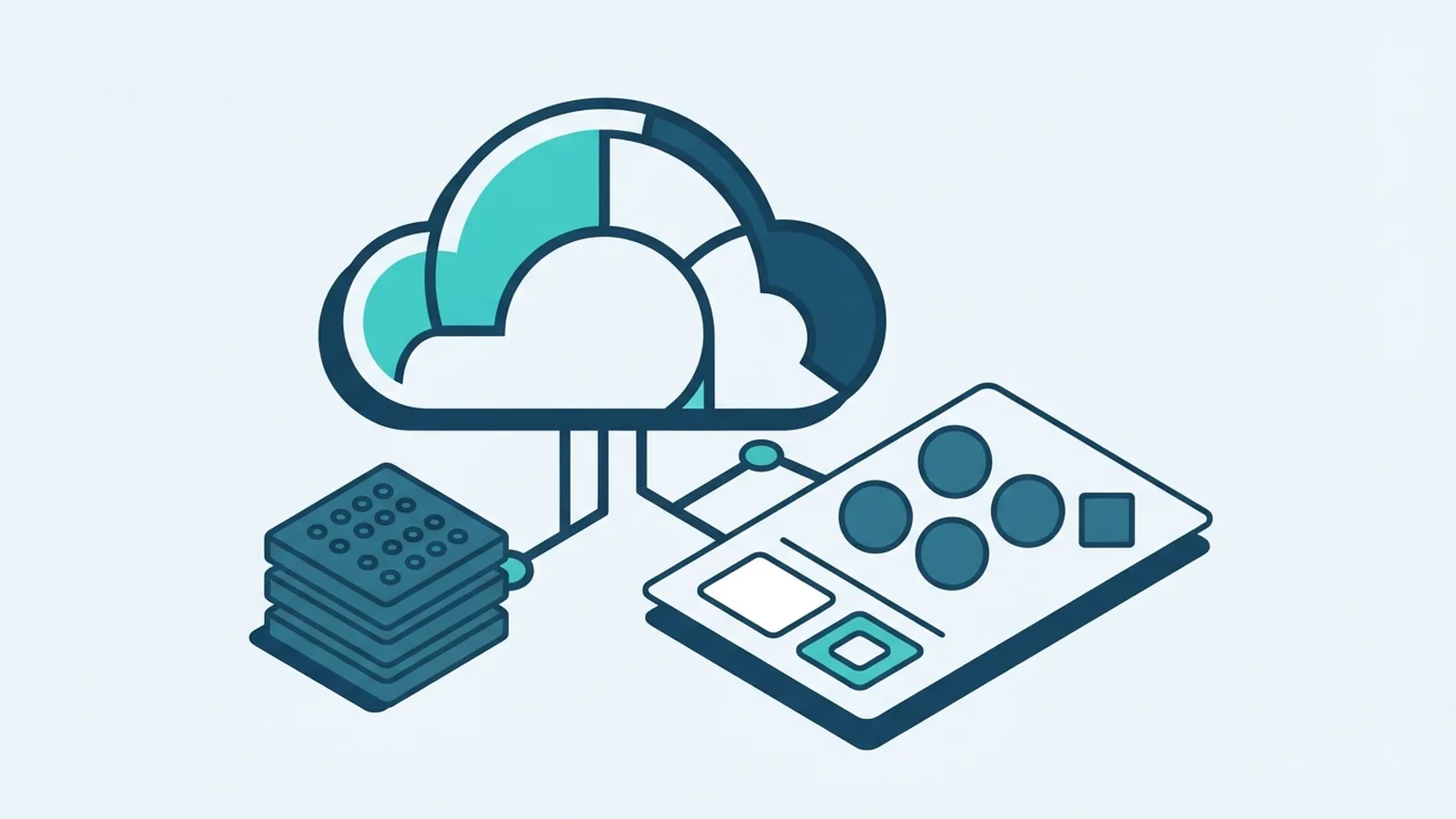
Amazon cloud development means building and running software with Amazon Web Services (AWS). Instead of buying and managing every server, teams use cloud services to host apps, store data, and connect systems. They can add or remove resources as needs change. That makes it easier to test ideas and serve users across regions.
What is cloud development beyond hosting? It is the full work of planning, building, testing, shipping, and looking after software in a cloud setting. A team may use AWS tools for databases, computing, storage, networks, and security. The cloud does not remove the need for sound design. It changes how teams get and manage the tools they need.
Cloud use keeps growing. Gartner forecast worldwide public cloud end-user spending would reach $723.4 billion in 2025, up from $595.7 billion in 2024. This forecast shows why cloud skills matter to firms of all sizes. It is a market estimate, not a promise that every cloud project will save money.
AWS is one major provider, but cloud development also works on other platforms. The right choice depends on the app, team skills, cost needs, and rules that apply. Good planning links those needs to the design from the start.
Key AWS features and services for development
AWS offers building blocks for common software needs. Amazon EC2 gives teams virtual servers, while AWS Lambda runs code when an event calls it. Amazon S3 stores files and other objects. Amazon RDS and DynamoDB offer managed ways to store app data.
Teams also need ways to connect and protect these parts. Amazon VPC sets network boundaries, and AWS Identity and Access Management controls who can use resources. Amazon CloudWatch helps teams track logs, alarms, and system health. These tools support web apps, data jobs, and services built from smaller parts.
A cloud development platform brings tools together to build, test, ship, and run software. It may include code storage, build jobs, test tools, release steps, and cloud resource control. AWS CodeBuild and CodePipeline can help automate parts of this work. Teams can also use tools such as GitHub Actions or Jenkins.
AWS Cloud Development Kit (CDK) is a cloud development kit for defining cloud resources with familiar programming languages. A team writes code that describes the needed setup, then CDK turns it into an AWS CloudFormation template. This is infrastructure as code: the setup lives in files that teams can review and track. See the AWS CDK developer guide for supported tools and core concepts.
- Use compute tools to run app code.
- Choose storage and database tools to fit the data.
- Set network rules and access rights with care.
- Use logs and alarms to spot faults early.
- Keep cloud setup in code where possible.
These services are building blocks, not a finished app. Teams must still set access rules, test changes, and watch costs. A small test setup can reveal issues before a public launch.
Cloud models and service choices
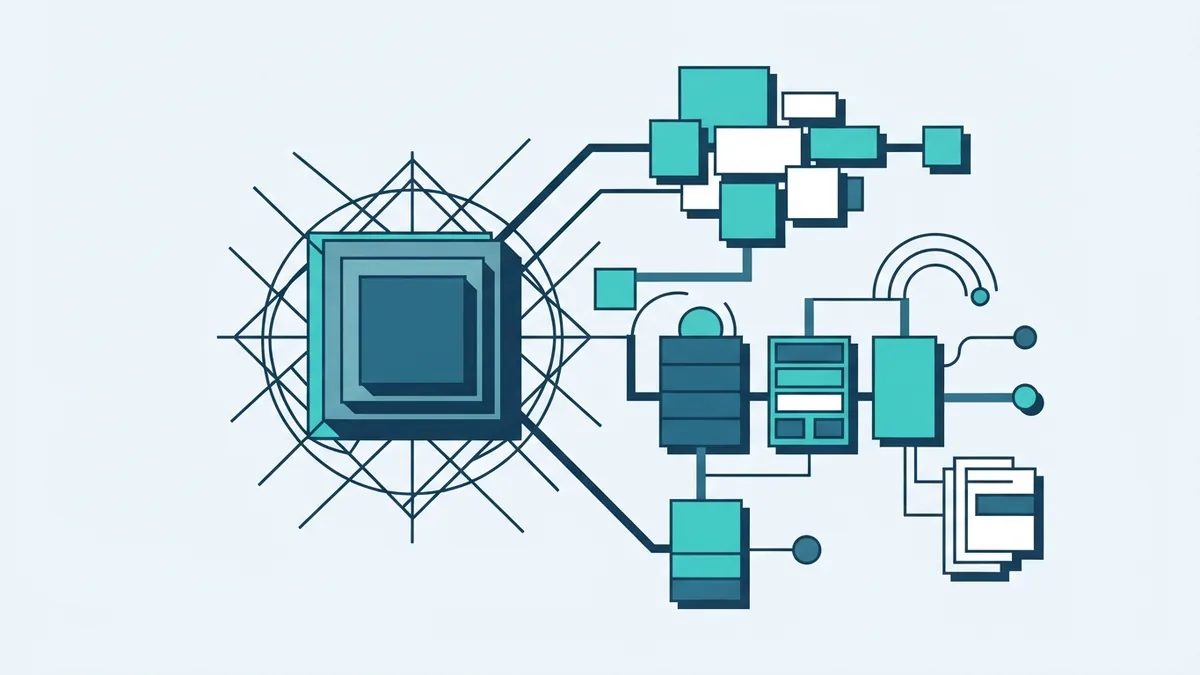
Cloud services often fit three broad models: IaaS, PaaS, and SaaS. These names describe how much of the stack the provider runs. The model affects how much control and upkeep the team keeps.
With Infrastructure as a Service (IaaS), teams rent core tools such as virtual servers and networks. They control more of the setup, including the operating system and app. This can suit older apps or teams that need fine control. It also means more work to patch and secure.
Platform as a Service (PaaS) gives teams a managed place to build and run apps. The provider handles more of the base setup, so developers can focus on app code. Software as a Service (SaaS) is ready-to-use software delivered online. Users manage their account and data, while the vendor runs the app itself.
AWS spans these models. EC2 is often used as an IaaS service, while managed app and database tools reduce upkeep. SaaS products, such as online email or customer tools, sit at the end-user level. The best cloud development model depends on control, team time, and the need to shape the system.
| Model | What the provider runs | What the team manages |
|---|---|---|
| IaaS | Servers and core cloud tools | Operating system, app, and data |
| PaaS | Platform and much of its upkeep | App code and data |
| SaaS | Ready-to-use app and its platform | Use, account settings, and data |
Do not pick a model by name alone. Compare the work your team can own with the work it wants to avoid. Check limits, data needs, and likely costs before moving key systems.
What cloud developers do
What is a cloud developer? It is a software professional who builds apps for cloud-based tools and services. The role can include app code, cloud setup, data flows, security, and release work. In smaller teams, one person may cover several of these areas.
A cloud developer works with product staff, testers, and operations teams. They turn user needs into system parts, then test how those parts work together. They may use containers to package apps or split a large app into smaller services. These choices can help teams ship changes with less risk.
DevOps brings development and operations work closer together. It is a way of working, not just a set of tools. Teams use automated tests and release steps to catch faults sooner and ship updates in smaller changes. This can cut handoffs and help teams fix issues faster.
Cloud developers also need to watch the system after release. They check logs, alarms, access rules, and bills. They may set up backups and test how the app recovers after a fault. Good cloud work continues after launch.
Clear ownership matters. A team should know who approves cloud changes, who handles alerts, and who can reach sensitive data. A short runbook can show what to check when a service fails. That can make an urgent fix less stressful.
Best practices and common cloud challenges
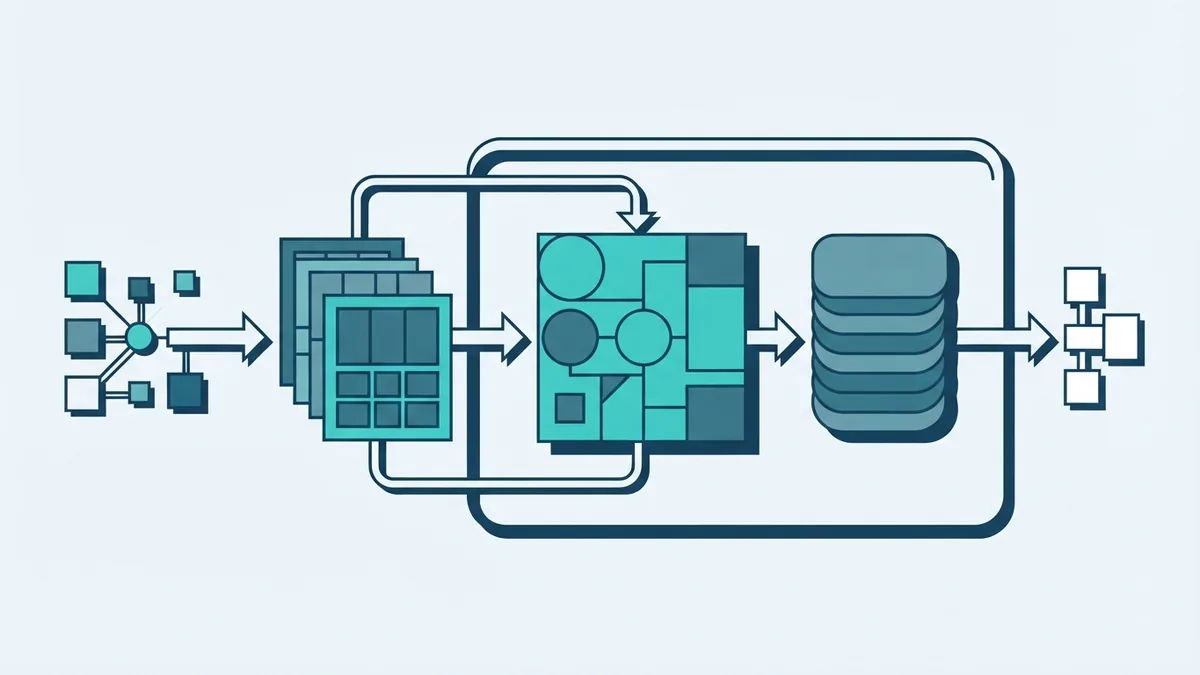
Cloud projects can face surprise costs, weak access rules, outages, and hard-to-track systems. Teams can reduce these risks with small, clear steps. Start with a basic map of the app, its data, and its links to other systems.
Set budgets and cost alerts before broad use. Tag resources by team or app so bills are easier to trace. Shut down test systems when no one needs them. Review storage and server sizes as real use becomes clear.
Protect access with least privilege: give each user and service only the rights it needs. Turn on multi-step sign-in for important accounts. Keep secrets out of code files, and store them in a managed secret tool. Test backups by restoring data, not just by checking that a backup job ran.
Use DevOps habits that fit the team. Store cloud setup in version control, run tests before release, and use a safe test space. For risky changes, send them to a small share of users first. Keep a way to roll back if a release breaks key tasks.
- Cost spikes: set alerts, review use, and remove idle resources.
- Security gaps: limit access and check rights on a schedule.
- Service faults: use alarms, backups, and tested recovery steps.
- Complex systems: document links and use clear service owners.
- Slow releases: automate checks and ship smaller changes.
AWS publishes advice on secure cloud design through its Well-Architected Framework. Use it to review security, cost, reliability, and day-to-day operations. Treat each review as a chance to find specific fixes, not as a one-time badge.
Where Amazon cloud development is heading
Amazon cloud development gives teams a broad set of tools to build and run software without owning every server. AWS services cover compute, storage, data, networks, and monitoring. CDK lets teams define much of that setup in code, while DevOps helps connect build work with safe releases.
New tools keep changing how teams build apps. Serverless services can reduce server upkeep for event-based tasks. Containers can help apps run in a more consistent way across settings. Teams still need to weigh cost, control, and skill needs before choosing a design.
Start with the problem the app must solve. Pick a small set of services, write down the design, and test a working version. Then check its cost, safety, and speed under real use. That approach helps teams grow without adding needless complexity.