
SDLC Phases — From Planning to Secure Release
What the software development life cycle covers
The software development life cycle (SDLC) is a structured way to plan, build, test, release, and maintain software. Its phases give teams a shared path from an early idea to a working product. They also help project leads track risks, work, and decisions.
There are seven common SDLC phases: Planning, Requirements Gathering, Design, Development, Testing, Deployment, and Maintenance. Teams may rename or combine stages, but the core work remains much the same. The right process depends on the product, team, users, and level of risk.
Each phase should have a clear owner and a useful output. Product leads, engineers, testers, security staff, and business stakeholders may all take part. Clear roles and regular communication make it easier to spot gaps before they grow into costly rework.
- Purpose: Move software from an idea to a supported service.
- Value: Make work, decisions, and risks easier to track.
- Flexibility: Adapt the phases to fit the project, rather than follow them blindly.
Why the phases matter to a project
SDLC phases break a large build into smaller pieces with clear goals. Teams can agree on what must be done before work moves on. This helps control scope and gives project managers better ways to track time, cost, and risk.
Each phase creates an output that another phase can use. A plan guides the team; agreed needs guide design; and design choices guide the build. When a handoff lacks detail, teams may build the wrong feature or miss a key need.
Risks also change as work moves forward. Unclear needs can lead to scope changes, while a weak design can cause poor speed or hard-to-fix flaws. Testing can find bugs, but late discovery often means more work to fix them.
Keep a short record of decisions, owners, and open questions. Hold reviews at key handoffs, not just at the end. This gives users and technical teams a chance to raise concerns while changes are still manageable.
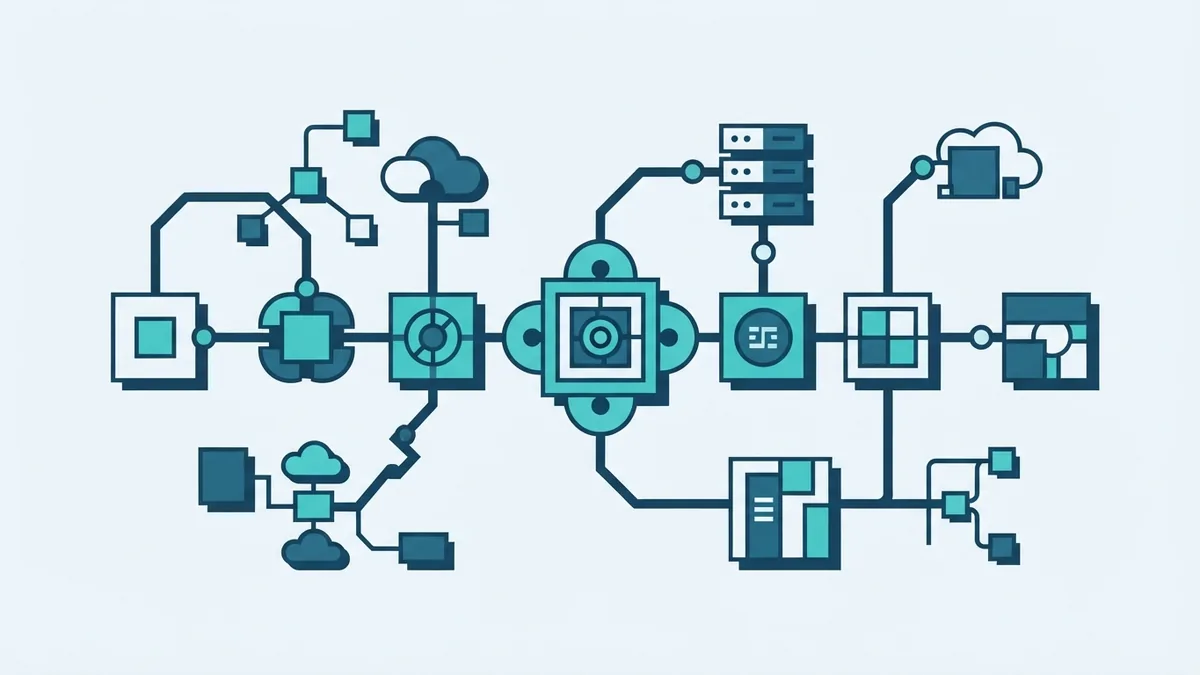
The seven SDLC phases, their outputs, and risks
Planning starts with the problem, goals, budget, timeline, and main risks. Its output is a project plan with scope, owners, and success measures. A plan built on guesswork can set dates or costs that the team cannot meet.
Requirements Gathering turns user and business needs into clear, testable statements. The output may include user stories, rules, and acceptance checks. If key users are left out, the team can miss vital needs or build features no one values.
Design sets out how the software will work and fit together. Teams define software architecture, data flow, interfaces, and key technical choices. Design notes and diagrams guide the build, while rushed choices can create weak links or hard upkeep.
Development turns the design into code and working features. Code, build records, and unit tests are common outputs. Shared code rules and peer review help, since rushed work can add bugs or make later changes risky.
Testing checks whether the software meets its needs and handles likely faults. Test results, bug reports, and release advice are key outputs. Missing test cases can leave defects in place, while late fixes may delay a release.
Deployment moves approved software into a live setting. The output is a running release, plus release notes and a way to roll back. A poor release plan can cause downtime or affect customer data.
Maintenance keeps the live product safe and useful. Teams fix bugs, patch flaws, and make changes as needs shift. Support records and new releases guide this work, but weak upkeep can let old faults and risks remain.
These phases are linked, not sealed-off tasks. For example, a change in user needs may alter design, code, and test plans. Teams should track those links so each change reaches the right people.
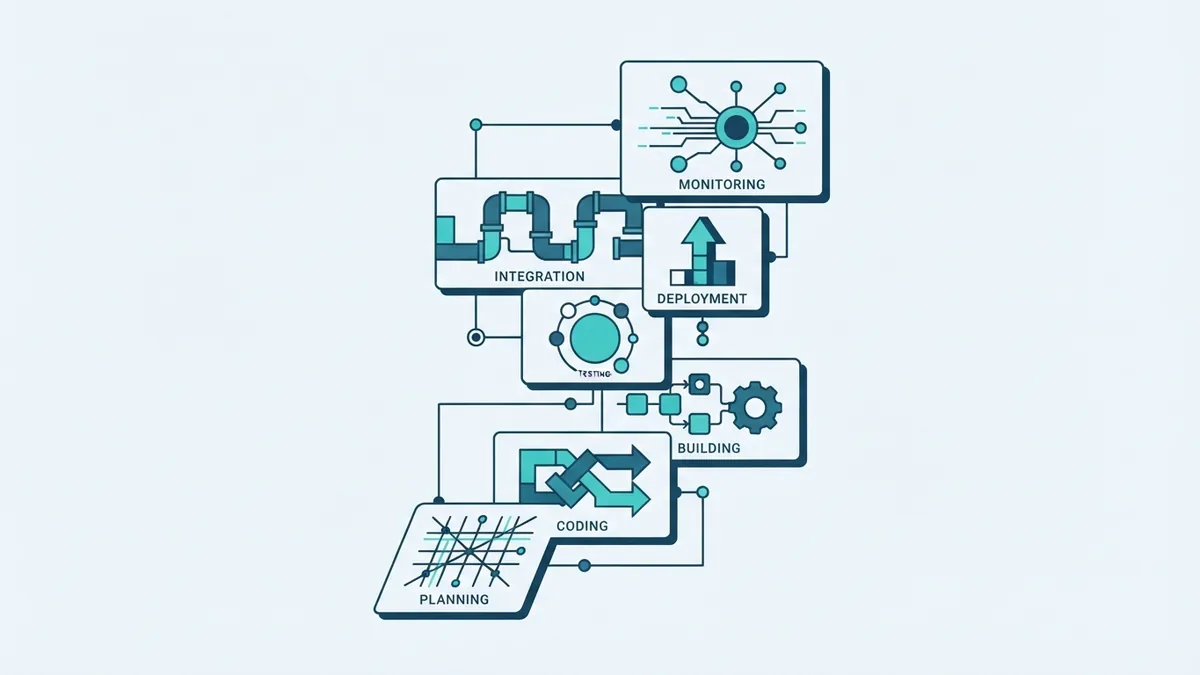
Waterfall, Agile, Spiral, and V-Model
SDLC models shape how teams move through the phases. Waterfall tends to finish one phase before the next begins. It can suit work with stable needs, but late changes may cost more.
Agile uses short cycles to build, test, and review small parts of a product. Teams can respond to new feedback as they go. It fits changing needs, but it still needs clear goals and steady checks on scope.
The Spiral model repeats planning, building, and review, with a strong focus on risk. It can suit complex work where teams need to test key ideas early. The extra review work may be too much for a small, low-risk project.
The V-Model links each build phase with a matching test phase. For example, teams can check requirements through acceptance tests and design through system or integration tests. It works well when checks must be planned early, but change can be less smooth.
- Waterfall: Stable needs and clear phase handoffs.
- Agile: Frequent feedback and changing needs.
- Spiral: High risk or uncertain technical choices.
- V-Model: Close links between build work and planned checks.
Build testing into every phase
Testing should begin when teams discuss needs, not when code is nearly done. Testers can help turn each need into a check that proves whether it works. Early checks also expose unclear rules before they become costly code changes.
Different test phases in software testing answer different questions. Unit tests check small pieces of code; integration tests check how parts work together. System tests assess the whole product, while user acceptance testing confirms that it meets user needs.
Teams can run many checks each time code changes through continuous integration. This means an automated build runs tests when developers share new code. It helps catch faults soon, though people still need to test real user paths and edge cases.
A useful test plan links each key need to one or more checks. Track which checks passed, which failed, and who owns each fix. This makes the SDLC phases in software testing easier to follow, even when the team ships in short cycles.
How Agile changes the SDLC phases
Agile SDLC phases do not vanish; teams repeat them in small work cycles. A team may plan a short set of tasks, refine needs, design a feature, build it, test it, and release it. The next cycle uses feedback from users and the team.
Each cycle should end with working software or a clear lesson. A backlog holds work that the team may do later, while a review helps check progress with users. Frequent feedback can reveal a wrong turn before it affects a large part of the product.
Agile does not mean skipping plans, records, or test work. Teams still need a clear goal, agreed checks, and safe release steps. They can keep records brief, but must still make key choices easy to find.
Use cycle length to suit the work and team. A one- or two-week cycle is common, but it is not a rule. The key is to finish a small slice, learn from it, and adjust the next slice.
Make security part of the whole SDLC
Security belongs in every phase, not as a final check before launch. During planning, name key risks and the data the product will handle. During requirements, set rules for access, privacy, and safe data use.
In design, review trust boundaries and ways an attacker could misuse the system. In development, use safe coding rules and review changes. During testing, check for flaws as well as expected features.
Before release, limit who can approve changes and confirm that the live setup is safe. During maintenance, patch known flaws and watch for signs of misuse. This shared approach is often called DevSecOps: security work woven into software delivery.
The NIST Secure Software Development Framework sets out practices teams can add to their work. Use it as a prompt to check how your team plans, builds, tests, and responds to flaws. Tailor the steps to your risks and product rather than treating any list as a substitute for judgment.
Strong SDLC work gives each phase a goal, owner, output, and review. Pick a model that fits the work, then build testing and security into the whole path. Clear handoffs and early feedback help teams release software with fewer surprises.