
SaaS Software — How It Works and What to Expect
What SaaS software is
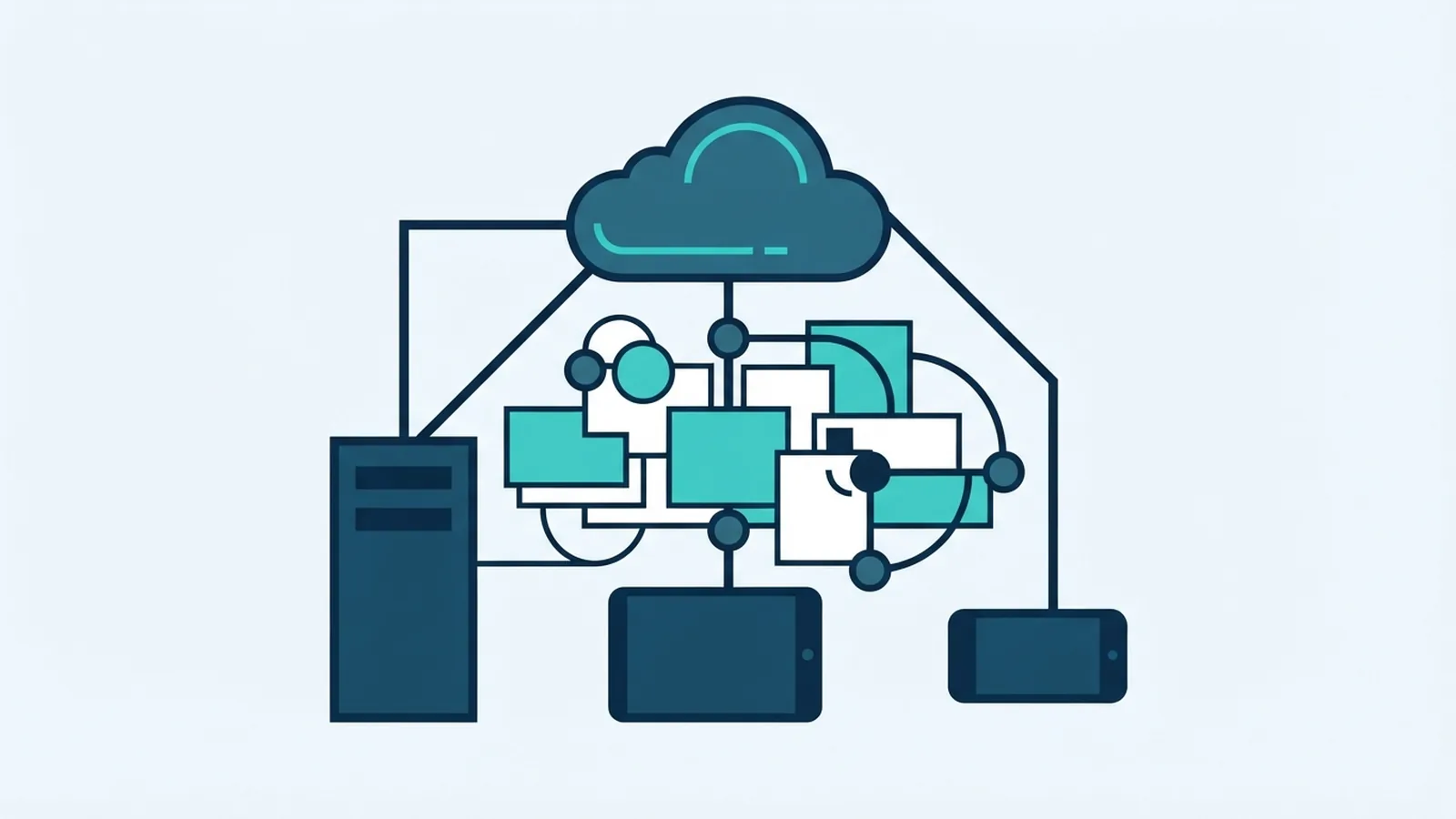
SaaS stands for Software as a Service. It is software hosted by a provider and used online, often through a web browser or app. Instead of buying and installing a full program, customers pay to use the service.
This model is part of cloud computing. The provider runs the software and its core systems, while customers access their accounts over the internet. Updates and fixes usually reach users without a manual install.
Most SaaS services use subscriptions. A customer might pay each month or year, rather than face a large upfront license cost. The price can change with the plan, the tools included, or the number of users.
How SaaS software reaches users
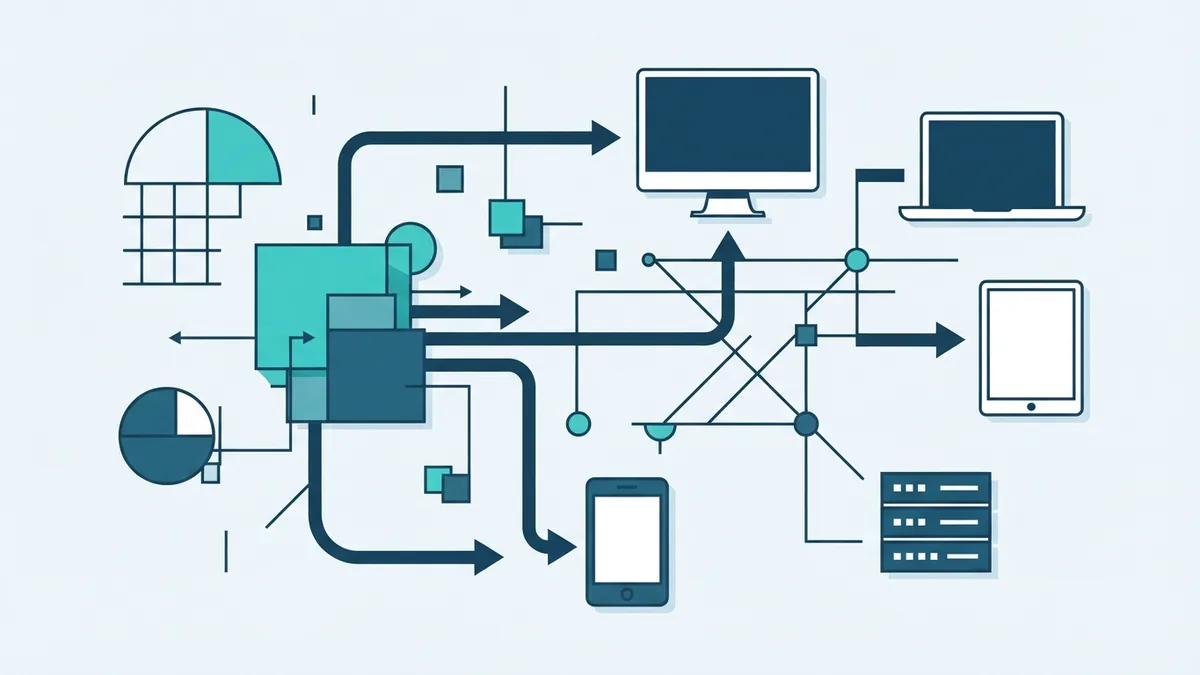
To understand how SaaS software is distributed, start with the provider’s online service. The provider hosts the app on its own systems or on cloud hosting tools. Customers sign up, create accounts, and use the service through a browser or mobile app.
The provider manages the main software release. It can fix a bug or add a feature once, then make that change available to many customers. Users may still need to update a mobile app, but they do not install the main service on their own servers.
Access depends on a working internet connection and an account with the right permissions. Some services offer offline features, yet these often sync changes once the device reconnects. Teams should check how data is saved and restored before relying on an offline mode.
Billing and access rules are part of distribution too. A provider may offer a free trial, a free plan, or paid tiers. Each tier can set limits for storage, features, support, or seats.
SaaS software examples you may already use
Common SaaS examples include Google Workspace, Slack, and Salesforce. Google Workspace brings email and shared work tools into one account. Slack supports team messaging, while Salesforce helps businesses track customer relationships and sales work.
Other examples cover a wide range of tasks. Project management software helps teams plan work and track progress. Online accounting tools handle invoices and records, while video meeting services connect people across offices.
These services share a delivery model, not one specific purpose. A small firm might use one SaaS app for email and another for customer records. A large firm may connect many apps so data can move between teams.
When comparing a service, look beyond its name and feature list. Check its user limits, data export options, support hours, and ability to connect with other tools. These details affect how well it fits daily work.
Advantages of SaaS software
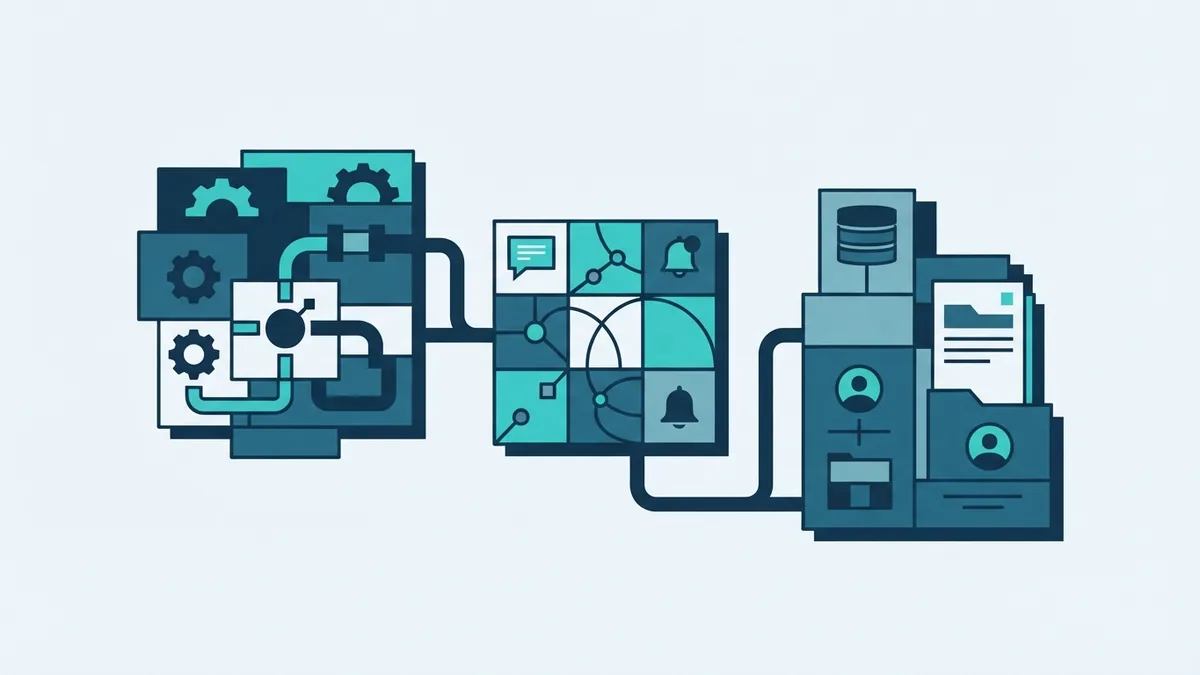
One key advantage of SaaS software is easier access. Users can often sign in from different devices, which can help teams working across sites. A new team member may need only an account and a short setup process.
SaaS can also scale as a company grows. A business may add users or move to a higher tier instead of buying new server hardware. This can make costs easier to plan, though total fees may rise as use expands.
Updates are often handled by the provider. This can cut the work needed to install fixes across many devices. It also gives customers access to new features as they launch, based on the plan they use.
A subscription can lower the cost of getting started. It turns a large purchase into regular payments and can include hosting and support. Still, compare the long-term bill with the cost of other options.
Challenges and risks to weigh
SaaS has trade-offs. A service may stop working well when a customer loses internet access. A provider outage can also affect many users at once, so check its status history and support process.
Data security needs close review. Ask how the provider protects accounts, limits staff access, and handles backups. Check where data is stored and whether you can export it in a useful format.
Customer churn is another challenge for SaaS firms. Churn means customers stop paying or leave the service. Weak onboarding, poor support, or a product that no longer fits can all lead customers to cancel.
Long-term costs can also be hard to judge. Several small subscriptions may add up, and prices can change as a team grows. Set a review date to check active seats, plan limits, and renewal terms.
What makes a SaaS company
A SaaS company sells ongoing access to software that it hosts and maintains. Its income often comes from recurring subscriptions, rather than one-time license sales. Many firms use tiered pricing based on features, user numbers, or levels of support.
This model gives a company a chance to build steady income. It does not guarantee that income, since customers can leave or cut their plans. A firm must keep the product useful and make renewal feel worthwhile.
SaaS teams often track sign-ups, paid accounts, cancellations, and support needs. These measures help show whether customers gain value and stay over time. They also point to gaps in the product or customer experience.
Strong firms make billing and limits easy to understand. They also plan for data safety, service uptime, and customer support. Those basics shape trust as much as the software itself.
Where SaaS may be heading
SaaS products keep adding tools that cut routine work. Some can sort requests, draft replies, or move data between apps. Customers should test these features with real tasks before they rely on them.
More firms also want their tools to work together. Better links between apps can reduce repeated data entry and keep records in sync. Yet each link adds another point to review for access and data handling.
Buyers will likely keep weighing ease of use against control. A hosted service can be quick to start, while a local system may offer more direct control. The right choice depends on the work, risk level, and skills of the team.
Before signing up, list the task the software must solve. Test the service with a small group, review its costs, and check how you can leave. That simple check can prevent a costly mismatch.