
API Keys—How They Work and Stay Safe

What Is an API Key?
If you ask “whats api key,” the short answer is simple. An API key is a unique code for software requests.
An API, or application programming interface, lets software share data and features. The key helps the receiving service identify the app behind each request.
People also search for “whats an api key” or “whats api mean.” An API key is not a password for a person. It usually points to an app, project, or account.
The service checks the key before it returns data or runs an action. It may also link the request to a plan, quota, or set of features.
Think of the key as an access pass for software. It tells the service which client is calling.
Why API Keys Matter in Software Development
API keys give a service a simple way to identify software traffic. This matters in software development because apps often rely on outside tools.
A website may use a payment service, map service, or email tool. The key links each call to the right project.
Keys also help providers manage demand. They can count calls, set limits, and spot odd traffic.
- Identify an app or project
- Block anonymous traffic
- Limit calls within a set time
- Track API use for billing
- Control access to paid features
This does not make a key a full security system. It gives the service a useful first check.
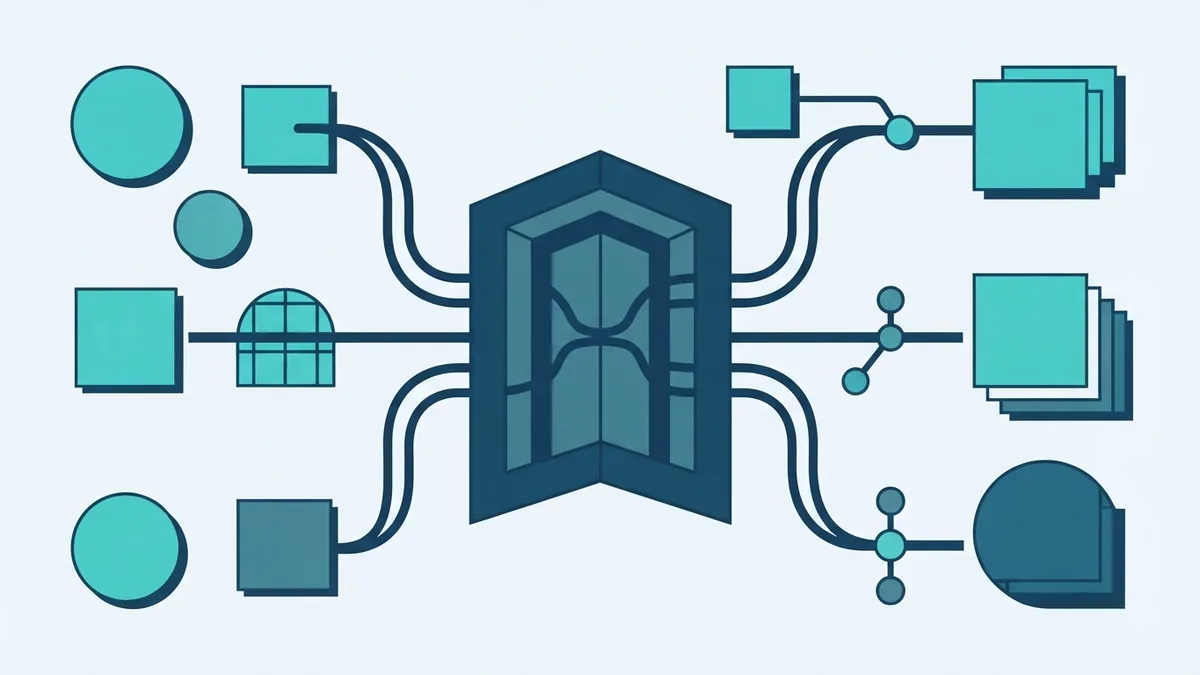
How API Keys Work in a Request
First, a developer creates a key in the provider’s dashboard. The app then sends that key with each request.
The key may sit in a request header. Some services accept a query value or body field instead.
The API checks the key against its rules. It may check the project, scope, expiry date, and usage limit.
- The app builds a request.
- The app adds the key in the required field.
- The API checks the key and its limits.
- The service accepts or rejects the request.
- The app receives data or an error.
A failed key may return a 401 or 403 status. A 429 status often means the app made too many calls.
Good API documentation should show the right field and error codes. It should also explain call limits and key rules.
What API Integration and an API Gateway Do
If you search “whats api integration,” it means joining one service to another through API requests. For example, a web platform can call a payment service.
The platform sends the key from its server. It should not send a private key from a public web page.
An API gateway is a managed entry point for many services. It can route calls, check keys, set limits, and record traffic.
In simple terms, the gateway stands between clients and back-end services. It helps one team apply the same rules across many APIs.
“Whats an api gateway” is often a question about system design. A gateway does not replace every security check. User sign-in and data rights still need careful control.

Public and Private API Keys
API keys can be public or private. A public key supports limited tasks that do not expose sensitive data.
A map widget may use a public key to load map data. The provider should still limit that key by site, feature, and daily use.
A private key should stay on a trusted server. It must not sit in browser code, mobile app code, or a public code store.
| Key type | Typical role | Main risk |
|---|---|---|
| Public | Low-risk site calls | Copying and overuse |
| Private | Protected service calls | Data loss and extra bills |
Public does not mean unlimited. Set strict limits for every key.
Keep private keys in server settings or a secret store. Give each app its own key where possible.
API Key Security: Risks and Safer Practices
An API key can identify an app, but it does not prove a human’s identity. A stolen key may let others call the service as that app.
The harm may include high bills, data leaks, or service abuse. Attackers often find keys in public code, logs, old builds, and screenshots.
OWASP API authentication guidance explains why strong request checks matter. Use stronger checks for user data and high-risk actions.
- Send keys over encrypted HTTPS connections
- Keep private keys on the server
- Limit each key by service and action
- Set rate limits and spending alerts
- Rotate keys on a set schedule
- Revoke keys as soon as they leak
- Review logs for odd calls
Use OAuth when a service needs access for a named user. OAuth can grant set rights without sharing a user password.
Short-lived access tokens can also reduce the harm from a leak. The best choice depends on the service and the data involved.

Common API Key Use Cases
API keys appear in many web and automation systems. They help a provider link calls to the right customer or project.
Payment tools may use keys for server-side payment actions. Email tools may use keys to send approved messages.
- Payment links and billing tools
- Maps, travel data, and address checks
- Email delivery and text alerts
- File storage and media processing
- Weather and market data
- Business reports and data feeds
Each use case needs its own access rules. A map key should not also control billing actions.
Separate keys make faults easier to trace. They also make a leak easier to contain.
What API Keys Cannot Do
An API key does not prove that a person may view private records. It often proves only that a known app made the call.
That difference matters in customer portals and payment systems. The app may need user sign-in, user rights, and an access token.
API keys also do not stop every attack. A leaked key can pass a basic check until someone revokes it.
For a small prototype or MVP, a key may be enough for low-risk calls. As the product grows, add stronger controls and better audit logs.
Do not place secrets in code just because the first release is small. Early habits shape later systems.

How to Manage API Keys Over Time
Start with a clear key plan. Record which app owns each key and which services it may call.
Keep that record outside source code. A secret store can hold private values and limit who can read them.
- Create one key for each app or environment.
- Give each key only the access it needs.
- Store private values outside source code.
- Watch use, errors, and spending.
- Rotate keys before they become a risk.
- Revoke old or leaked keys at once.
Test key rotation before a live change. A backup plan can prevent a broken payment or sign-up flow.
Review unused keys each month. Delete keys that no longer support a live service.
Final Takeaway
So, whats api key means a code that identifies software calls. It helps providers control access, track use, and limit traffic.
API integration links services through these calls. An API gateway can add shared checks across many services.
Keys work best with HTTPS, narrow limits, and strong user checks. Keep private keys hidden and treat every leak as urgent.
That approach supports safer software development from the first release onward.