
API Keys — Uses, Risks, and Secure Management

What Is an API Key?
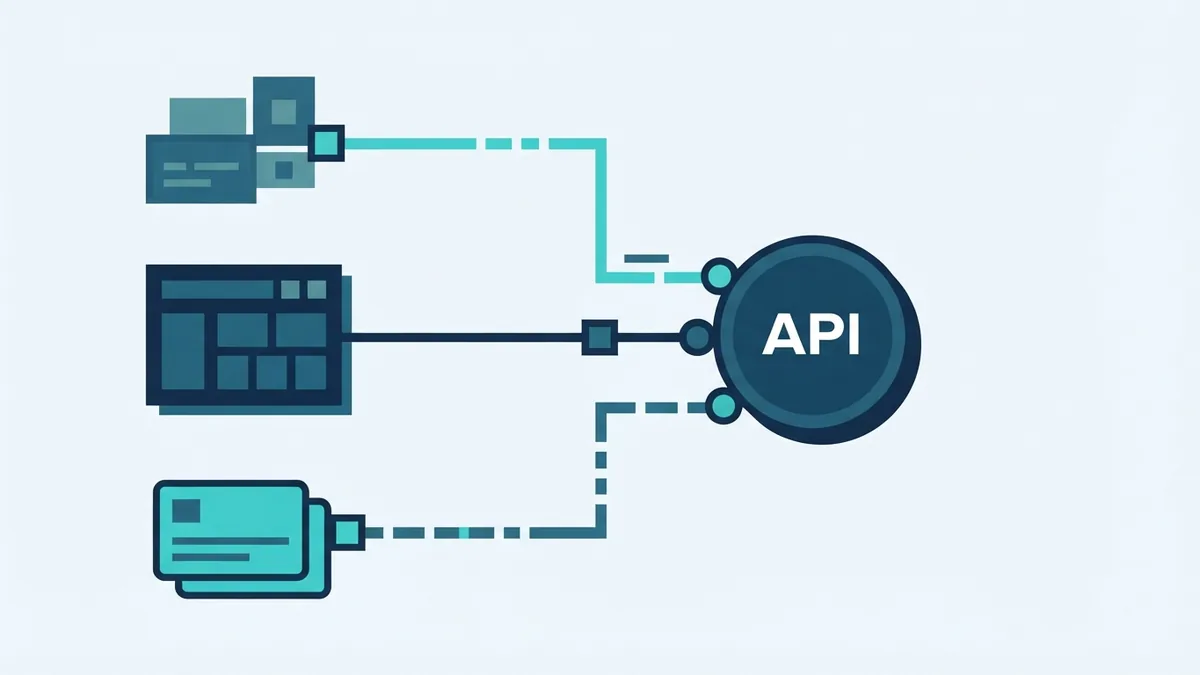
An API key is a unique identifier for an app or user. It lets an API identify the caller before serving a request.
API means application programming interface. It defines how one software system can request data or actions from another system.
Think of an API key as a service pass. It tells the API which project made the request. It may also show which account should pay for usage.
An API key is not the same as a password. It is also not enough for most user actions. A key often identifies software, but it does not prove a user's identity.
How API Keys Work
A developer gets a key from an API provider. The app then sends that key with each request.
The API checks the key against its own records. It may check the linked project, allowed services, and request limits.
If the checks pass, the API processes the request. If the key fails, the API may return a 401 or 403 error.
Keys can travel in several parts of an HTTP request. A request header is usually the safest common choice.
- Headers: The key sits in a dedicated request field.
- Query strings: The key appears in the web address.
- Cookies: The browser sends the key with matching requests.
Query strings can leak through browser history, server logs, and referral data. Use HTTPS for every request. HTTPS protects the connection while the request travels.
Some services use the Bearer format for access tokens. Anyone holding such a token may use it. The OAuth 2.0 framework specification explains this model and its limits.

What Is an API Key Used For?
API keys serve several jobs at once. They help providers link requests to a project or account.
They also support access control. A provider can allow one project to use maps, while blocking payment or email tools.
Keys help with usage tracking too. A provider can count calls, measure load, and apply a billing plan.
- Project identification: The API knows which app sent the request.
- Access control: The provider limits access to chosen services.
- Usage metrics: Teams can review call volume and error rates.
- Rate limiting: The provider caps calls during a set time.
- Billing: The provider links paid usage to an account.
For example, a checkout service may issue one key for a test project. It may issue another key for live payments.
That split helps teams keep test calls away from real customer data. It also makes an accidental live call easier to spot.
API Keys Versus User Authorization
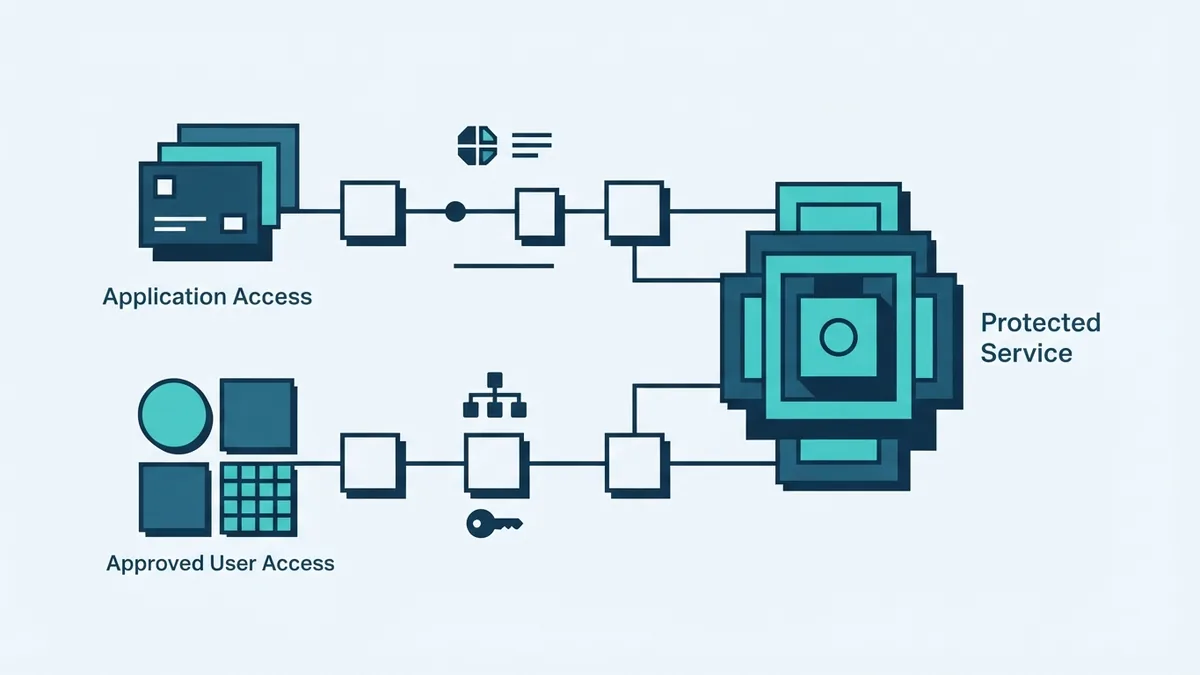
API keys identify an app or project. They do not prove that a person may perform a specific action.
That gap matters for user accounts. A music app should not use one shared key to decide which songs each person can edit.
Use a user sign-in flow for those cases. OAuth can grant limited access without sharing a user's password.
For example, a calendar app may ask for read-only calendar access. The user can then approve that scope for one account.
Keep these roles separate:
- API key: Identifies the calling app or project.
- User token: Represents approved access for one user.
- Session control: Tracks an active signed-in user.
A key may still work beside OAuth. The key can identify the app, while OAuth identifies the user.
Security Risks to Consider
Keep API keys secret unless the provider says they are public. Anyone who obtains a private key may send requests as your project.
A leaked key can create a large bill. It can also expose data, drain quotas, or damage a connected service.
Common leak points include source code, build logs, screenshots, and public repositories. Browser code can also expose keys to every visitor.
Use a server-side call when a key must stay private. The browser then talks to your server, not the protected API.
Restrict each key where the provider allows it. Useful controls include:
- Limit the key to named APIs or actions.
- Allow requests only from known servers or domains.
- Set daily or monthly request caps.
- Use separate keys for test and live systems.
- Set alerts for sudden spikes or new locations.
Rate limiting reduces abuse by capping requests over time. It also protects your service from runaway code.
Track success rates, response times, and failed calls. A sudden change may signal a leak or broken release.
The OWASP API Security Project covers common API risks and defensive controls.

Best Ways to Manage API Keys
Store private keys in a secret manager or protected server setting. Do not place them in client code or source control.
Give each app its own key. This makes use easier to trace and limits the blast radius after a leak.
Use short-lived credentials when the service supports them. Rotate long-lived keys on a set schedule, such as every 90 days.
- Create separate keys for local, test, and live work.
- Grant each key the smallest useful set of rights.
- Load keys from protected settings at run time.
- Log key use without logging the key value.
- Review access and call patterns each month.
- Revoke old keys as soon as a leak is suspected.
Keep a simple key register for your team. Record the owner, purpose, environment, creation date, and last review.
Never copy a live key into a support ticket. If a key appears in public code, revoke it first. Cleaning the file does not remove old repository history.
Common API Key Mistakes
The most common mistake is treating a key like a full security system. A key gives access based on its settings, not on the caller's intent.
Another mistake is placing a private key in a mobile or browser app. Attackers can inspect shipped code and copy embedded values.
Teams also forget to limit call volume. One loop can send thousands of requests in minutes.
A weak response process can make a leak worse. Staff should know who can revoke keys and who checks the logs.
- Do not commit secrets to Git repositories.
- Do not send private keys in query strings.
- Do not share one key across every service.
- Do not ignore failed requests or usage spikes.
- Do not assume HTTPS fixes a leaked key.
Test your controls before launch. Try an expired key, an unknown key, and an over-limit request.
Conclusion: Use Keys With Stronger Controls
So, what is an API key used for? It identifies an app, controls access, and tracks API use.
It can also support quotas, billing, and rate limits. Those benefits depend on careful setup.
Keep private keys out of client code. Send them through HTTPS and limit each key's reach.
Use OAuth when an action needs user approval. Monitor calls, rotate secrets, and revoke keys quickly after a leak.
These steps make API access safer without adding needless friction for your team.