
Plan Shopify Website Development Around Your Store

What Shopify Website Development Covers
Shopify website development brings together store design, setup, and the features needed to sell online. It can mean launching a theme-based shop or building a more custom storefront with apps and code. The right scope depends on your products, order flow, and plans to grow.
A typical project starts with goals and store needs. The team then maps pages, sets up products and payments, shapes the design, and tests key tasks. These tasks include finding an item, adding it to a cart, and placing an order. Good planning helps avoid costly changes late in the build.
Shopify is an e-commerce platform, so its core tools cover products, orders, and checkout. Yet most stores still need choices about layout, brand feel, shipping rules, and app links. A Shopify website development company can help define those needs before work begins. Ask for clear project stages and deliverables.
- Set store goals and map customer tasks
- Choose a theme or plan custom design work
- Set up products, payments, shipping, and apps
- Test the full path from product view to order
Scope first. Code comes later.
The Core Parts of a Shopify Build
Store design and function need to work as one. UI/UX design means planning how people find and use each feature. Branding ties colors, type, images, and tone to your business. A good design makes products easy to grasp without hiding key details.
Product page setup has a direct role in buying choices. Each page should show clear images, price, options, stock status, and delivery facts. Add a short, useful product summary and answer likely buyer questions. For example, a clothing shop may need size details and care notes near the buy button.
Custom app integration can add tools for stock, reviews, shipping, or email. Each app adds value only if it solves a real need. Too many apps can slow pages or create overlap. Check who owns each tool, what data it can access, and how it affects page speed.
Shopify themes use Liquid, Shopify's theme language, to show store data in page layouts. Developers can adjust theme parts or build new ones. Shopify's Liquid reference explains its tags, filters, and objects. Use custom code when theme settings cannot meet a clear need.
When Shopify Plus Fits a Larger Store
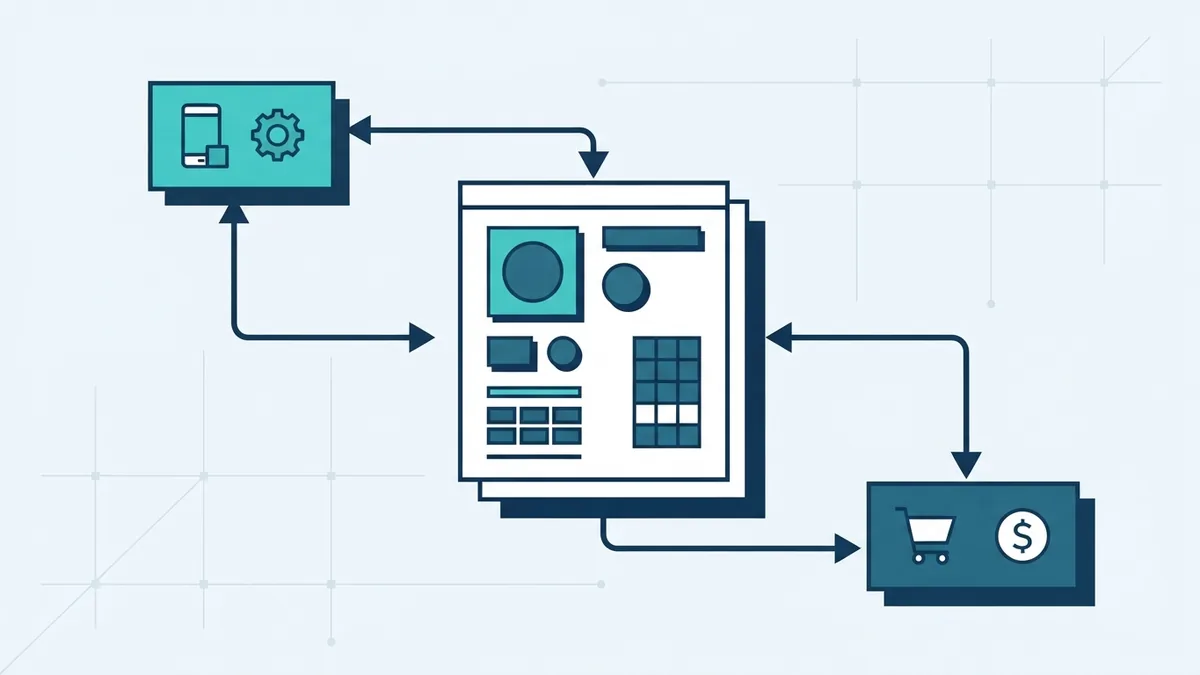
Shopify Plus is Shopify's plan for larger or more complex businesses. It can suit firms with high order volume, several markets, or a need for deeper control. It is not the best choice for every growing store. Compare its tools and price with your own workload first.
Plus can offer more ways to shape checkout and manage business needs across teams or regions. Shopify changes plan features over time, so confirm current details with its Shopify Plus overview. Check which tools come with the plan and which need extra apps or custom work.
Shopify Plus customization still needs a clear purpose. A custom flow may help a store with many product types or special buying rules. But each added step needs testing across devices and payment methods. Keep the buying path as short as the business allows.
Think about Plus when the current plan blocks a key task, not just because sales rose. Map the problem, estimate the staff time it costs, and price the workarounds. Then compare that cost with the plan and build fees. The numbers make the choice clearer.
Store Design Is Not the Same as Development
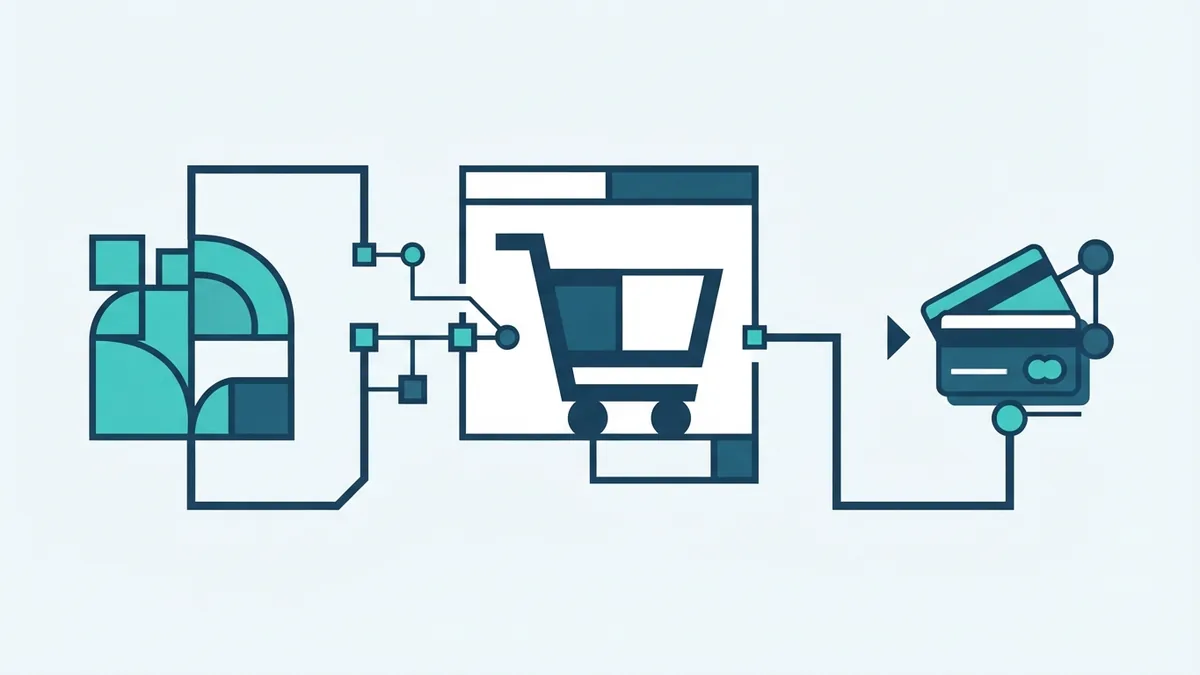
Design sets how a store looks and how shoppers move through it. Development makes those screens and actions work. The two fields overlap, but they solve different problems. A polished mock-up is not yet a working store.
Design work can cover brand rules, page layouts, mobile views, and product details. Mobile optimization matters because small screens leave less room for menus and long blocks of text. Teams should test tap targets, image crops, and key page actions on real phone sizes.
Development covers theme setup, app links, custom code, data flow, and tests. A Shopify website development service may include both design and build work, or just one. Ask which tasks sit within the quote. Also ask who supplies product copy, images, and brand files.
Review a project by task, not by vague labels. For example, “product page design” should state whether it includes mobile views, option selectors, and stock details. Clear scope helps both sides spot missing work before launch.
What Full Stack Website Development Means
Full stack website development covers both the front end and the back end. The front end is what shoppers see and use. The back end handles store data, app links, and rules behind those screens. Together, they support a smooth path from browsing to order.
On Shopify, front-end work often means theme code, page layouts, and mobile behavior. Back-end work can include app links, product data, and outside systems such as stock tools. Shopify handles much of the core store system. A developer may still need to link it with other business tools.
Custom extensions and app links can fill gaps in a store's basic setup. For example, a firm may need a special quote step before checkout. Another may need stock updates from a warehouse tool. Start with the business rule, then choose the simplest safe way to support it.
Ask developers to explain what they will build and what Shopify already handles. This helps you avoid paying for custom code that an existing setting can cover. It also makes later support easier. Keep notes on each custom part and its owner.
Improve the Buying Experience
User experience is shaped by small choices across the whole store. Use clear menus, useful search, readable product details, and fast pages. Keep the next step easy to spot. Remove pop-ups or extra fields that do not help a shopper decide.
Checkout optimization starts with fewer hurdles. Offer the payment choices your buyers expect, show shipping costs early, and make errors easy to fix. Test checkout on both phones and computers. A confusing form can lose a sale even when the product page works well.
Use real tasks to test the store before launch. Ask a tester to find a product, choose an option, and complete a test order. Note where they pause or make errors. Fix the hardest barriers first, then repeat the test.
Track a few useful signs after launch, such as add-to-cart rate and completed orders. Compare them over time, not just on one busy day. If many people leave at checkout, inspect shipping costs, form steps, and payment choices. Small changes can be tested one at a time.
Shopify Development Costs and Key Choices
Shopify website development cost varies with design depth, feature needs, and the amount of custom work. A basic theme setup costs less than a new design with custom page parts. App fees, product entry, and links to outside systems can also raise the total.
There is no useful single price for every store. Ask for a quote that splits design, theme work, app setup, testing, and support. Ask what counts as a change request, too. A clear quote helps compare offers from a Shopify website development company.
Budget for costs after launch. These may include Shopify plan fees, paid apps, upkeep, and future changes. Set aside time for staff training and product updates as well. A low build price can become costly if nobody owns ongoing care.
| Cost area | What can change the price |
|---|---|
| Design | Theme edits, custom layouts, and mobile views |
| Build | Custom code, app links, and outside systems |
| Content | Product count, images, and copy needs |
| Ongoing care | Plan fees, apps, support, and updates |
Before hiring, share your goals, product count, and must-have features. Request examples of similar work and a staged plan. Confirm who will test checkout and fix launch issues. This makes the cost easier to judge against the value of the finished store.