
Plan Your App Budget—From First Build to Ongoing Costs
Understanding App Development Costs
How much does app development cost? A simple app may start near $15,000. A complex enterprise product can cost more than $300,000. Most projects fall between those points, based on scope, platform, and team needs.
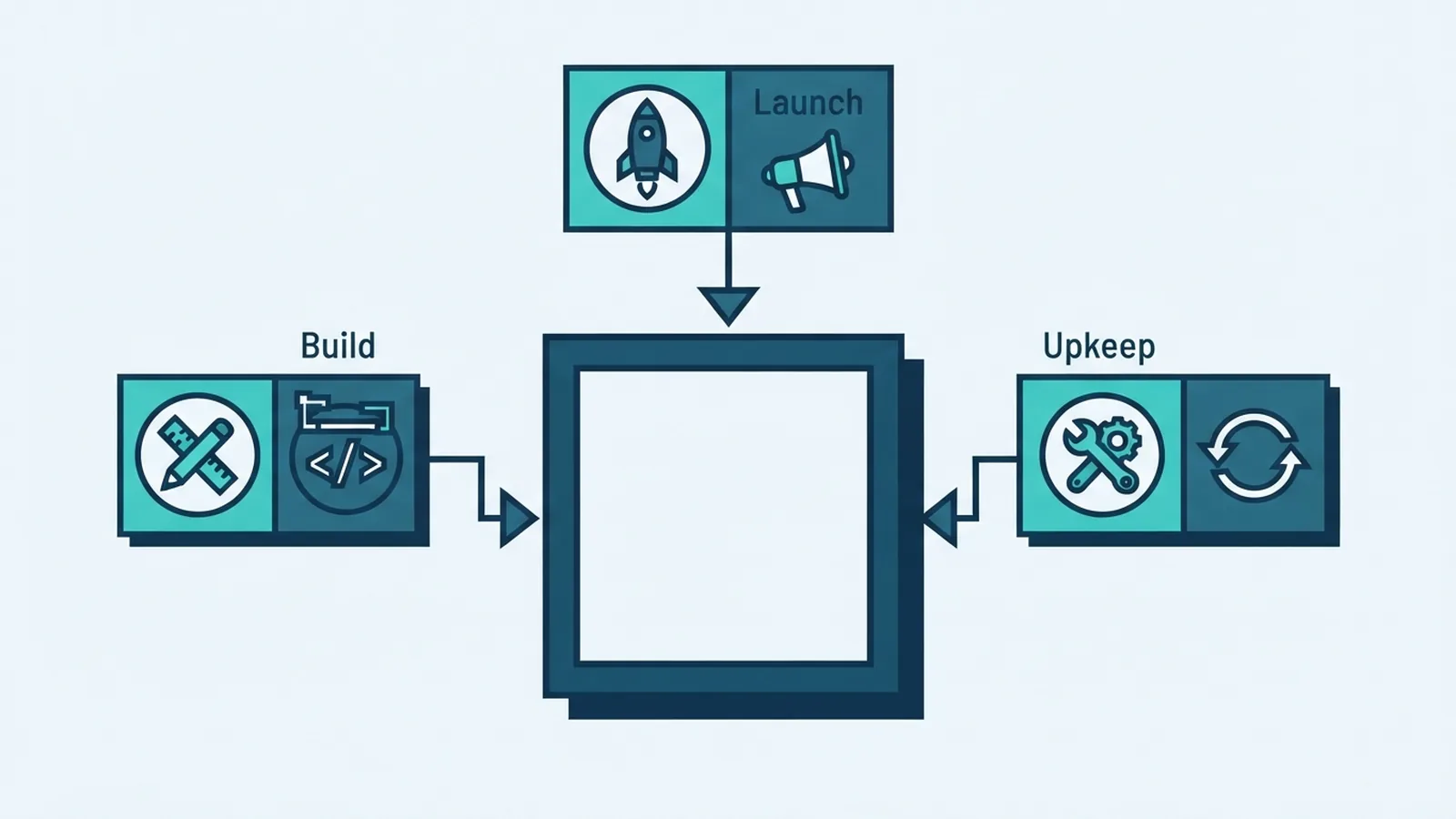
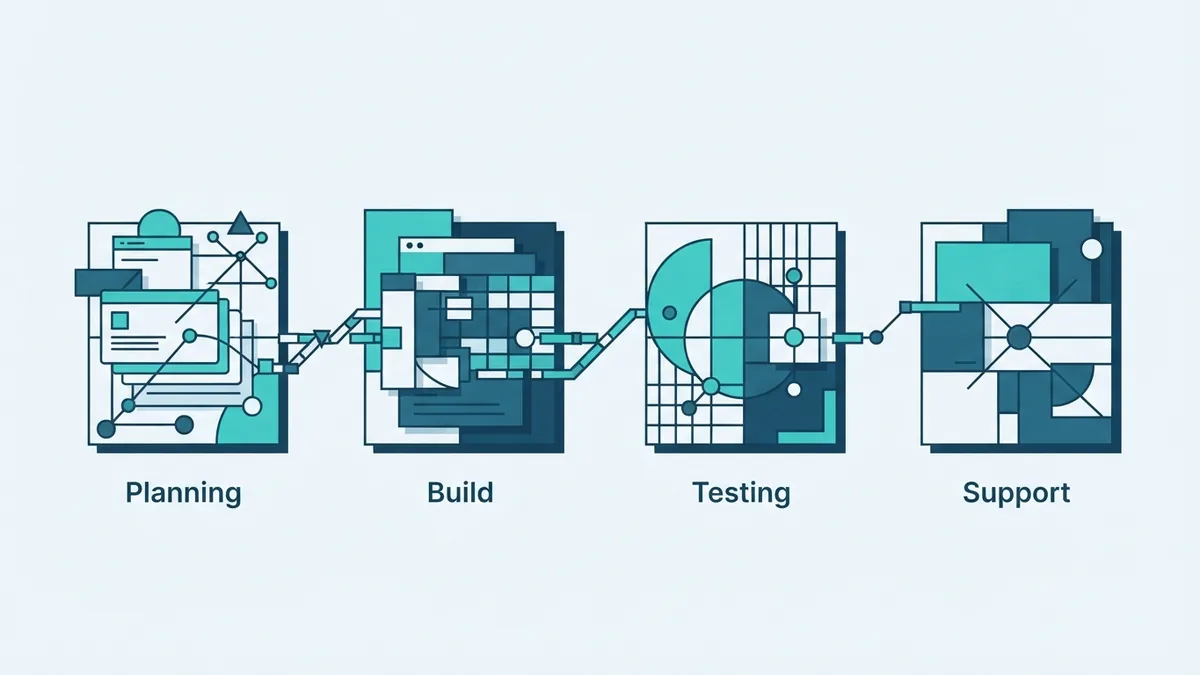
These figures cover the first build, not the full cost of owning an app. Design, planning, coding, testing, and launch support all shape the first estimate. After launch, teams still need funds for fixes, hosting, updates, and new features.
The app development process often begins with user needs and a short list of core features. Teams then plan the build, test key paths, and prepare a release. A clear first version can limit risk and help you learn before funding a wider feature set.
What is mobile app development? It is the work of planning, building, testing, and supporting software for phones and tablets. What is mobile development more broadly? It can also include software for other mobile devices. For a business app, the cost depends on what users need to do and how well the product must perform.
- First build: planning, design, coding, and testing
- Launch: release checks and store setup
- After launch: hosting, fixes, updates, and feature work
Key Factors That Shape the Price
Features are a major cost factor. A basic sign-in flow may cost $3,000 to $8,000. An AI recommendation feature can reach $80,000, depending on data needs and build effort. Payments, maps, live chat, and links to older business tools can also add work.
Platform choice affects both cost and reach. Native mobile app development means building for one platform, such as iOS or Android. A separate build for each platform can offer a tailored feel, but it adds design, build, and test work. Cross-platform development shares much of the code, which can lower the first build cost.
Shared code is not the right fit for every app. Features that rely on phone hardware may need a native build. Think about your users, must-have features, and launch plan before you choose. The lowest first quote may not serve your users well.
Screen count, custom design, data needs, and outside tools also affect the price. A small app with few users may need modest cloud hosting. An app with heavy traffic or frequent live updates may need more hosting and testing. Cloud-based mobile app development can support apps that rely on online services, but cloud costs still need a place in your budget.
- More screens mean more design and test work.
- Links to payment tools or business systems take extra time.
- Each platform adds release and upkeep work.
Cost Breakdown by App Type
Use these ranges as a starting point, not a fixed quote. A basic app often costs $15,000 to $35,000. It may have a few key screens, simple accounts, and a small set of features.
A mid-level app can cost $25,000 to $85,000. This range may suit a booking service, customer portal, or online shop. Custom design, payments, and links to other tools can move the price toward the high end.
Enterprise app development often starts at $150,000 and can pass $300,000. These projects may need many user roles, complex links to business systems, and broad testing. A staged launch and added checks on data safety can raise the budget further.
| App type | Typical build cost | Common scope |
|---|---|---|
| Basic | $15,000–$35,000 | Core screens and a small feature set |
| Mid-level | $25,000–$85,000 | Booking, payments, or links to other tools |
| Enterprise | $150,000 and above | Many roles, complex links, and broad testing |
Annual upkeep often costs 15% to 25% of the first build. Hosting and quality checks can add separate fees. Traffic, data use, and release pace affect those costs.
Estimating Your App Development Budget
Start with the problem your app must solve. Name the main users and the task they need to finish. Then list the fewest features that can test your idea. This first version is often called a minimum viable product, or MVP.
Ask for a price on that first release before adding extra features. Request separate estimates for design, build work, testing, launch, and support. A clear cost breakdown makes it easier to compare teams and spot missing work.
- Set the goal. State the user need and the result the app should deliver.
- Pick core features. Keep only the features needed for the first release.
- Choose a platform. Compare user reach, build cost, and hardware needs.
- Price the full scope. Ask for costs across design, build, testing, launch, and support.
- Plan for upkeep. Set aside funds for hosting, fixes, and future changes.
How to start mobile app development? Begin with those choices, then test the idea with a small build. The mobile app development process should make each cost clear before work begins. Ask how changes affect the price, who owns the source files, and what support the quote includes.
When you compare teams, ask how they handle testing, release work, and fixes after launch. A company should explain its estimate in plain terms and name any limits. That makes it easier to choose a mobile app development company that fits your scope and budget.
Common Cost Misconceptions
A low first quote does not always mean a low total cost. It may leave out testing, release work, hosting, or support. Ask what is included before comparing prices.
One codebase also does not mean one simple build. Shared code can cut some work, but teams still need to test each platform. Some features may need separate code or extra checks.
Nor does an app stop costing money at launch. Operating systems change, bugs appear, and user needs shift. Budget for regular upkeep instead of treating it as an optional extra.
Costs also depend on how clear the plan is. If the team starts coding before key choices are settled, late changes can cause rework. A short planning phase can help prevent avoidable spend.
Ways to Reduce App Development Costs
Keep the first release focused on one clear user need. Save optional features for later, once you know what users value. This approach helps keep the MVP app cost within reach without losing sight of the larger product.
Use standard tools where they meet your needs. Custom features can be worth the price, but each one adds build and test work. Ask the team to explain the trade-off before approving a custom build.
Set clear goals and review work in small stages. Early tests can reveal confusing steps before the team builds more screens. Clear feedback also helps limit costly changes near launch.
- Rank features by user need, not by wish list size.
- Agree on what the first release must include.
- Review costs and risks before adding new work.
- Set aside yearly funds for upkeep and hosting.
A sound budget covers the first build and the years that follow. Compare the full scope, not just the opening quote. The best plan is one your team can build, support, and improve without losing control of costs.