
Understand the Software System Life Cycle
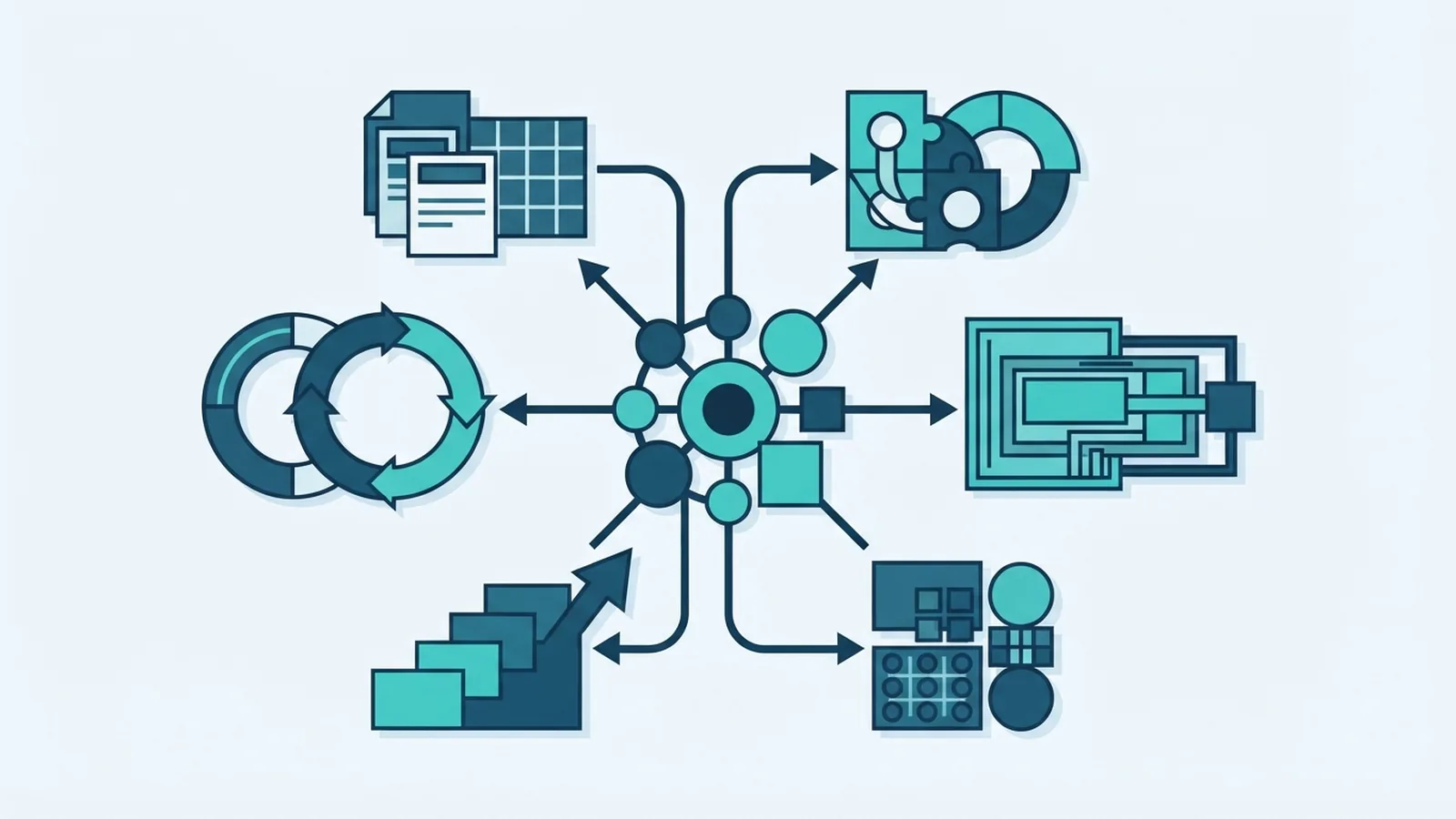
What the software system life cycle means
The software system life cycle is the set of steps teams follow to plan, build, test, release, and maintain software. It gives people a shared way to turn a need into a working system. Teams may use different models, but most cover the same core work.
A defined life cycle helps control cost, risk, quality, and scope. It also makes it easier to spot gaps before they reach users. For example, a team building a payment gateway should check security needs during planning, not just before launch.
SDLC does not have to mean a rigid process. It can be a clear plan that adapts as teams learn. Stakeholders, such as users, clients, and support staff, should give input throughout the work.
The main phases from idea to upkeep
Teams often describe the software life cycle in seven phases. These phases can overlap, repeat, or happen in a different order. The right flow depends on the model and the risks involved.
- Planning: Set the goal, scope, budget, team, and main risks. Agree on what success will look like.
- Requirement analysis: Find out what users and the business need. Write clear needs, limits, and rules that the team can check.
- Design: Map the system parts, data, links, and user paths. Decide how each part will meet the stated needs.
- Development: Build the software in small, reviewable parts. Keep code changes tracked and share work often.
- Testing: Check that parts work alone and together. Test key user tasks, safety, speed, and failure cases.
- Deployment: Move the tested build into its live setting. Plan the release, backups, checks, and a way to undo changes.
- Maintenance: Fix faults, apply security updates, and adapt the system as needs change. Use support data to guide future work.
Stakeholder feedback matters in every phase. A short review can reveal a wrong assumption before it becomes costly to change. Teams should name who gives feedback, when they give it, and how decisions are recorded.
These steps form a loop, not a one-way track. Testing may uncover a design flaw, while support reports may change future requirements. Keep the loop visible.
Five software life cycle models
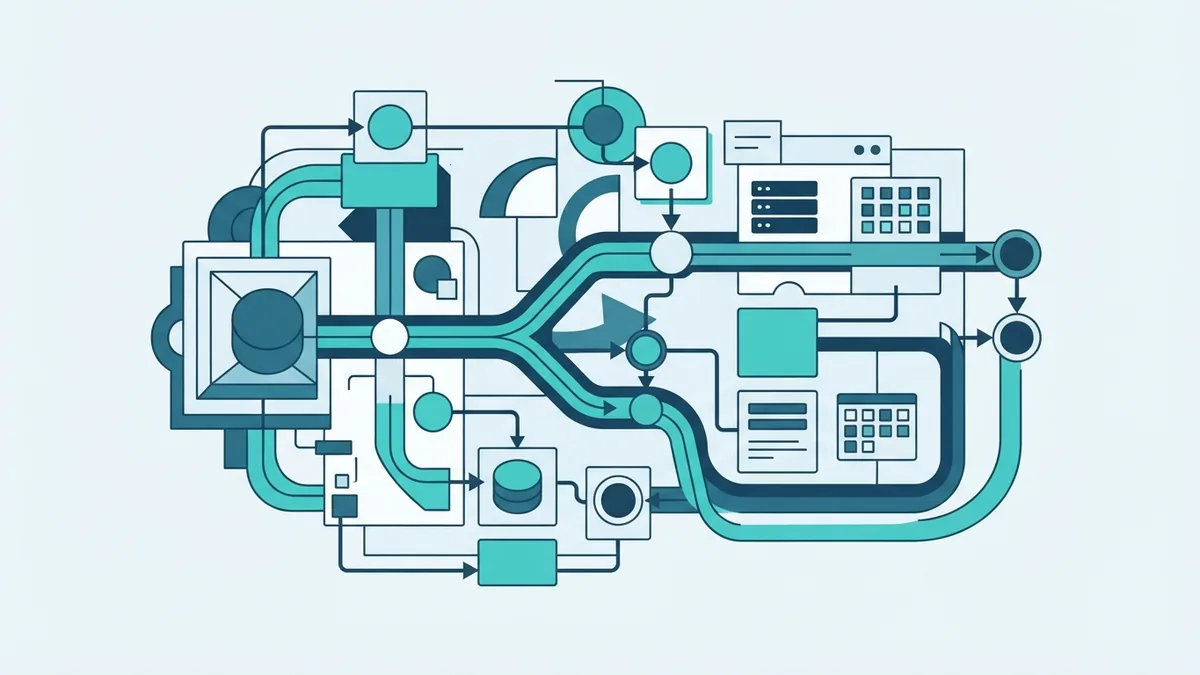
Software life cycle models set the order and pace of work. Some favor fixed stages, while others favor frequent change. A model is a way to organize work, not a promise that every project will follow one script.
- Waterfall: Work moves through set stages, with each stage mostly finished before the next begins. It suits stable needs, clear sign-off rules, and work that needs strong records. Late changes can be costly.
- Agile: Teams build and review small updates in short cycles. They use feedback to adjust the next cycle. Agile fits changing needs and products that benefit from regular user input.
- Spiral: Work moves through repeated rounds of planning, risk checks, build, and review. It can suit large, high-risk projects. It needs skilled risk review and can take more effort to manage.
- V-Model: Each build stage has a linked test stage. For example, system needs map to system tests. It suits projects with firm needs and strict checks, but change can disrupt the plan.
- Big Bang: The team starts with few set steps and combines work as it grows. It may suit a small trial or learning project. It is risky for large or business-critical systems.
These are the main different software life cycle models, but teams can mix their ideas. A project might use fixed review gates while building features in short cycles. Choose the model that matches the work, team skills, and cost of failure.
Do not pick a model only because it is popular. Ask how often needs may change, how much risk the system carries, and what proof users need. Then set clear checks for progress.
Agile and traditional approaches compared
Traditional SDLC often sets scope and stages early. Waterfall and V-Model are common examples. They can work well when needs are steady, approvals are formal, and teams must show clear records.
Agile uses short work cycles, regular reviews, and a changing plan. The agile software life cycle suits new products, web platforms, and tools with uncertain needs. A team can release a small feature, learn from users, and adjust its next task list.
Neither approach is best for every project. A fixed plan can help when late changes carry high cost. Agile can help when learning early is more valuable than locking every detail upfront.
Some teams use a blend. They may set security and budget rules at the start, then build features in short cycles. The key is to agree on how changes, approvals, and feedback will work.
| Project need | Approach to consider | Reason |
|---|---|---|
| Stable scope and formal sign-off | Traditional | Stages and records support review |
| Needs likely to change | Agile | Frequent feedback guides each cycle |
| High risk or complex system | Spiral or a blended model | Risk checks can shape each release |
Best practices that raise quality
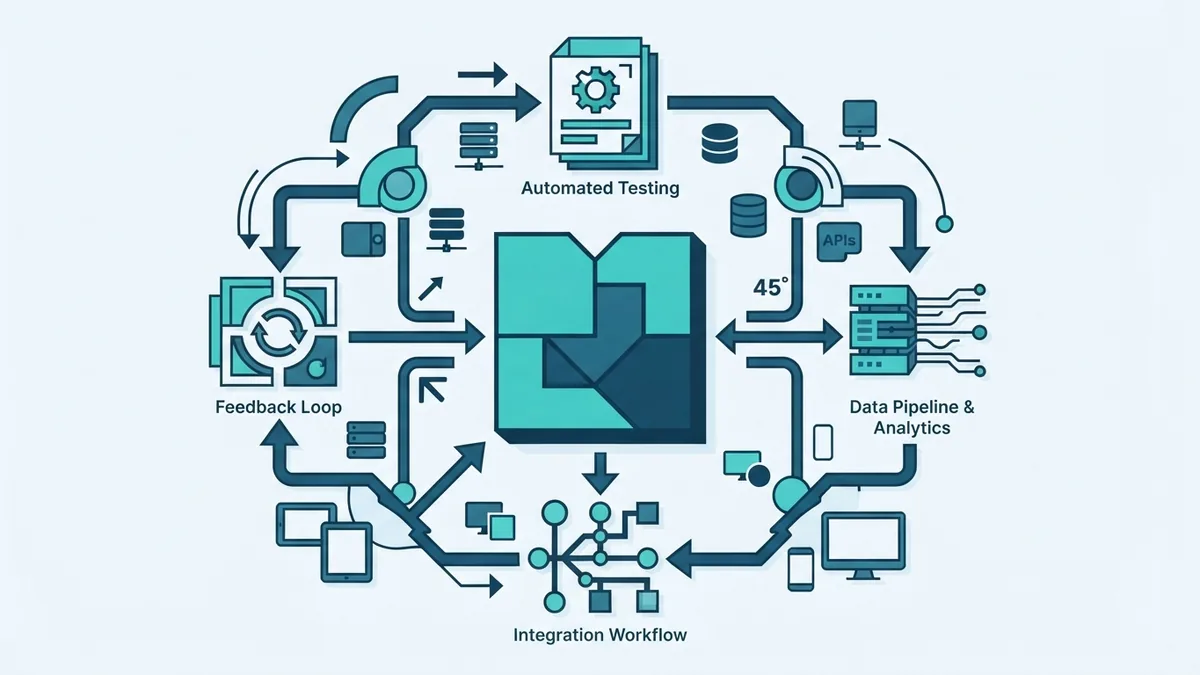
Start with a shared view of the problem. Turn broad goals into needs that can be checked, such as response time, access rules, or supported payment types. Keep each need linked to a test or review.
Test throughout the build, rather than saving all checks for release week. Run small tests after code changes, then check how parts work together. This makes faults easier to find and lowers the chance of a bad release.
Keep feedback loops short. Show a working feature to users or stakeholders, ask focused questions, and record the choices they make. A small review every one or two weeks can catch a poor path before the team builds more around it.
Use shared code review, test steps, and release checks. Automate repeat tasks where it is safe, such as running tests after code changes. DevOps practices can link build, release, and support work, so teams learn from live system data.
Track a few useful measures, not a long list. Teams might watch escaped faults, time to fix a fault, and how often releases need a rollback. Review the figures with context. A single number rarely explains the cause.
Common SDLC challenges and ways to handle them
Unclear needs cause rework. Ask users for examples, write down edge cases, and check the notes with them before build work grows. When needs change, record what changed and which tests must change too.
Weak stakeholder involvement can leave teams building the wrong thing. Name a decision maker and book regular reviews. Give reviewers a short demo or clear sample, so they can respond to real work.
Late testing can expose many faults at once. Add checks to each work cycle and test the riskiest parts first. If a team lacks time, it should protect checks for safety, key user tasks, and data loss.
Teams can also struggle with tight budgets, old systems, skill gaps, or slow approvals. Break work into smaller releases, plan for links to older tools, and raise blockers early. A clear owner for each risk helps the team act.
Finally, process can become a burden when teams copy steps without a reason. Keep records that aid decisions, safety, or support. Drop reports that nobody uses, and review the process after each major release.
Choose a life cycle that helps the team learn
The software system life cycle gives teams a way to move from an idea to a system they can support. Planning, clear needs, sound design, steady testing, safe release, and upkeep all matter. The model sets the rhythm, but feedback keeps the work tied to real needs.
Choose a method based on scope, risk, and how much change to expect. Keep stakeholders involved, test early, and use each release to learn. A useful life cycle is one the team can follow and improve.