
APIs in Software — How They Connect Modern Systems
What an API means in software
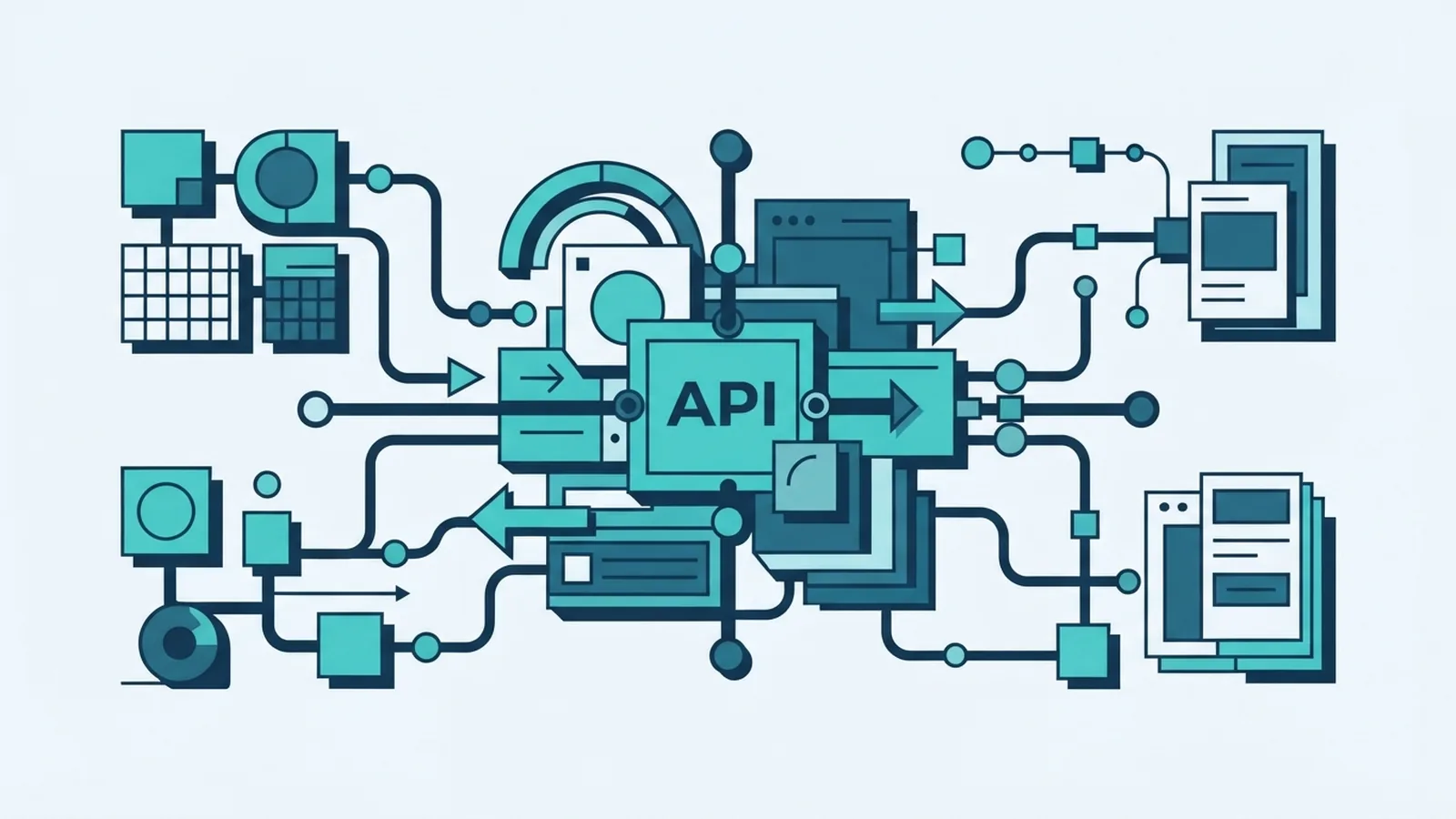
API stands for Application Programming Interface. It is a set of rules that lets software applications ask each other for data or work. If you are asking, “what is API in software,” think of an API as a defined way for one system to use another system’s features.
The phrase “what is an api software” can sound as if an API is a full app. Usually, it is not. An API is the access point between software systems. The service behind it carries out the task.
For example, an online shop can use a payment service through its API. The shop sends payment details in an agreed form. The payment service checks the request and returns a result. The shop does not need to build its own card processing service.
So, is api a software? An API is part of a software system, but it is better described as an interface or contract. It sets out what another system can request and what response it can expect. The MDN Web Docs definition of an API also explains this role as rules for software interactions.
- Application: a program or service that does a task.
- Programming: code that tells software what to do.
- Interface: the agreed way to request and use a feature.
APIs support modular programming. A team can build a service once, then let other approved systems use it. This saves teams from copying the same feature into every app.
How APIs work: requests and responses
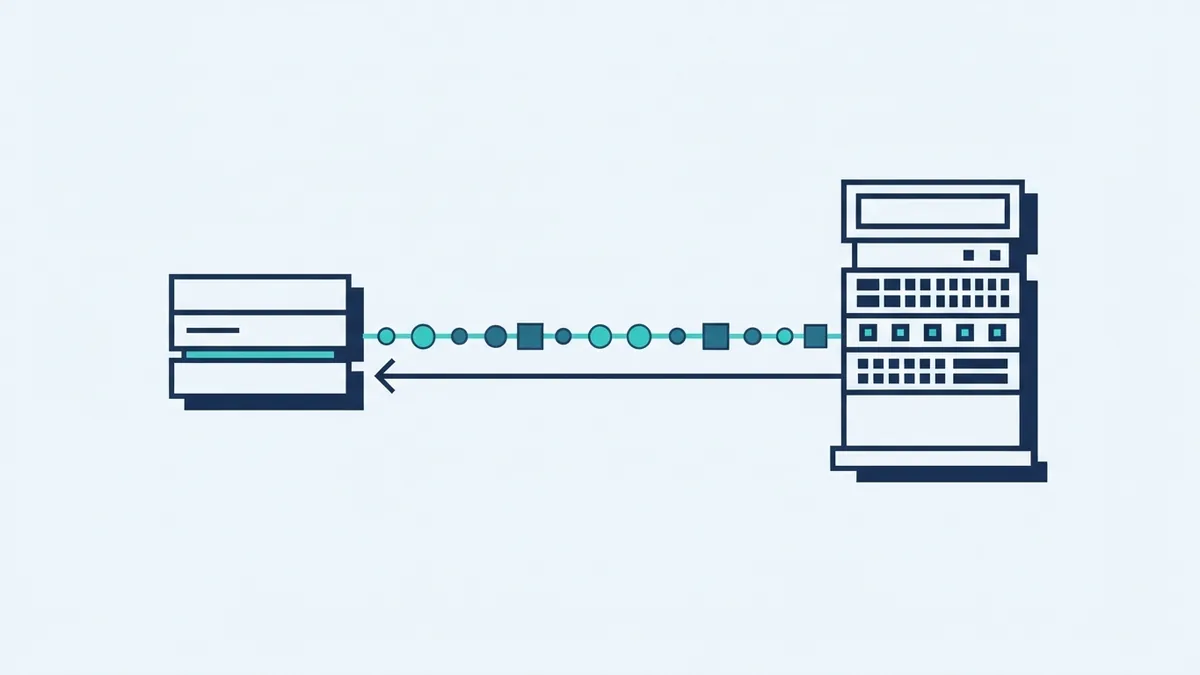
Many APIs use a client-server setup. The client is the app or system that needs a service. The server is the system that receives the request, does the work, and sends back a response.
A web API sends requests over the internet. Each request points to an API endpoint, which is the address for a resource or task. A client might ask for a product list, submit a payment, or check an order.
The server checks the request and the client’s access. It then runs the task and sends a response. The response may hold data, confirm success, or explain an error. Many web APIs send data in JSON, a format that common programming languages can read.
- The client sends a request to an endpoint.
- The server checks the request and access rights.
- The service carries out the requested task.
- The server returns data or an error response.
For example, a weather app can ask a service for a forecast in one town. The service returns data, and the app shows it in a useful form. The two systems can use different code and run on separate servers.
Requests and responses need agreed rules. Those rules may set the data format, the allowed actions, and how errors appear. This shared contract helps teams build each side without knowing every detail of the other system.
Common types of web APIs
Web APIs are a common way to connect software over the internet. They move data between websites, mobile apps, cloud services, and business tools. REST is a widely used style of web API, but not every API follows REST rules.
Teams also group APIs by who may use them. An open API is offered to outside developers. A partner API is shared with named business partners. A private API connects systems within one organisation.
A composite API can combine several calls into one request. This can help when an app needs related data from more than one service. For example, one call might gather account details and recent orders.
| Type | Who can use it | Typical purpose |
|---|---|---|
| Open | External developers | Offer a service to outside apps |
| Partner | Approved business partners | Share tasks or data across firms |
| Private | Internal teams and systems | Connect parts of one organisation |
| Composite | Clients with access | Gather results from several calls |
These labels describe access or use, not one fixed design. An open API could use REST, for example. Teams should choose an API type based on its users, data, and risk.
Access rules matter as much as the API style. A public service may need rate limits to curb heavy use. A private API may still need strict sign-in checks and clear records of each request.
Where software teams use APIs
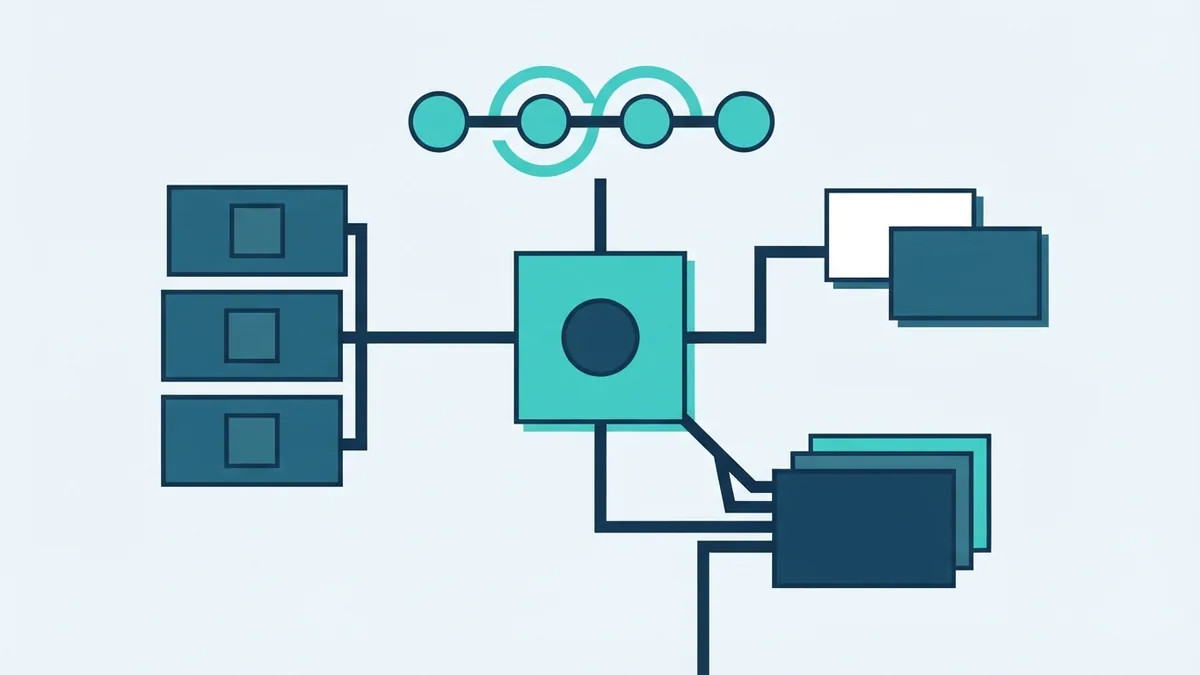
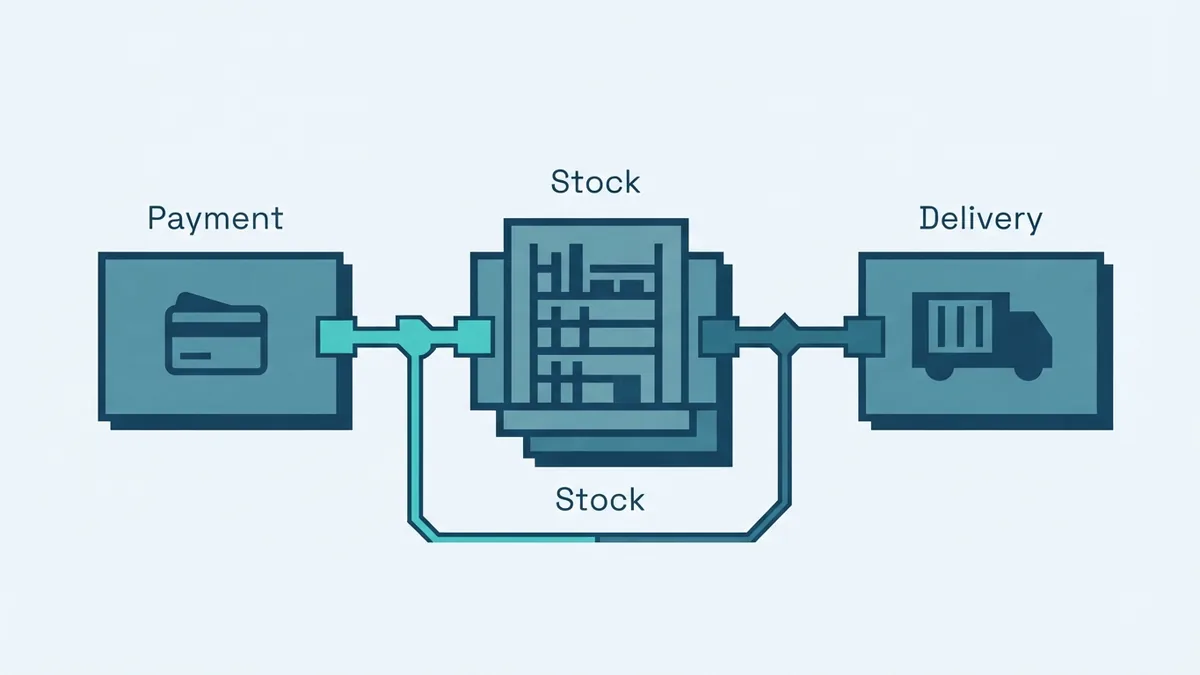
APIs often sit behind services that look like one product to the user. An online checkout might call a payment service, check stock, and ask a delivery tool for options. Each system handles its own task and returns a result.
Business tools also use APIs to pass data between systems. A web form can send new customer details to a database. That event can then start an email or billing task. Staff do not need to copy the same details by hand.
Mobile apps use APIs to fetch account details or send updates. Data services use them to share maps, prices, or forecasts. In each case, the API lets a team add a feature without building every part from scratch.
- Payments: send a request to approve or decline a charge.
- Data lookup: fetch a price, place, or account record.
- Automation: pass an event from one business tool to another.
- Order updates: share order or delivery status across systems.
These links can form a data pipeline. One service sends a change, and another service acts on it. Teams should map what data moves, where it goes, and which system owns each record.
Payment links need extra care. A checkout should send only the details needed for the task. It should also handle a declined payment or a slow response without losing the order record.
Benefits of using APIs
APIs help teams reuse services instead of building the same feature again. A firm can connect to a payment provider, map tool, or email service through a known interface. This can cut build time and free developers to work on features unique to the product.
They also support automation. When one system can send a clear event to another, routine tasks can happen without staff copying data. For example, a new order can update stock and start a delivery request.
APIs can improve the value a product offers. A team can add a useful service from another provider rather than make every part itself. Customers may get a smoother path, while the business can focus on its core service.
There are trade-offs. Each added service creates another link to test and maintain. If a provider changes its API or has an outage, the connected feature may fail. Teams need fallback steps for key tasks.
- Reuse proven services instead of rebuilding common features.
- Connect tools and reduce manual data entry.
- Ship new features with less work on core systems.
- Give users more value through linked services.
Good API design also helps teams work in parallel. One group can build the client while another builds the server, as long as both follow the same contract. Clear rules lower the chance of mismatched data or failed calls.

API risks and ways to manage them
Security is a key risk. An API may expose private data or let a caller start actions such as payments. Weak sign-in checks, broad access, or poor input checks can leave a service open to misuse.
Give each client only the access it needs. Keep keys out of public code, and replace them if they leak. Use secure links for data sent over the internet. Check input before the service acts on it.
Integration can bring other problems. Systems may use different data formats or assign different meanings to the same field. A change to one API can also break a connected app. Teams should test changes with real use cases before they reach users.
Plan for failure as well as success. Set time limits so an app does not wait forever. Use safe retries for temporary errors, but avoid sending the same payment twice. Keep useful logs, while leaving out secrets and needless personal data.
- Limit access to the data and actions each client needs.
- Test error cases, slow replies, and service outages.
- Track API changes and warn connected teams in advance.
- Keep a fallback for tasks that cannot safely stop.
APIs are a core part of modern software development because they let systems work together. Their value comes from clear rules, useful services, and careful control of access. Plan those parts well, and integrations can stay easier to grow and maintain.
Frequently asked questions about APIs
Is an API the same as an app?
No. An app is a program people or other systems use. An API is a set of rules that lets software request features or data from another system.
What is a web API?
A web API lets software systems exchange requests and responses over the internet. It often sends data in a format such as JSON.
Do all APIs use REST?
No. REST is one common style for web APIs. APIs can use other designs and rules to share data or services.
Why do software teams use APIs?
Teams use APIs to connect services, reuse existing features, and automate work. This can reduce repeat coding and help teams add useful features faster.
What are the main risks of APIs?
Common risks include weak access checks, exposed data, and broken links between systems. Careful testing, limited access, and change tracking can reduce these risks.