
What Does CRM Stand For? How Businesses Use CRM Systems
24.08.2026
What Does CRM Stand For?
CRM stands for Customer Relationship Management. It means the methods and tools a business uses to manage customer relationships.
So, what does CRM mean in business? It covers each customer touchpoint. These touchpoints may include a sales call, an email, a support case, or a payment.
A CRM system stores these details in one shared place. It helps teams manage customers and prospects through the full customer lifecycle.
In simple terms, CRM software gives a business a clear view of each relationship. It can show who the customer is, what they need, and what should happen next.
Why CRM Matters to Modern Businesses
Without a CRM, customer details often sit in inboxes, files, and separate tools. Staff may miss follow-ups or repeat questions that another team already answered.
A CRM system brings sales, marketing, and service data together. This shared view helps teams act with better timing and less guesswork.
It also supports steady growth. A small team can track leads by hand at first. As the lead count grows, that approach becomes slow and hard to control.
Good CRM use can lift customer satisfaction. Staff can see past contact, spot open issues, and give each customer a more useful reply.
- One place for customer data and contact history
- Clear ownership for leads, deals, and support tasks
- Faster follow-up after key customer actions
- Better teamwork across sales, marketing, and service
CRM Features: What Does a CRM System Do?
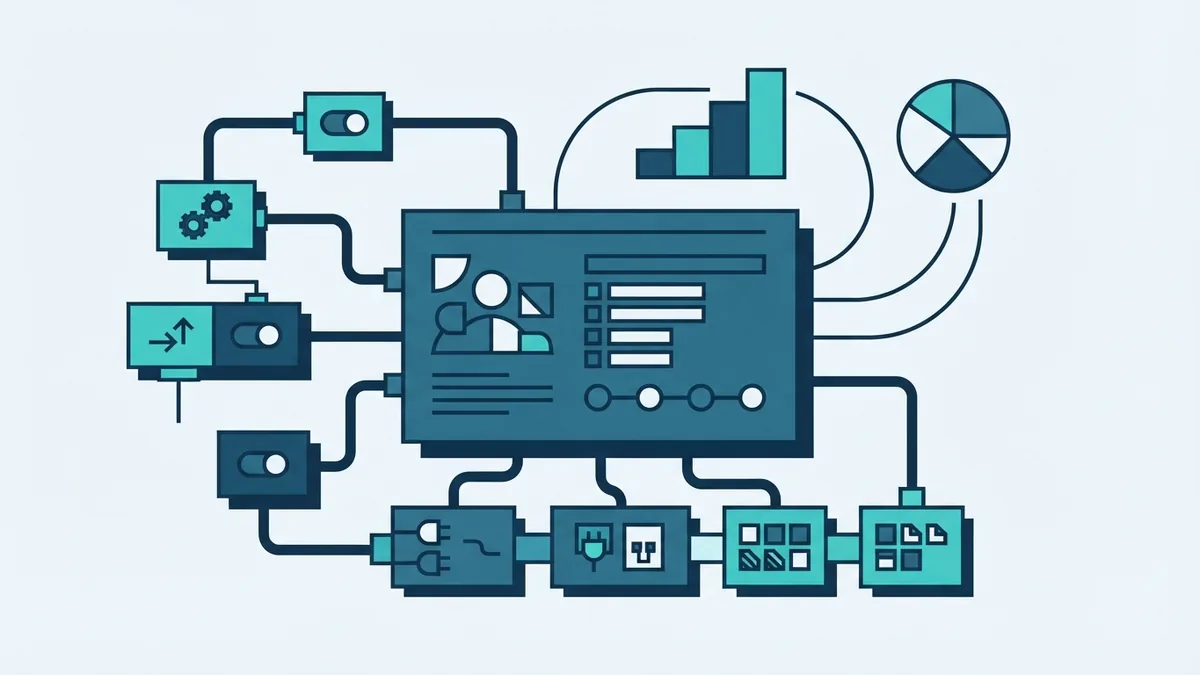
What does a CRM system do each day? It records customer activity, helps staff plan work, and turns data into useful action.
Most tools include contact records, lead management, task lists, and sales pipeline views. Teams can track a prospect from first contact to signed deal.
Automation is another key feature. A CRM can send a task after a form fill, route a lead to an owner, or remind staff about a renewal.
Analytics tools show patterns in the data. Managers can review win rates, sales value, response times, and customer retention.
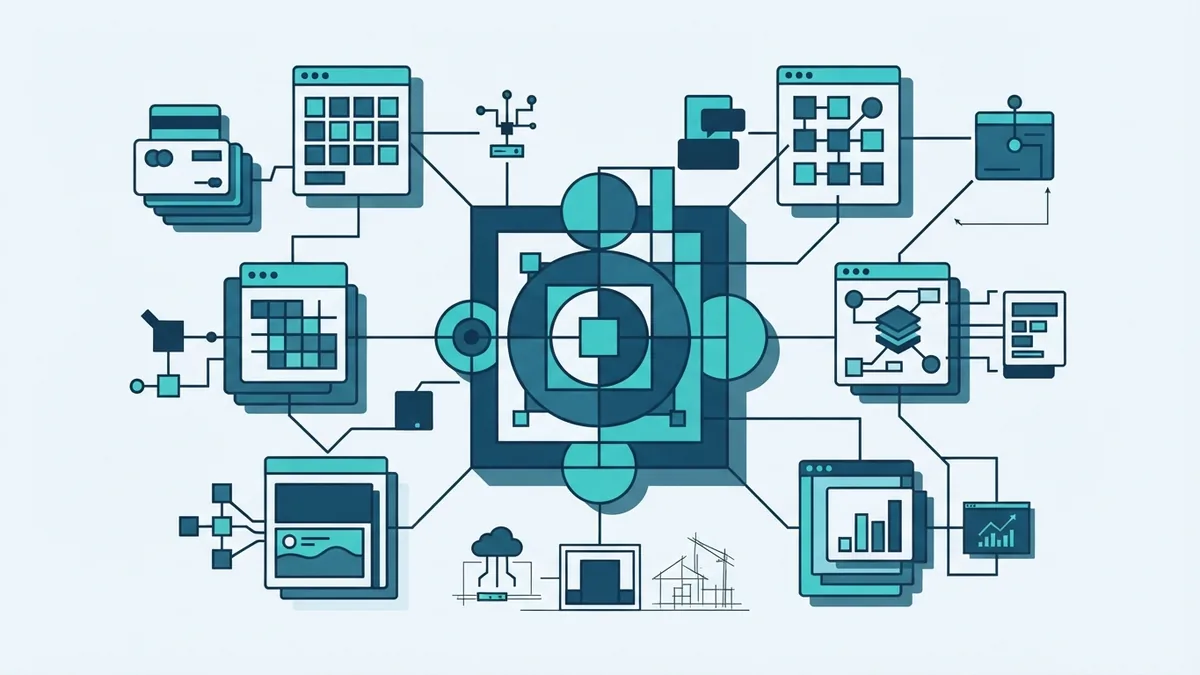
Integration links the CRM with other business tools. Common links include email, calendars, payment systems, websites, and customer support platforms.
| Feature | How teams use it |
|---|---|
| Contact records | Store customer details and past contact |
| Pipeline tracking | View deals and the next sales step |
| Automation | Run repeat tasks with fewer manual steps |
| Analytics | Measure results and find weak points |
| Integrations | Share data with other business tools |
How CRM Helps a Business Grow
CRM tools can help a business increase sales without adding the same amount of admin work. Staff spend less time searching for records and more time helping customers.
A clear sales pipeline makes gaps easier to spot. For example, a manager can see deals that have had no contact for seven days.
CRM data also helps teams work from the same facts. Marketing can see which leads became customers. Service can see what sales promised before a handover.
Personal service becomes easier too. A team can use past orders, interests, and support history to shape each message.
These gains depend on clean data and sound processes. A CRM cannot fix unclear ownership or poor follow-up on its own.
- Higher sales focus through clearer next steps
- Less admin work through repeat task automation
- Stronger team work through shared records
- Better loyalty through timely and relevant service
- More useful planning through trusted reports
CRM in Sales and Marketing
Sales teams use CRM software to manage leads, deals, calls, and planned actions. The system can rank work by value, stage, or close date.
Marketing teams use the same data to group audiences. They can send different messages to new leads, active buyers, and long-term customers.
This link helps both teams follow one customer path. Marketing can pass a ready lead to sales. Sales can send deal results back to marketing.
CRM systems can also support customer support. Staff can view the full relationship before they answer a case.
Data analysis helps with personalisation. A business might offer a related service after a purchase. It might also send a renewal note before a plan ends.
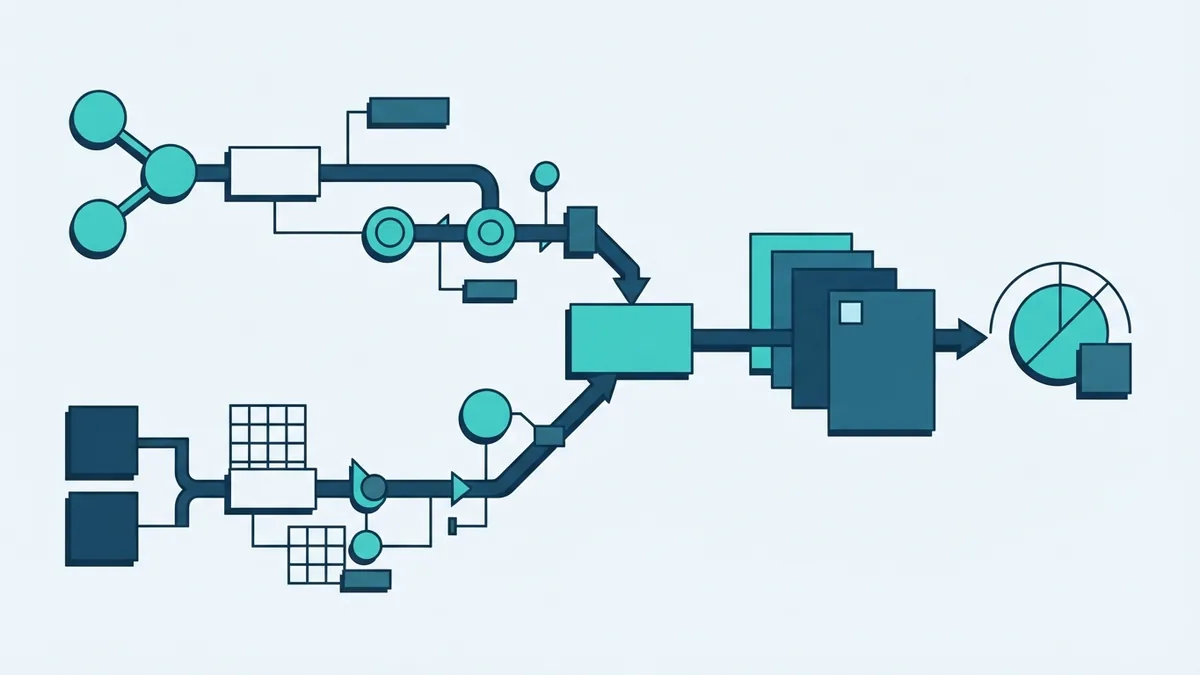
- Capture the lead source and first customer need
- Set a clear owner and next action
- Track each contact through the sales pipeline
- Share the outcome with marketing and service
Popular CRM Systems and Their Main Uses
Popular CRM systems serve different team sizes and work styles. Salesforce, HubSpot, Microsoft Dynamics 365, Zoho CRM, and Pipedrive are well-known examples.
Some platforms focus on sales pipeline work. Others offer broad tools for marketing, service, reporting, and account management.
The best choice depends on your process, not just the feature list. A small team may need simple contact records and email links. A larger firm may need role controls, custom reports, and many integrations.
Cloud CRM tools run through a web browser and handle much of the upkeep. Self-hosted tools can give more control, but they need more care from your team.
Compare tools with real work in mind. Ask each vendor to show lead capture, follow-up, reporting, and data export.
| Business need | Useful CRM focus |
|---|---|
| New sales team | Simple pipeline and task tracking |
| Growing online firm | Lead capture and email links |
| Service-led business | Case history and support workflows |
| Large sales operation | Roles, reports, and system links |
How to Get Started With CRM Software
Start with one clear business problem. You may need better lead follow-up, faster support, or one view of customer data.
Next, map the work from first contact to repeat purchase. Mark each stage, owner, and key data field.
Keep the first build small. Begin with contacts, companies, deals, tasks, and a few useful reports.
Set rules for data quality before you import records. Remove duplicates, check email fields, and agree on naming rules.
Train staff with real examples from their daily work. Show how the CRM saves time and supports better customer care.
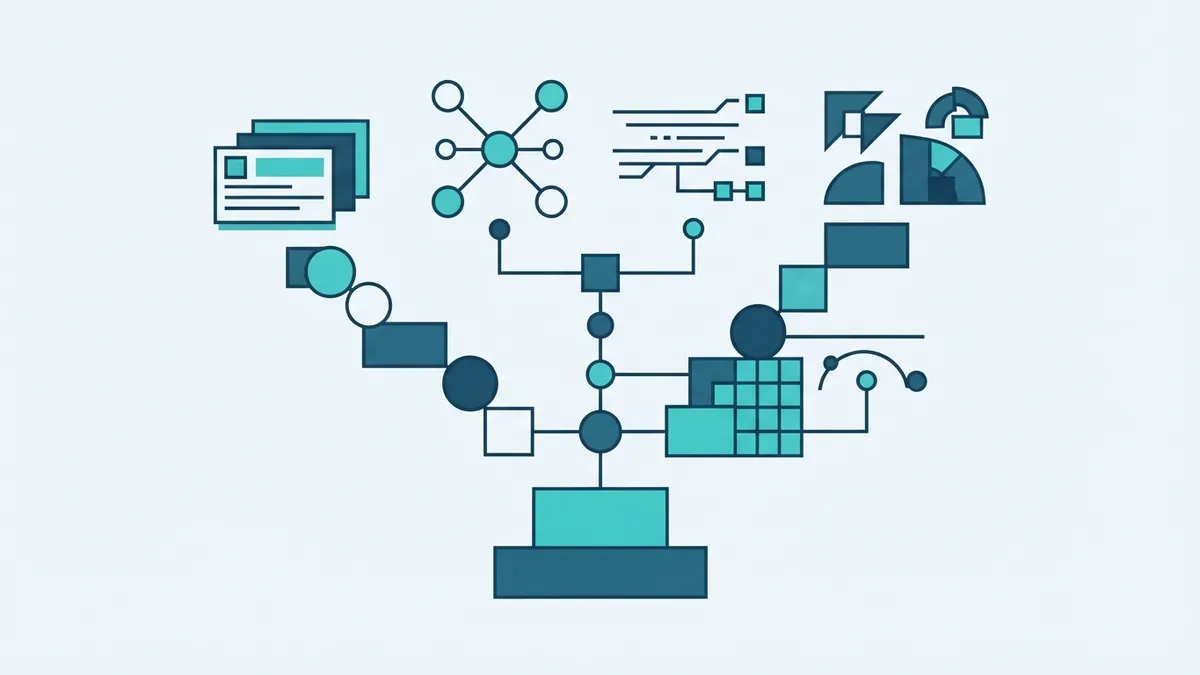
- Set the goal: Choose one result to improve first.
- Map the process: List each stage, owner, and handoff.
- Pick core fields: Track only data that teams will use.
- Connect key tools: Link email, forms, calendars, or support.
- Test the setup: Run sample leads through every stage.
- Review results: Check usage, data quality, and team feedback.
CRM Costs and Common Mistakes
CRM software costs vary by plan, user count, features, and setup needs. Some tools offer free plans with basic limits. Paid plans often use a per-user monthly fee.
Extra costs may include data migration, custom links, training, and support. Ask for the full cost over the first year, not just the headline plan price.
Many CRM projects fail through poor use rather than weak software. Teams may add too many fields, skip training, or keep key work outside the system.
Keep ownership clear and review the setup each month. Remove fields that no one uses. Fix records that block reports or follow-up.
A CRM works best when it becomes the team’s normal place for customer work. Start with a focused build, then grow it as needs become clear.